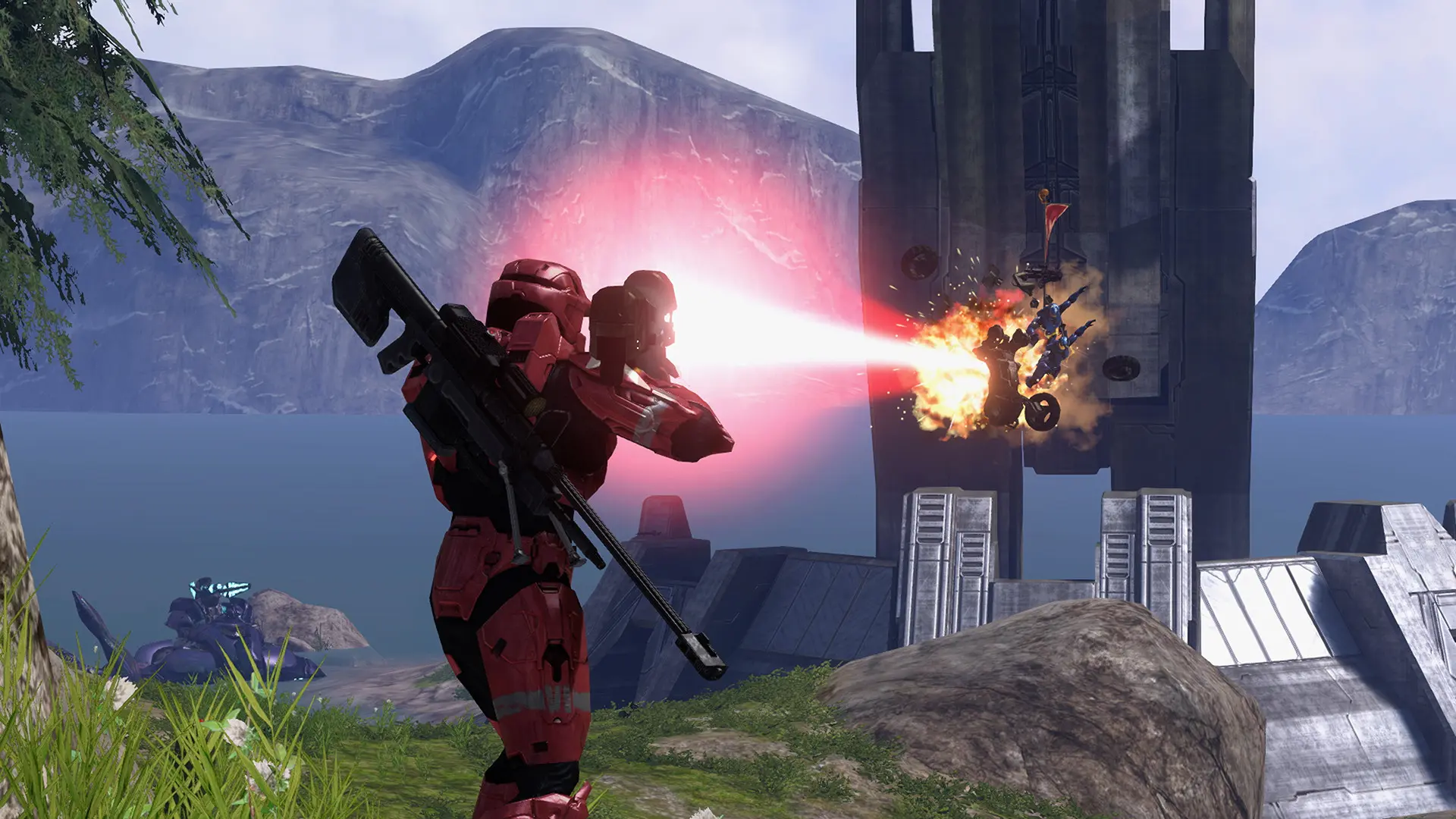
Your Project Reclaimer server can play the maps you saved in Forge and the game types you saved in Project Reclaimer, and players get them automatically when they join.
Where Your Saved Files Are
On your PC, Project Reclaimer keeps them in Documents\My Games\Project Reclaimer:
| Your files | On your PC | On your server |
|---|---|---|
Forge maps and map variants (.json, .mvar) | Maps | content/Maps |
Game types and game variants (.json, .bin) | Game Modes | content/Game Modes |
Uploading and Playing Them
- Log in to Bropanel and
Stopyour server. - In the sidebar, go to
Filesand navigate tocontent/Maps/orcontent/Game Modes/. - Upload your files.
- In the sidebar, go to
Settings. - Under
Gameplay, editMapto your Forge map, such asMaps/my_arena.json, orGame Typeto your game type, such asGame Modes/snipers.bin. - Click
Save & Restartto apply your changes.
You can also use the name saved inside the file instead of its path. Your server needs the base map's file in its game folder, such as riverworld.map for a Forge map built on Valhalla, see Upload Halo 3 Files.