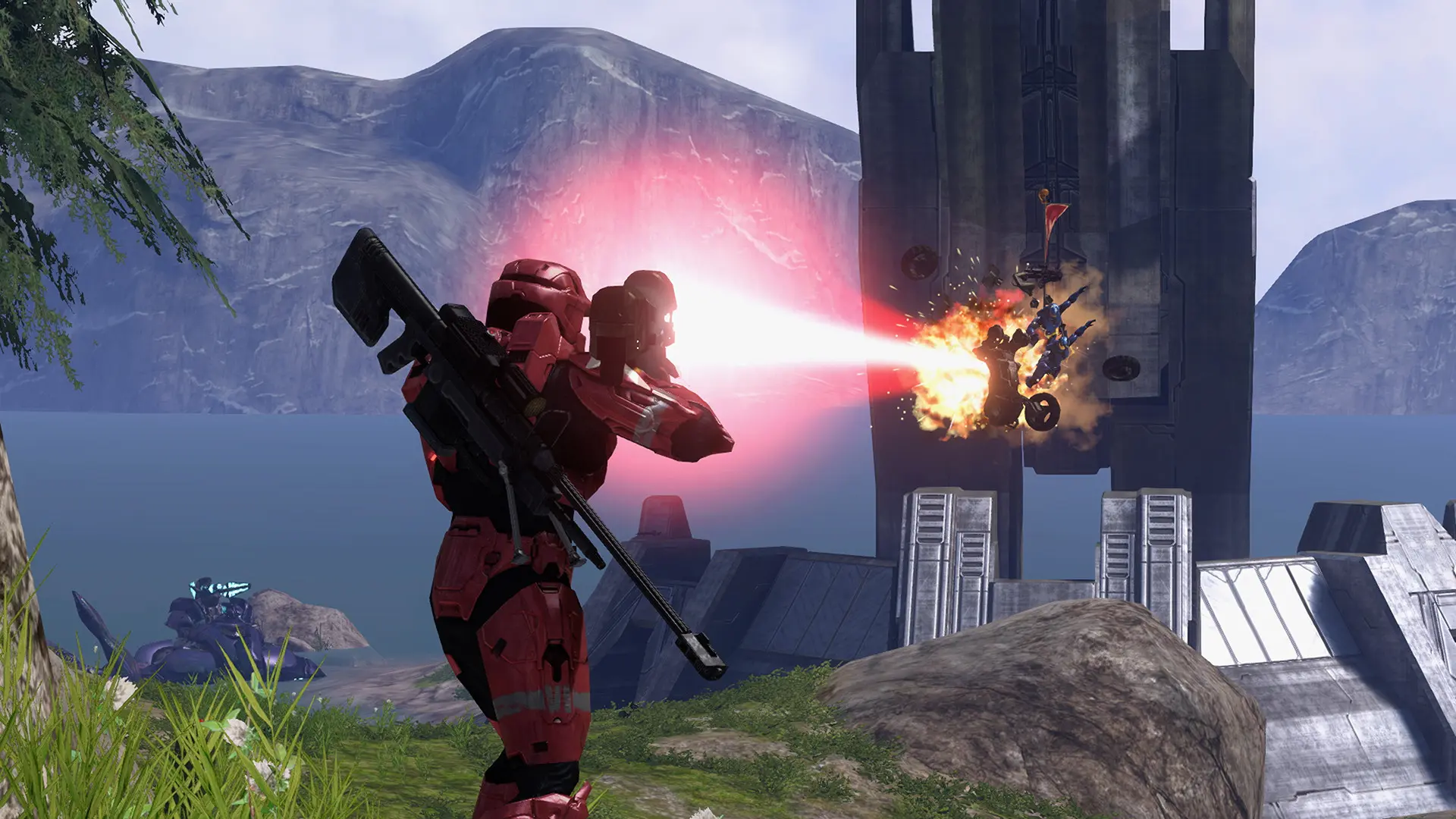
A playlist turns your Project Reclaimer server into a rotation of games that players vote on. Before each game, the lobby offers three games from the playlist and None of the above, and the game with the most votes is played.
Your server comes with slayer.playlist.json, Slayer on Guardian, Valhalla, The Pit and Last Resort, which needs those four maps.
Making a Playlist
- Open Project Reclaimer on your PC and choose
Host Game. - In the lobby's setup, choose the
Playlistrow, thenNew playlist. - Pick a
Mapand aGame typeand chooseAdd to Rotation. Repeat for at least three games. - Name the playlist and choose
Save playlist. It's saved inDocuments\My Games\Project Reclaimer\Playlistson your PC.
To have a game come up more often, select it and drag Weight up. The editor checks games against the maps on your PC, so make sure your server has every map the playlist uses too.