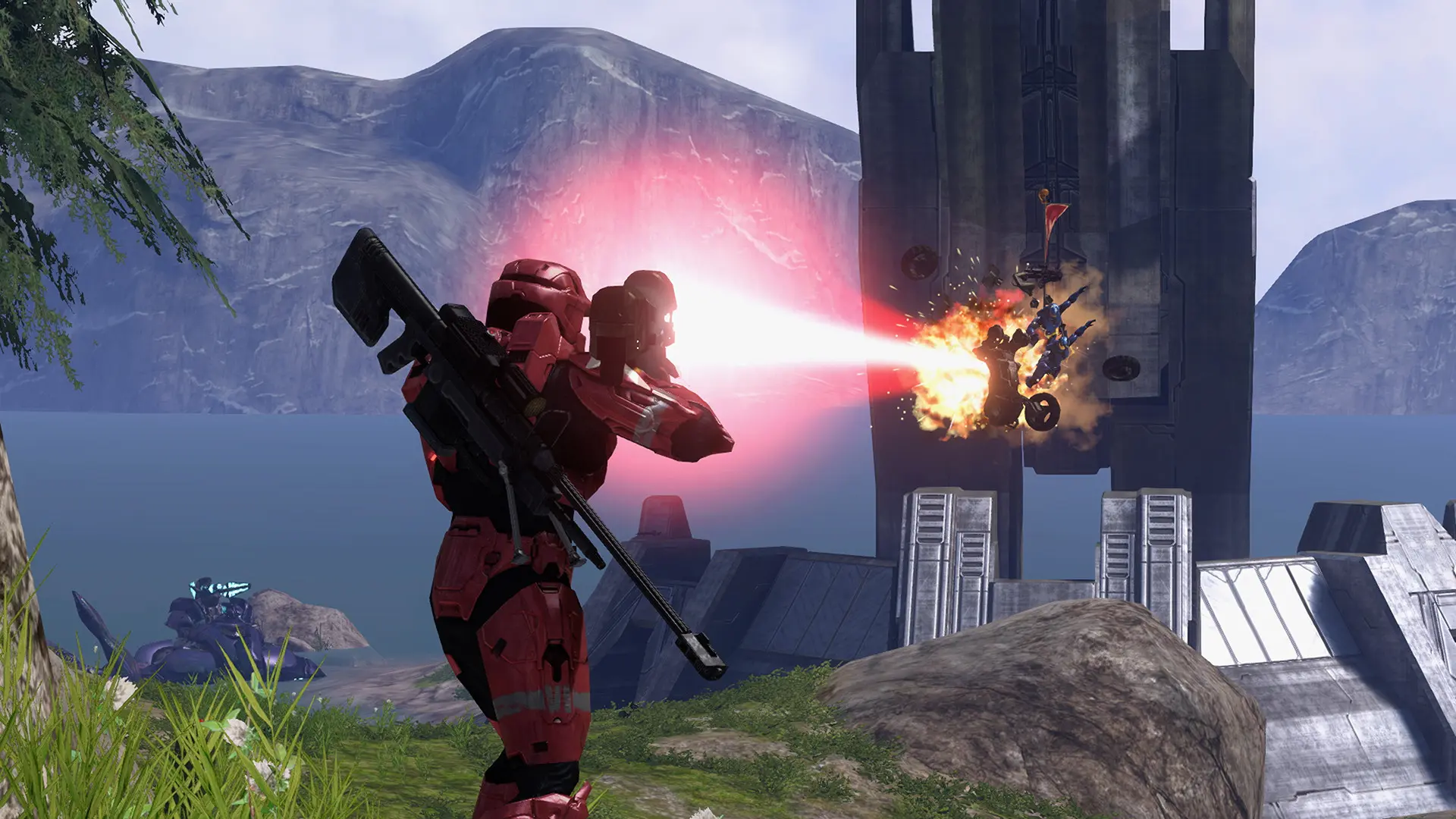
You can run commands on your Project Reclaimer server to kick and ban players, change the map or talk to everyone, straight from the Console page of Bropanel. No password is needed there.
Useful Commands
| Command | What it does |
|---|---|
players | Lists players with their number, name, player ID and address |
say hello everyone | Sends a [Server] line to everyone's chat |
kick #3 spamming | Kicks player number 3, with a reason |
ban #3 7d cheating | Bans player number 3 for 7 days |
bans | Lists the bans |
unban 0123... | Lifts a ban by player ID, name or address |
mute #3 30m | Mutes player 3's chat and voice for 30 minutes |
load Valhalla "Capture the Flag" | Ends the game and loads a map and game type |
nextmap "The Pit" Slayer | Sets the next game, ahead of playlist voting |
endgame | Ends the game with the scores as they stand |
status | Shows what the server is playing and how many players it has |
help | Lists every command |
Name a player by their number from players (#3), their player ID, or their name in quotes. On a playlist server, load replaces one game and the playlist carries on after it. Otherwise the new map and game type play until your server restarts. To change what it plays for good, use Map, Game Type or Playlist.
Setting an RCON Password
An RCON password lets your own moderation tools, bots and web panels connect to your server (Source RCON or WebSocket) at your server's IP and port.
- Log in to Bropanel and select your server.
- In the sidebar, go to
Settings. - Under
RCON, editRCON Passwordand enter a password of at least 8 characters. - Click
Save & Restartto apply your changes.