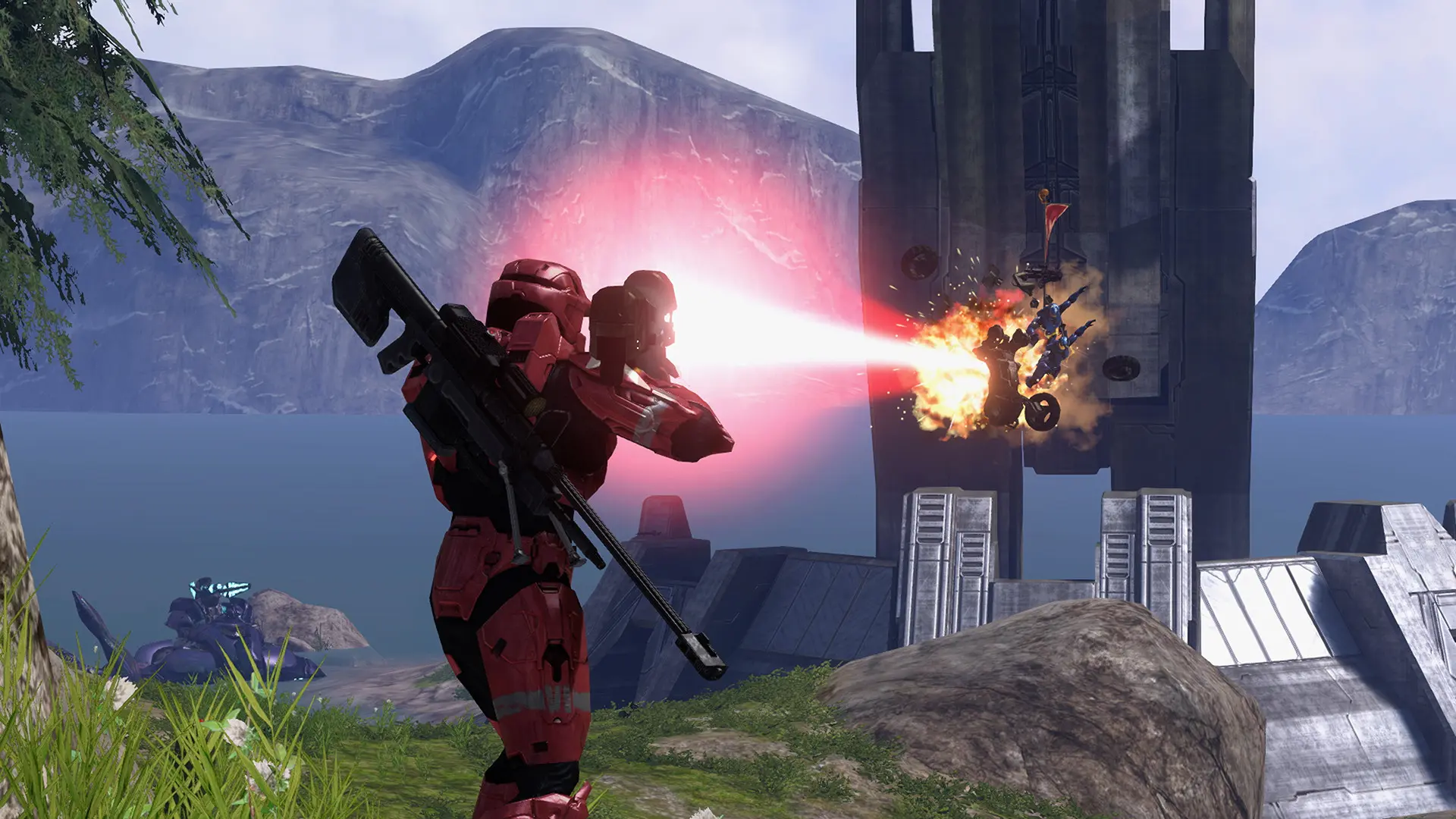
Your Project Reclaimer server plays every game with the game type you choose here, on the map you choose.
Changing the Game Type
- Log in to Bropanel and select your server.
- In the sidebar, go to
Settings. - Under
Gameplay, editGame Typeand enter the game type's name, such asSlayerorCapture the Flag. - Click
Save & Restartto apply your changes.
Game Types You Can Use
| Halo 3 game types | Project Reclaimer's scripted modes |
|---|---|
Slayer | Gun Game |
Capture the Flag | Growth |
Oddball | One in the Chamber |
King of the Hill | Zone Control |
Assault | Flood Infection |
Infection | UNSC vs Covenant |
Territories | |
Juggernaut | |
VIP | |
Escalation Slayer |
Names ignore upper and lower case. Flood Infection and UNSC vs Covenant need Halo 3's campaign files too: campaign.map, plus a campaign mission with all the Flood, such as 050_floodvoi.map, for Flood Infection.
You can also play a game type you saved in Project Reclaimer, see Forge Maps and Game Variants.