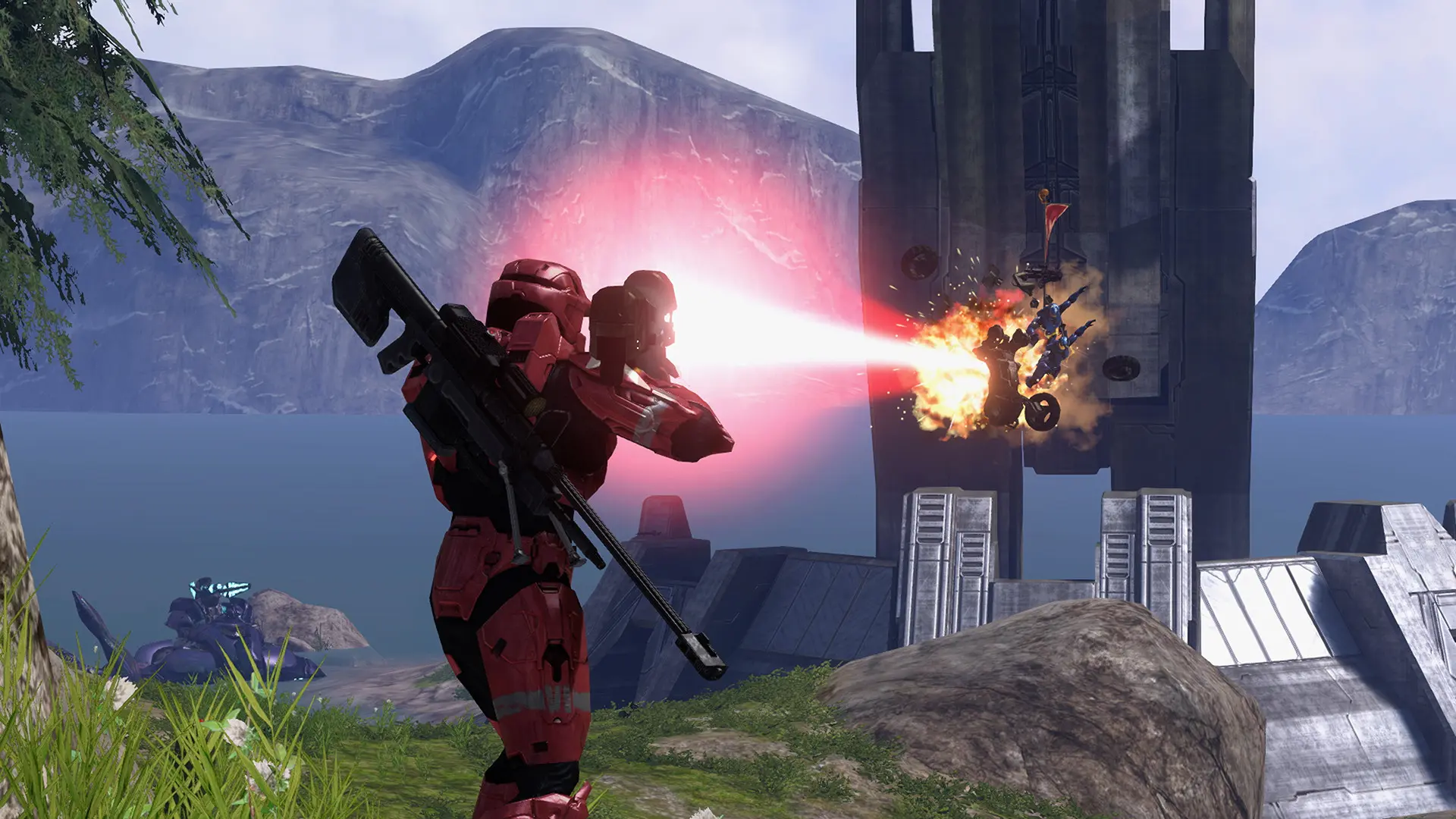
Your Project Reclaimer server plays every game on the map you choose here, with the game type you choose. To rotate between maps instead, use a playlist.
Changing the Map
- Log in to Bropanel and select your server.
- In the sidebar, go to
Settings. - Under
Gameplay, editMapand enter the map's name, such asGuardian,Valhalla,The PitorLast Resort. - Click
Save & Restartto apply your changes.
Map names ignore upper and lower case, and the file name works too, such as riverworld for Valhalla. You can also play your own Forge maps, see Forge Maps and Game Variants, or a mod map, see Mods.