
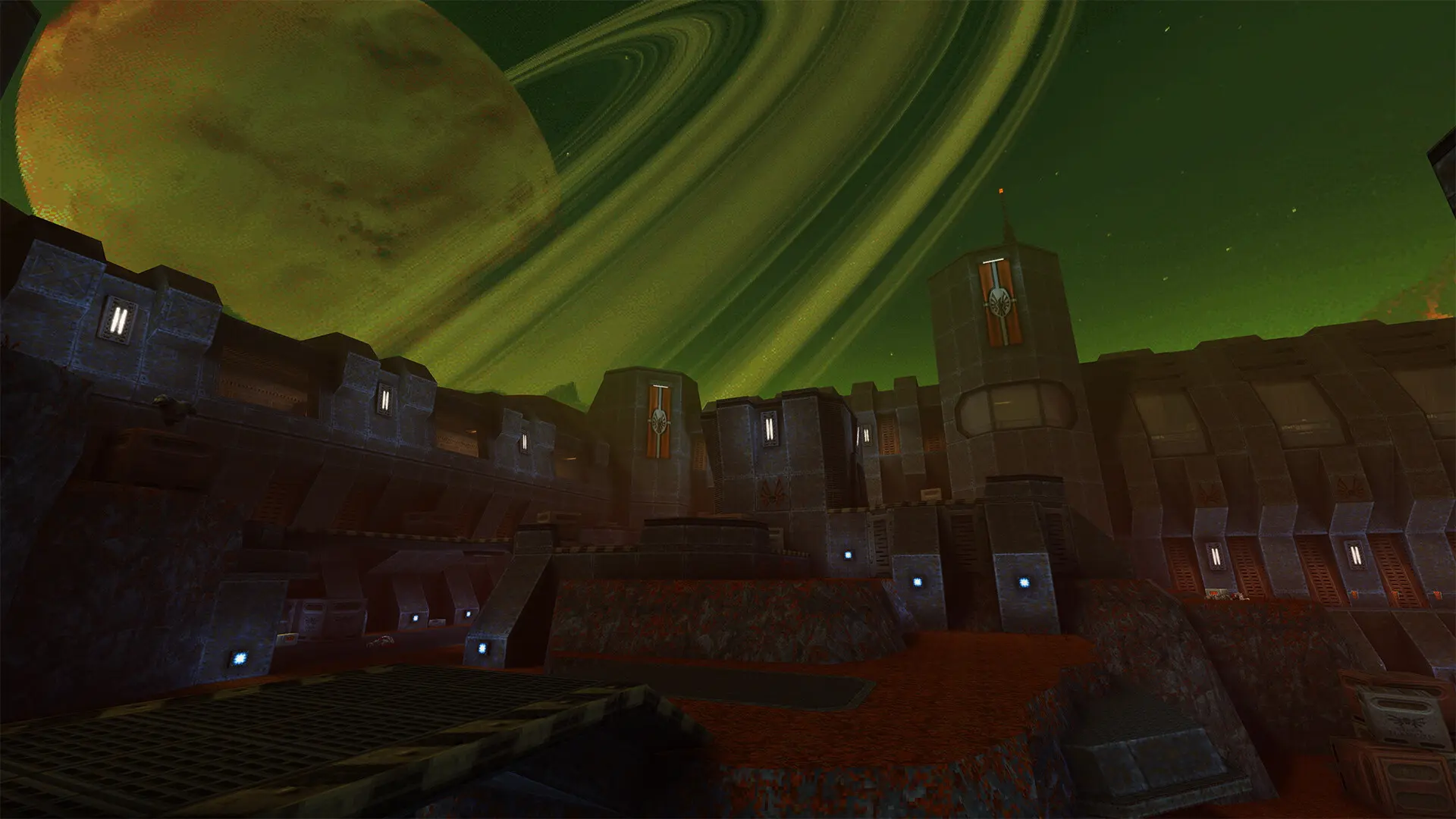
The starting map is the map your server loads when it starts or restarts. After that, the Map Rotation takes over.
Changing The Starting Map
- 1Log in to Bropanel and select your server.
- 2In the sidebar, go to
Settings. - 3Under
Gameplay, editStarting Mapand enter the map name, for exampleq2dm3. - 4Click
Save & Restartto apply your changes.
Leave it empty to start on the game mode's usual map: q2dm1 for Deathmatch and Team Deathmatch, q2ctf1 for Capture the Flag and base1 for Cooperative. If the map you enter isn't on your server, it starts on that usual map instead.
The stock maps are listed in Map Rotation. To use a community map, add it to your server first.