
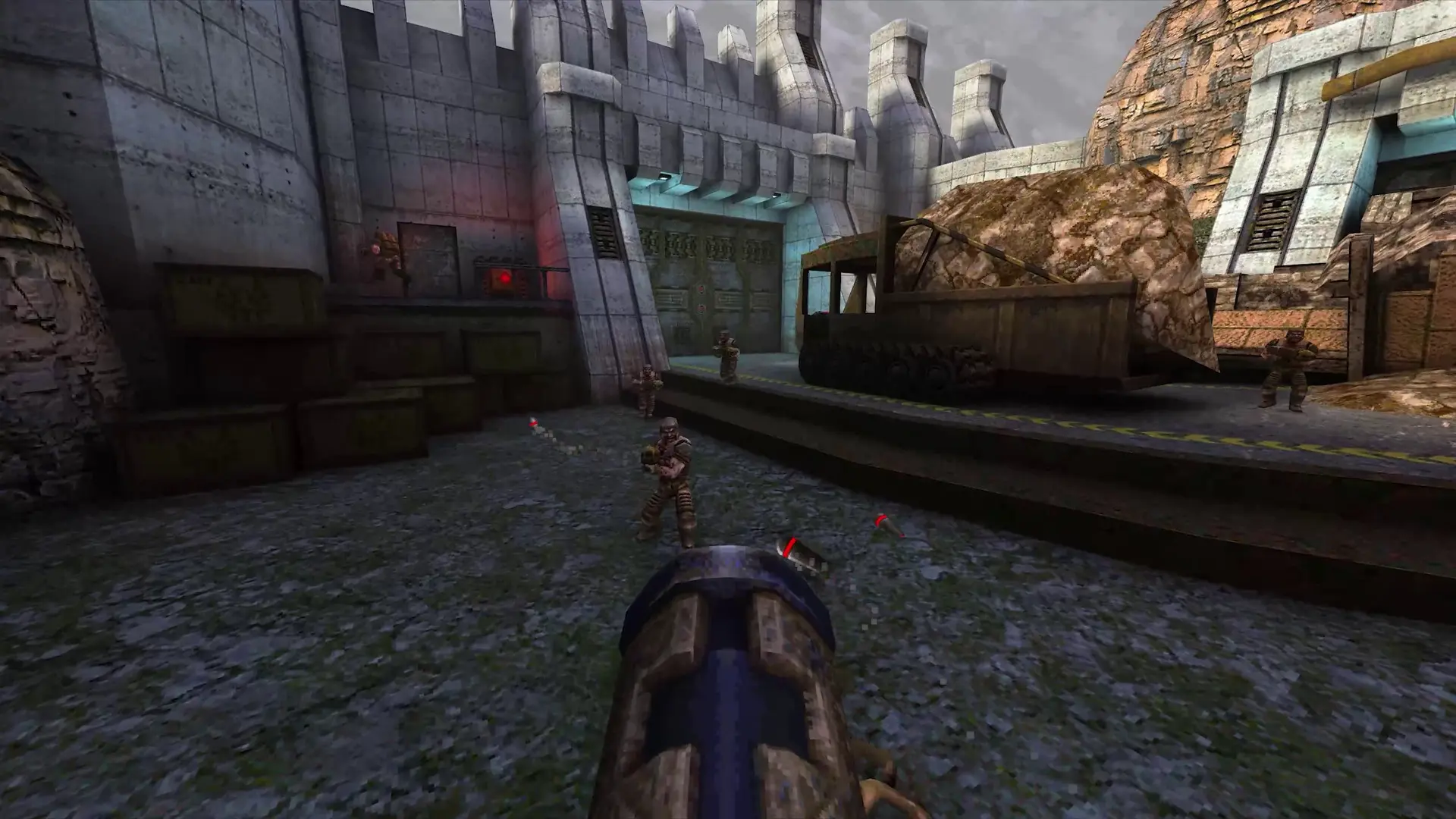
You can play any QuakeWorld map on your server. Here's how to add one.
Uploading Custom Maps
- 1Get the map's
.bspfile, and its.litor.locfile if it has one. - 2Log in to Bropanel and
Stopyour server. - 3In the sidebar, go to
Files. - 4
- 5If the map has a
.locfile, open thektxfolder, then thelocsfolder, and upload it there. - 6Start your server.
Players change to the map by typing its name without .bsp in the console, or you can make it the start map.
Note
Players who don't have the map download it automatically when they join.