
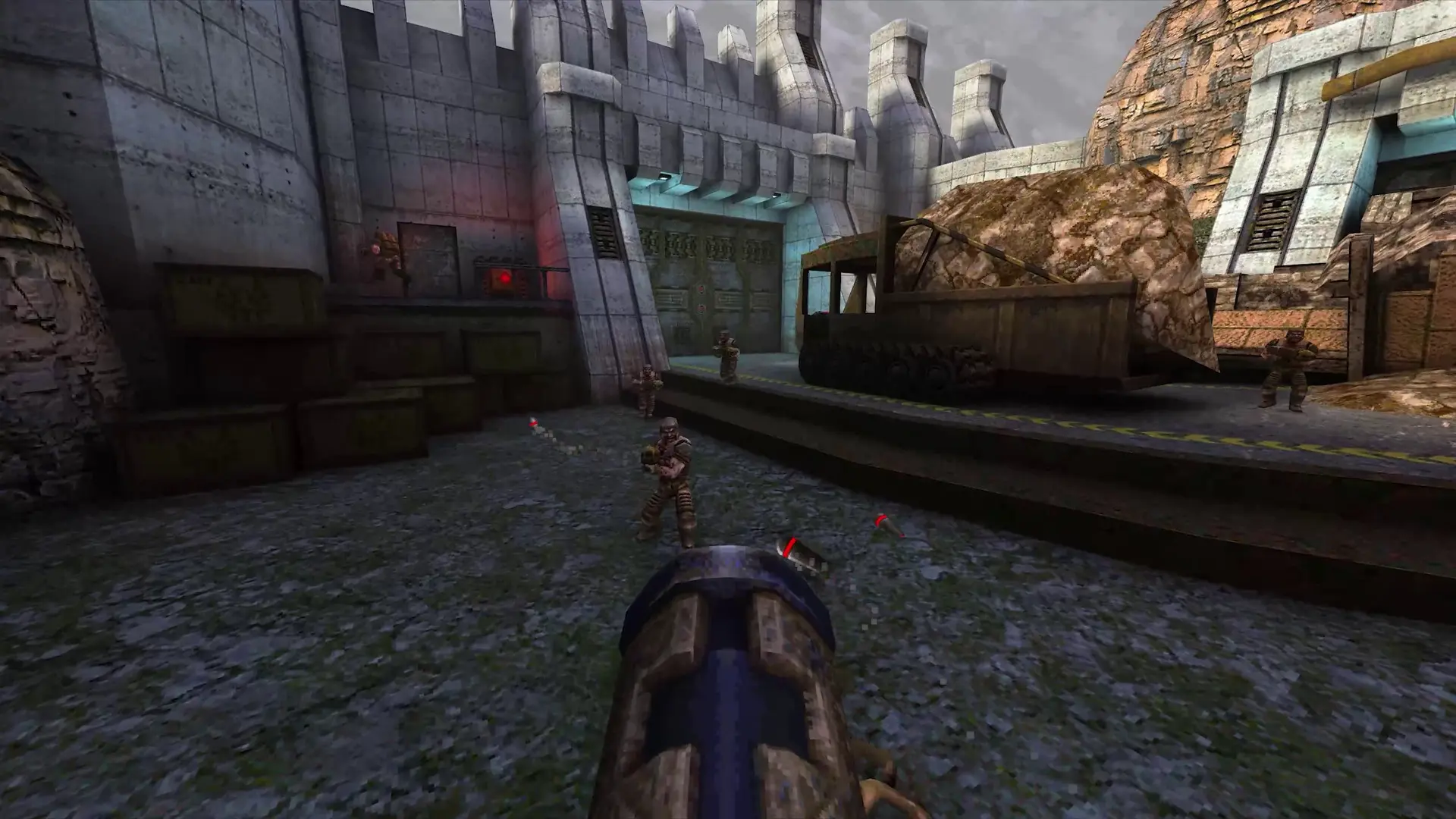
The start map is the map your Quake server loads when it starts and goes back to when everyone leaves. Here's how to change it.
Changing the Start Map
- 1Log in to Bropanel and select your server.
- 2In the sidebar, go to
Settings. - 3Under
Basic, editStart Mapand type the map name without.bsp, for exampledm6. - 4Click
Save & Restartto apply your changes.
Popular maps are dm2, dm3, dm4, dm6, e1m2, aerowalk and ztndm3. If the name doesn't match a map on your server, the server starts on dm4 instead.
Changing the Map In Game
Once the server is running, any player can suggest a map by typing its name in the console, for example dm6. Other players agree by typing the same map name, and the map changes when enough players have voted. An admin changes it right away.