
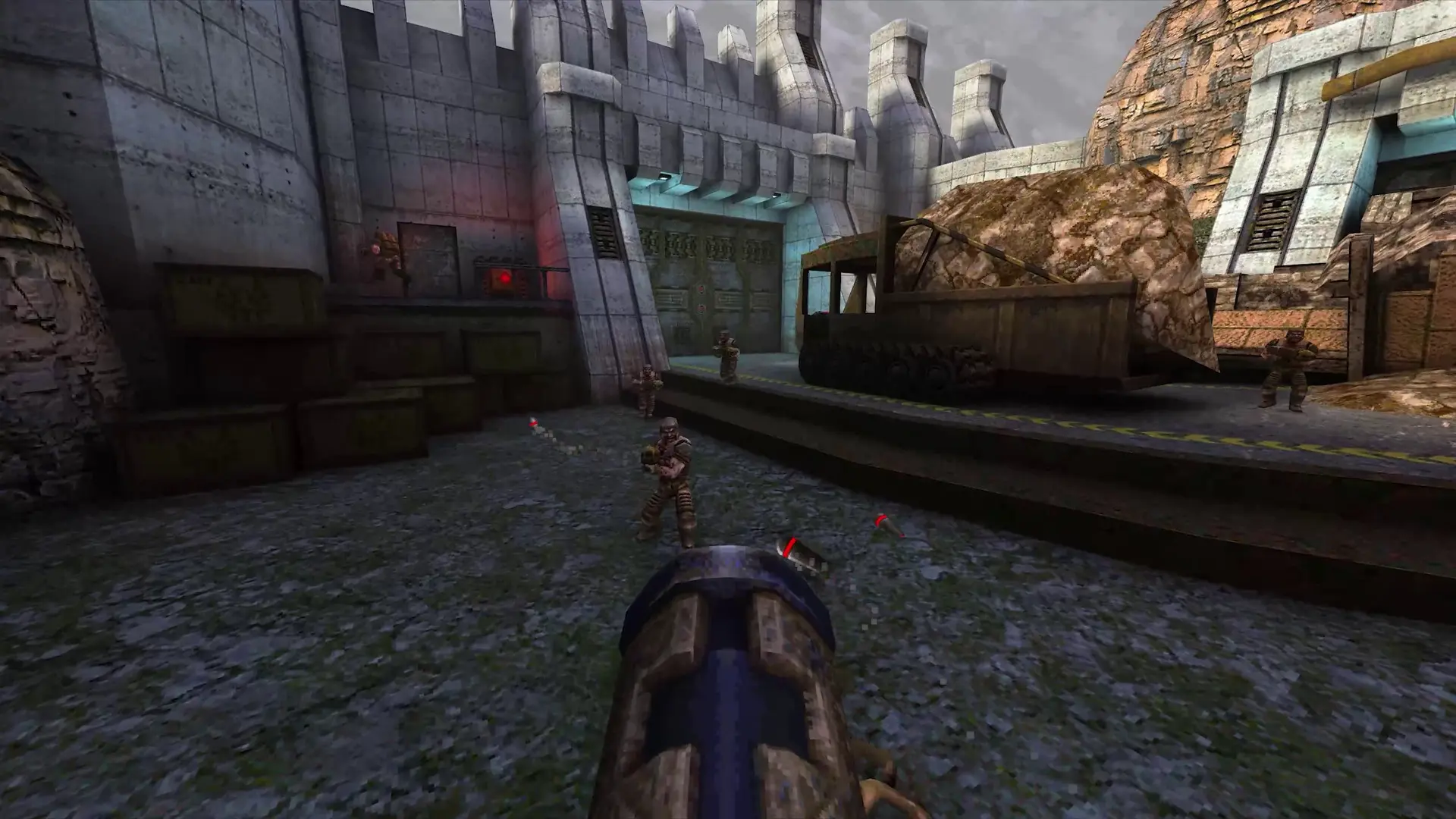
Every Quake server comes with the classic deathmatch maps and about 220 popular community maps. Extra Maps adds about 400 more community maps, the same set as nQuake servers. It's on by default; here's how to turn it off or back on.
Turning Extra Maps On or Off
- 1Log in to Bropanel and select your server.
- 2In the sidebar, go to
Settings. - 3Under
Modding, editExtra Maps. - 4Click
Save & Restartto apply your changes.
Turning it on downloads the maps (about 580 MB) when your server restarts. Turning it off removes them on the next restart and frees the disk space. Maps you uploaded yourself are never removed.
Note
Players don't need to have the maps. Any map they're missing downloads automatically when they join.