
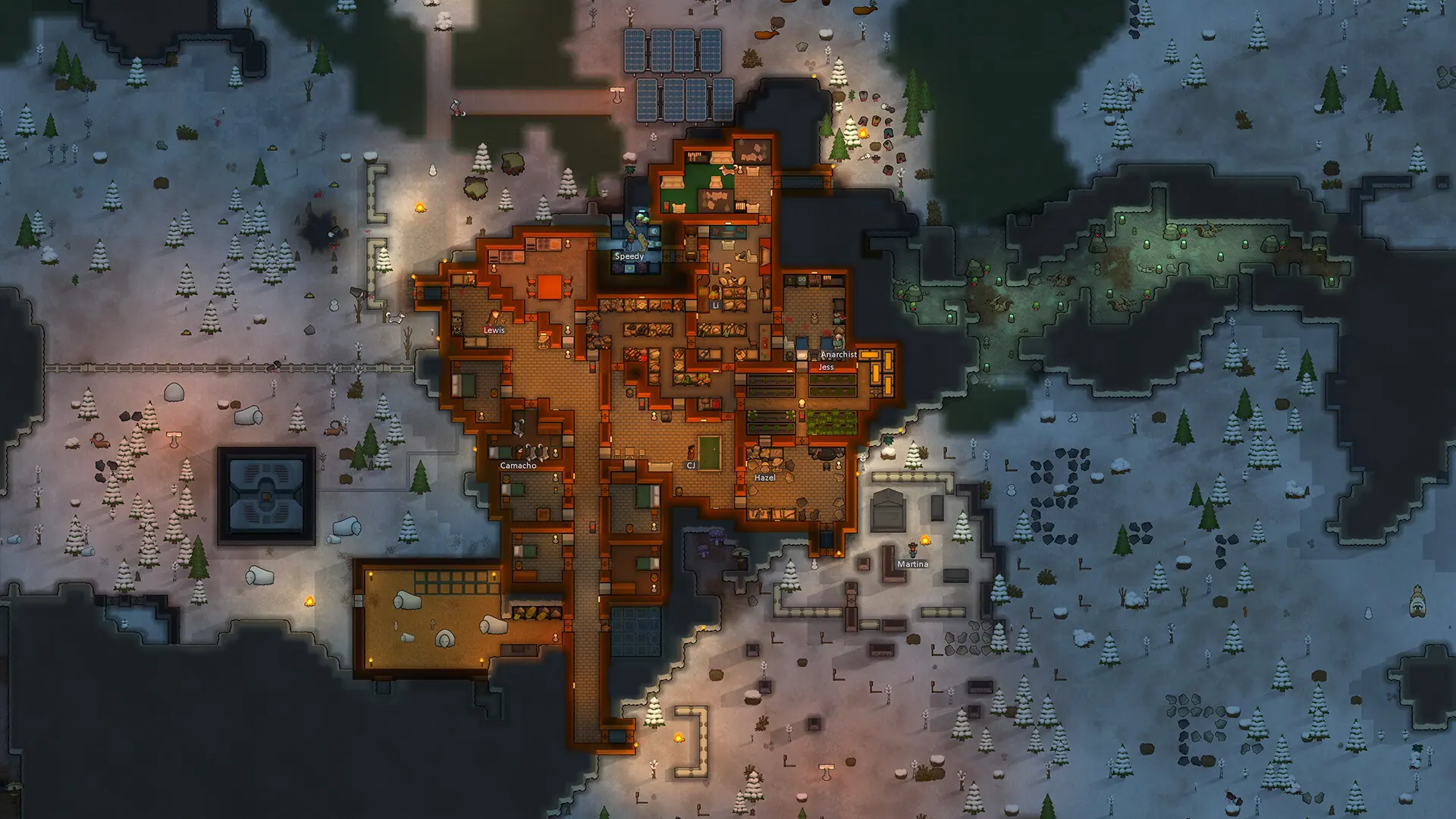
Your server name is what players see in the RimWorld Together server browser. Here's how to change it.
Note
This setting is for RimWorld Together servers. Open World servers have no server name.
Changing the Server Name
- 1Log in to Bropanel and select your server.
- 2In the sidebar, go to
Settings. - 3Under
Basic, editServer Nameand type the new name. - 4Click
Save & Restartto apply your changes.
The name can be up to 64 characters long.
Adding a Description and Links
Your server can also send a description, a Discord invite and a Steam Workshop link to the server browser.
- 1Log in to Bropanel and
Stopyour server. - 2In the sidebar, go to
Files. - 3Open
Configs/ServerConfig.json. - 4Type your text between the quotes after
Description,DiscordURLorSteamWorkshopURL, then save the file. - 5Start your server.