
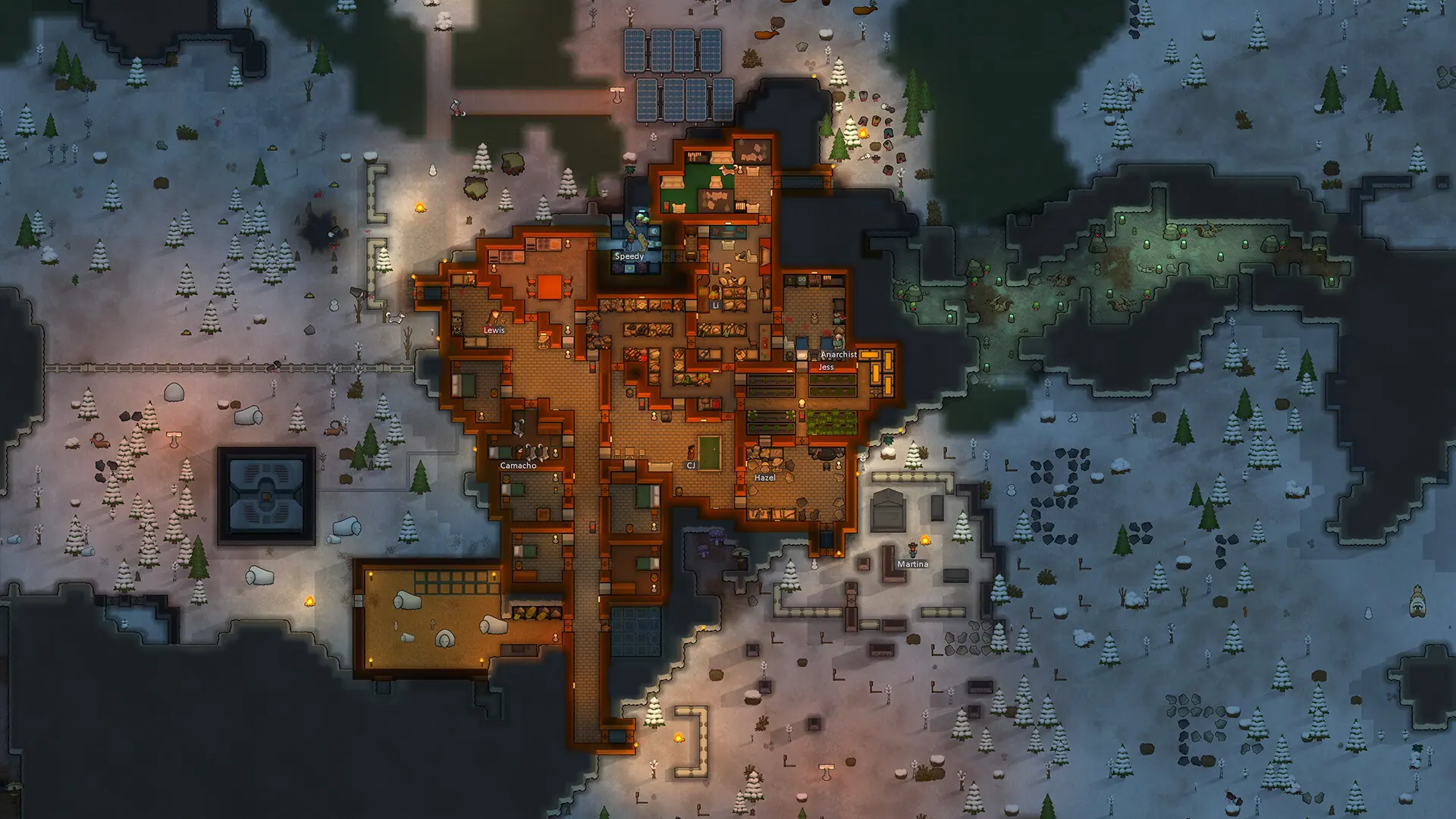
With custom difficulty on, every player on your Open World server plays on the difficulty you set, instead of the one they picked for their colony.
Caution
Every value in the difficulty file starts at 0, and a value left at 0 applies as 0. For example, a CropYieldFactor of 0 means crops yield nothing. Fill in every value before you turn custom difficulty on.
Setting the Difficulty
- 1Log in to Bropanel and
Stopyour server. - 2In the sidebar, go to
Files. - 3Open
Data/Difficulty.json. - 4Set every value, then save the file. Values ending in
Factorare multipliers, where1.0is the normal amount. Values that aretrueorfalseturn an option on or off. - 5Start your server.
Turning On Custom Difficulty
- 1Log in to Bropanel and select your server.
- 2In the sidebar, go to
Settings. - 3Under
Gameplay, enableCustom Difficulty. - 4Click
Save & Restartto apply your changes.