
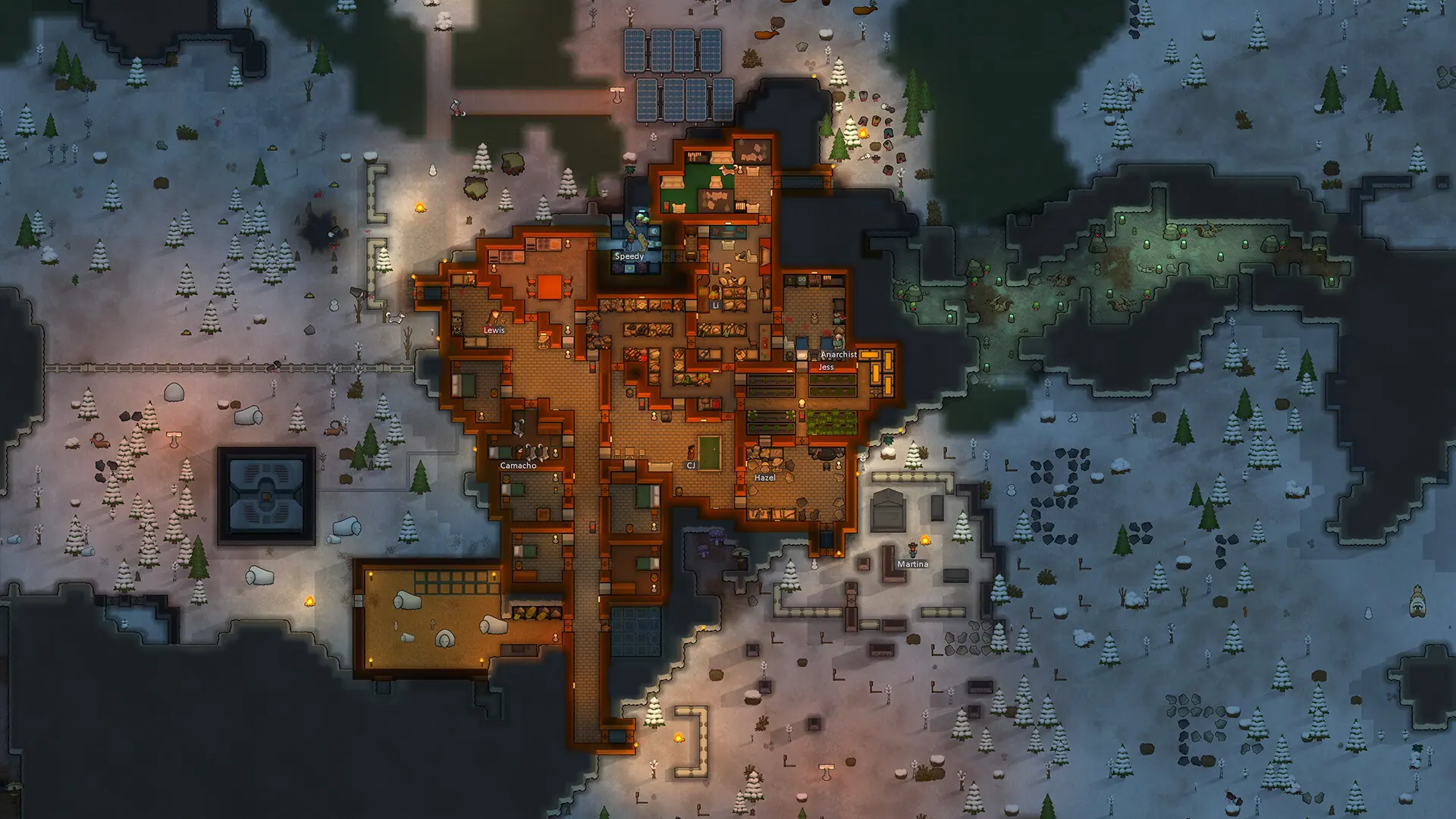
RimWorld has no multiplayer of its own, so your RimWorld server runs a multiplayer mod. Every player keeps their own colony on one shared planet, and players can trade with, visit and raid each other. Your server runs one of two mods, shown as the game of your server in Bropanel, so follow the section for yours.
| Your server | Players need |
|---|---|
| RimWorld Together | RimWorld 1.6 on Steam, with the RimWorld Together and Harmony mods |
| Open World | RimWorld 1.4 on Steam, with the Open World, Harmony and HugsLib mods |
Tip
We recommend RimWorld Together. It is updated regularly, while Open World was abandoned in 2023 and only works on RimWorld 1.4.
Connecting to a RimWorld Together Server
Installing the Mod
- 1Subscribe to RimWorld Together and Harmony on the Steam Workshop.
- 2Start RimWorld, click
Mods, and turn on both mods. - 3Put
Harmonyat the top of the list, thenCoreand any DLCs, thenRimWorld Together. - 4Close the mod list and let RimWorld restart.
Every player needs the same RimWorld Together version as your server. Your server installs the newest release when it restarts and Steam keeps the mod up to date, so restart your server after a new RimWorld Together release. If a player sees This server requires version, restart your server, then have the player restart Steam so it updates the mod.
Joining With the IP Address
- 1Log in to Bropanel and select your RimWorld server.
- 2Copy the server IP address and port from the
Overviewpage, for example123.45.67.89:25555. - 3Start RimWorld and click
Direct Connecton the main menu. - 4The first time, create your RimWorld Together account with a username and password.
- 5Enter the IP address in
IPand the port inPort, then clickConnect. - 6If your server has a password, enter it when asked.
Note
The first player to join sets up the world for your server. Until that is done, other players see Server is currently being set up! Join again later!.
Joining From the Server Browser
Your server is listed in the RimWorld Together server browser under its server name. Click Server Browser on the RimWorld main menu and join your server from the list.
Connecting to an Open World Server
- 1In Steam, right-click RimWorld and open
Properties. UnderBetas, pick the 1.4 version of RimWorld. - 2Subscribe to Open World on the Steam Workshop, along with the Harmony and HugsLib mods it needs, then turn them on in
Mods. - 3Log in to Bropanel, select your RimWorld server and copy the server IP address and port from the
Overviewpage. - 4On the RimWorld main menu, click
Multiplayer. - 5Enter the IP address in
Server IPand the port inServer Port, then clickConnect. - 6Log in, or register a username and password for this server.
Players can only join when their Open World mod matches your server's Mod Version.