
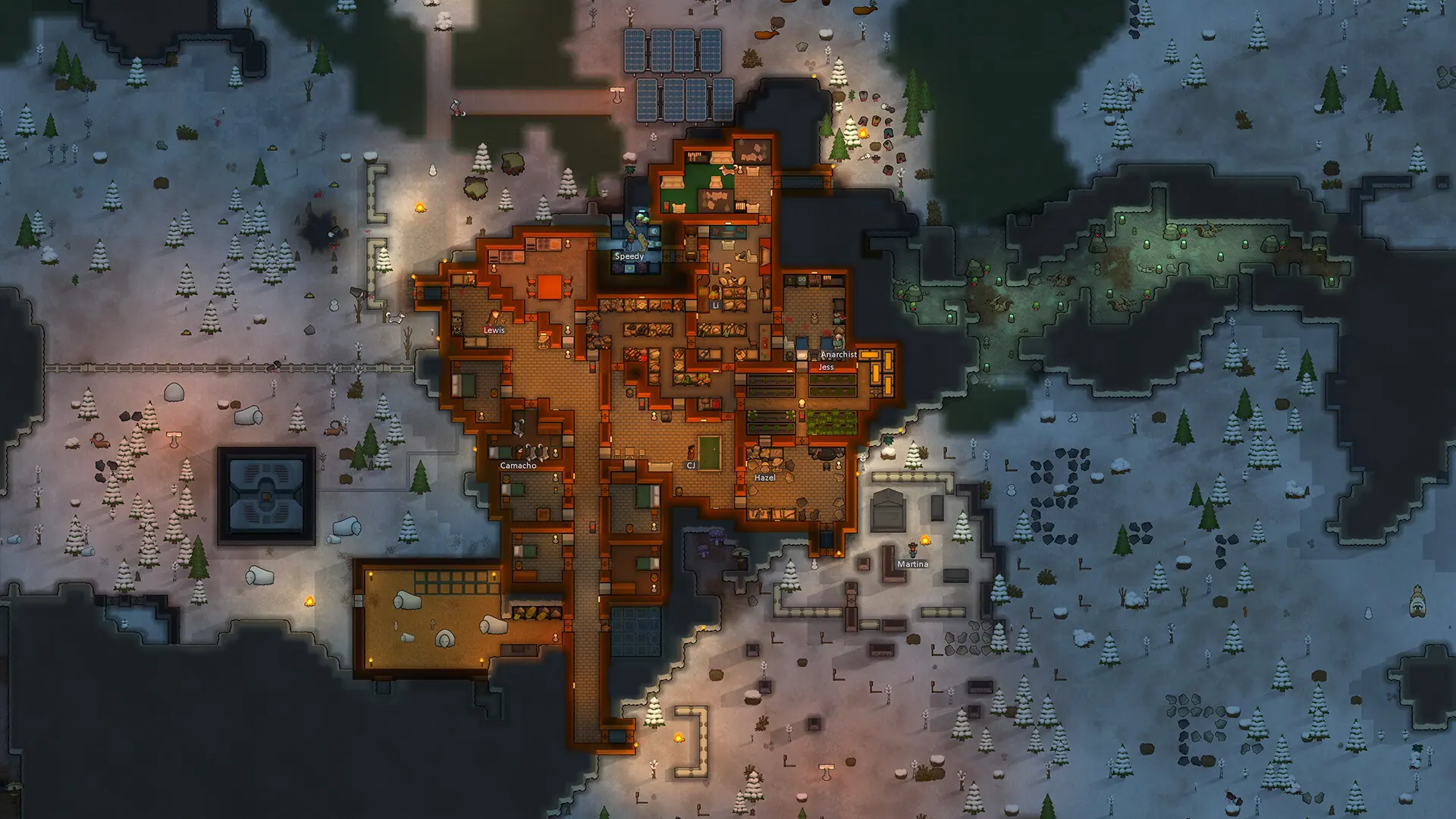
A server password keeps your RimWorld server private, so only players you share it with can join. How you set it depends on your server's mod.
Setting a Password on RimWorld Together
- 1Log in to Bropanel and select your server.
- 2In the sidebar, go to
Console. - 3Type
setpassword yourpasswordwith your own password and pressEnter.
The password works straight away, no restart needed, and players enter it when they join. Use a password without spaces. To remove it, type clearpassword and press Enter.
Setting a Password on Open World
- 1Log in to Bropanel and
Stopyour server. - 2In the sidebar, go to
Files. - 3Open
Data/Config.json. - 4Type your password between the quotes after
ServerPassword, for example"ServerPassword": "yourpassword", then save the file. - 5Start your server.
To remove the password, clear it so the line reads "ServerPassword": "", then restart your server.