
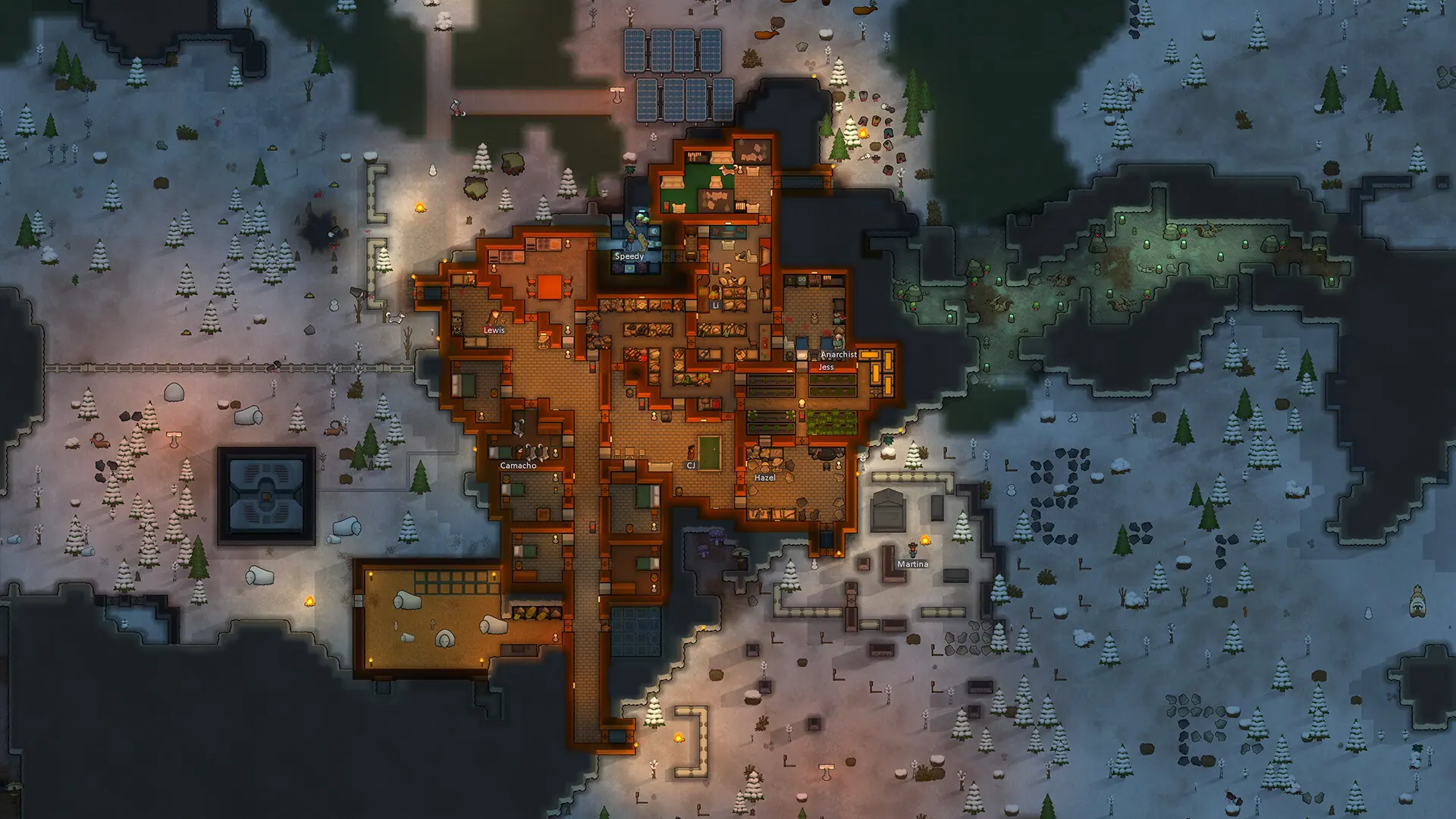
With mod enforcing on, your Open World server checks every player's mods when they join. Players must run every mod in the server's Mods enforced folder, and any other mod they run must be in the Mods whitelisted folder.
The server recognizes a mod by its .dll files, found in the mod's Assemblies folder. Mods without an Assemblies folder can't be checked, so they are always allowed.
Adding Mods to the Server's Lists
- 1On your PC, open the mod's folder. Steam Workshop mods are in
steamapps/workshop/content/294100/, in a folder named after the mod's Workshop ID. - 2Find the mod's
Assembliesfolder. In mods made for several RimWorld versions, it is inside the1.4folder. - 3Log in to Bropanel and
Stopyour server. - 4In the sidebar, go to
Filesand navigate toMods enforced/for mods everyone must run, orMods whitelisted/for mods players may add. - 5Upload the mod's
.dllfiles. - 6Start your server.
Caution
Every player runs Open World, Harmony and HugsLib, so add their .dll files to Mods enforced/ too. Otherwise the server turns everyone away for running extra mods.
Turning On Mod Enforcing
- 1Log in to Bropanel and select your server.
- 2In the sidebar, go to
Settings. - 3Under
Modding, enableEnforce Mods. - 4Click
Save & Restartto apply your changes.