
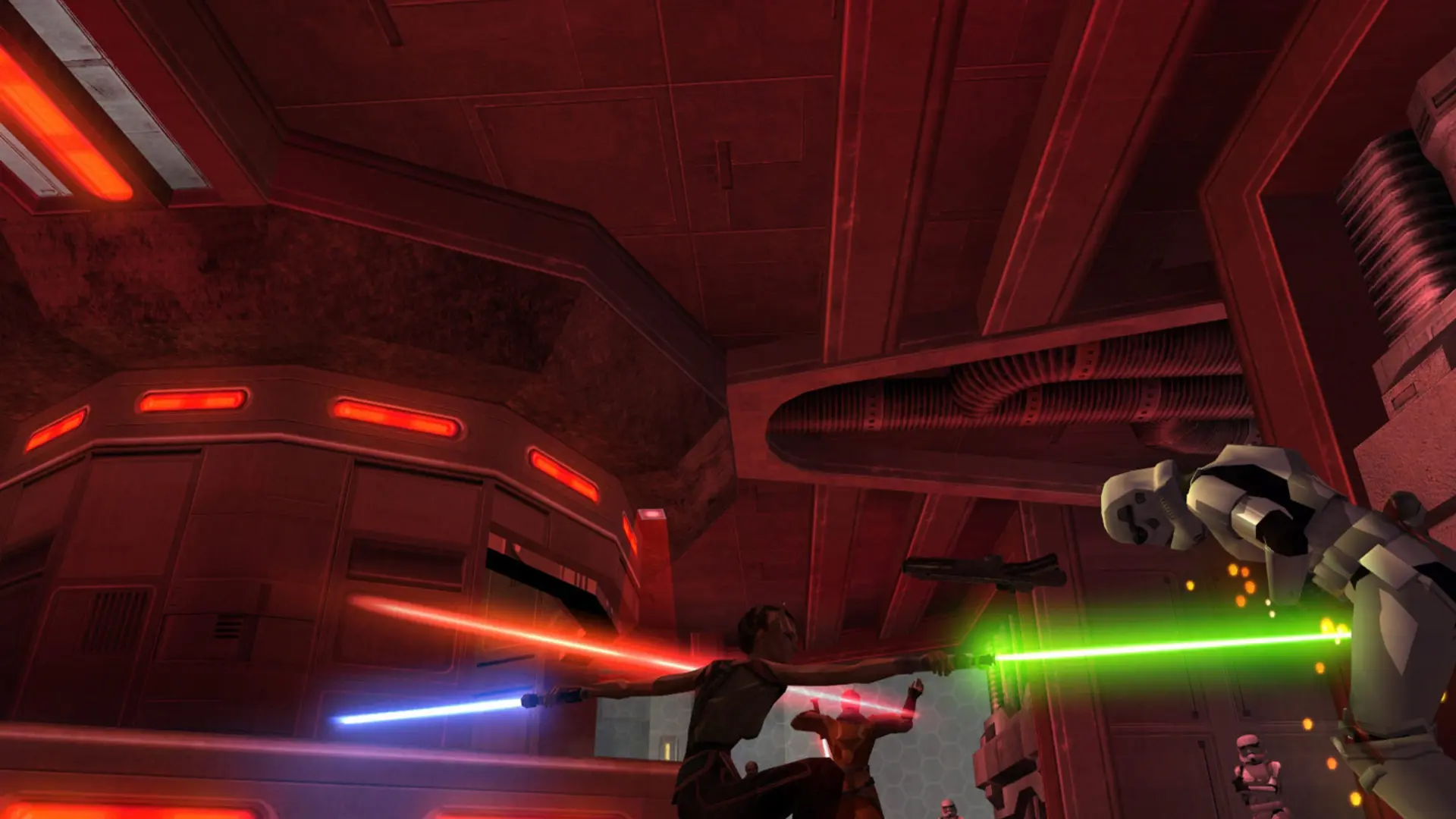
Bots keep your Jedi Academy server busy when only a few people are on. Your server uses the game's own bots, which duel with sabers, use Force powers, pick up weapons and play every stock map outside Siege. They fill the server up to the number you set and leave as real players join.
Adding Bots
- 1Log in to Bropanel and select your server.
- 2In the sidebar, go to
Settings. - 3Under
Gameplay, findBotsand enter how many players the server should always have, for example6. - 4Click
Save & Restartto apply your changes.
Set Bots to 0 to turn bots off. To change how good the bots are, see Bot Skill.
Bots work with the base game and with most custom mods, such as JA+, in every game type except Siege. In team modes they are shared between both teams. Movie Battles II has no bots, so the Bots setting does nothing while your server runs it.
Bots always leave one slot free so players can join, and never go over Max Players. Players don't need to download or change anything to join a server with bots. Bots know every stock map; on a custom map that doesn't include bot route files, they can't find their way around.