
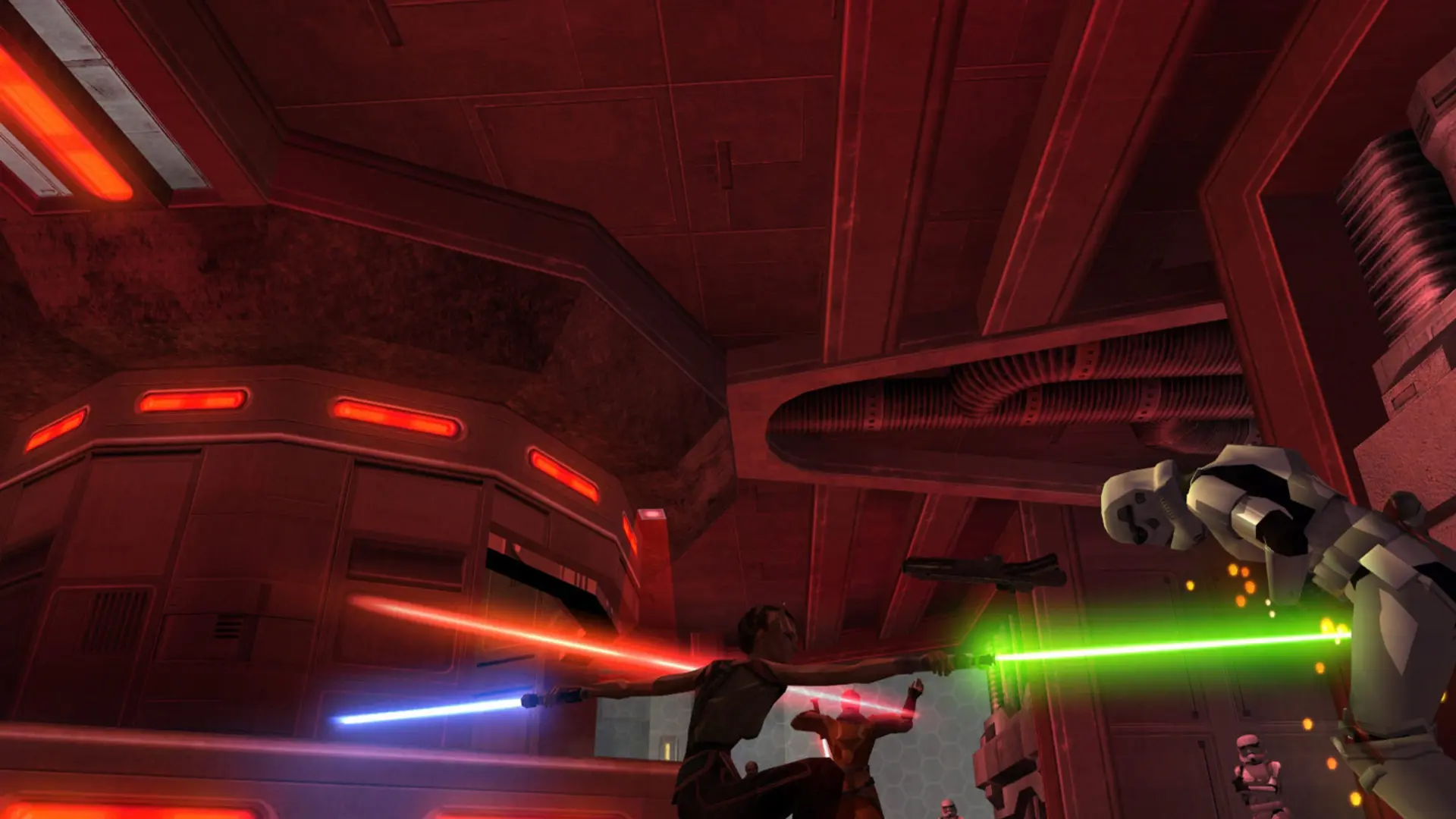
This is what you do if you want your Jedi Academy server to start on a specific map.
Changing The Map
- 1Log in to Bropanel and select your server.
- 2In the sidebar, go to
Settings. - 3Under
Gameplay, findMapand enter the map name, for examplemp/ffa3ormb2_deathstar. - 4Click
Save & Restartto apply your changes.
Leave Map empty to start on the map rotation in server.cfg for Movie Battles II, or on a stock map for your game type in the base game.
Editing The Movie Battles II Map Rotation
- 1Log in to Bropanel and
Stopyour server. - 2In the sidebar, go to
Files. - 3Open
GameData, thenMBII, and editserver.cfg. - 4Near the end, change the
set d1,set d2lines to the maps you want. Each line loads one map and pointsnextmapat the next line, and the last line points back tod1. - 5Save the file and start your server.