
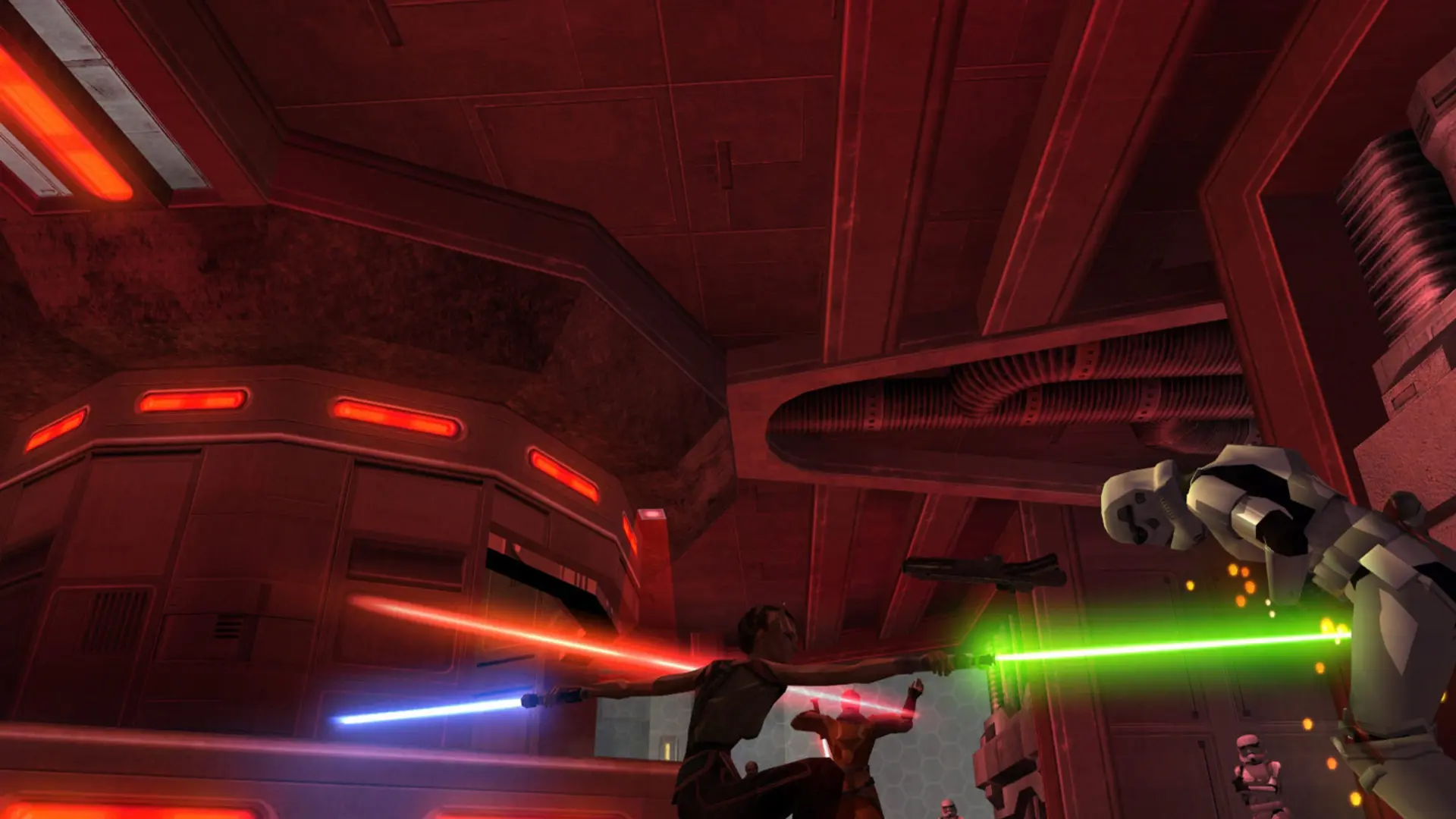
Your Jedi Academy server can run the base game, Movie Battles II or a mod you upload. You switch between them with one setting and a restart, with no reinstall.
| Mod | What it runs |
|---|---|
Base (OpenJK) | The original game on OpenJK |
Movie Battles II | The Movie Battles II mod, installed and kept up to date for you |
Custom | A mod folder you upload, such as JA+ |
Changing The Mod
- 1Log in to Bropanel and select your server.
- 2In the sidebar, go to
Settings. - 3Under
Modding, setModto the mod you want. - 4Click
Save & Restartto apply your changes.
Note
The first time you switch to Movie Battles II, the server downloads it (about 12 GB) before it starts. The Console shows the progress, and later starts only check for updates. Each mod keeps its own server.cfg, so your settings for one mod stay when you switch to another.
Players need the same mod installed to join. To run a mod of your own, see Installing a Custom Mod.