
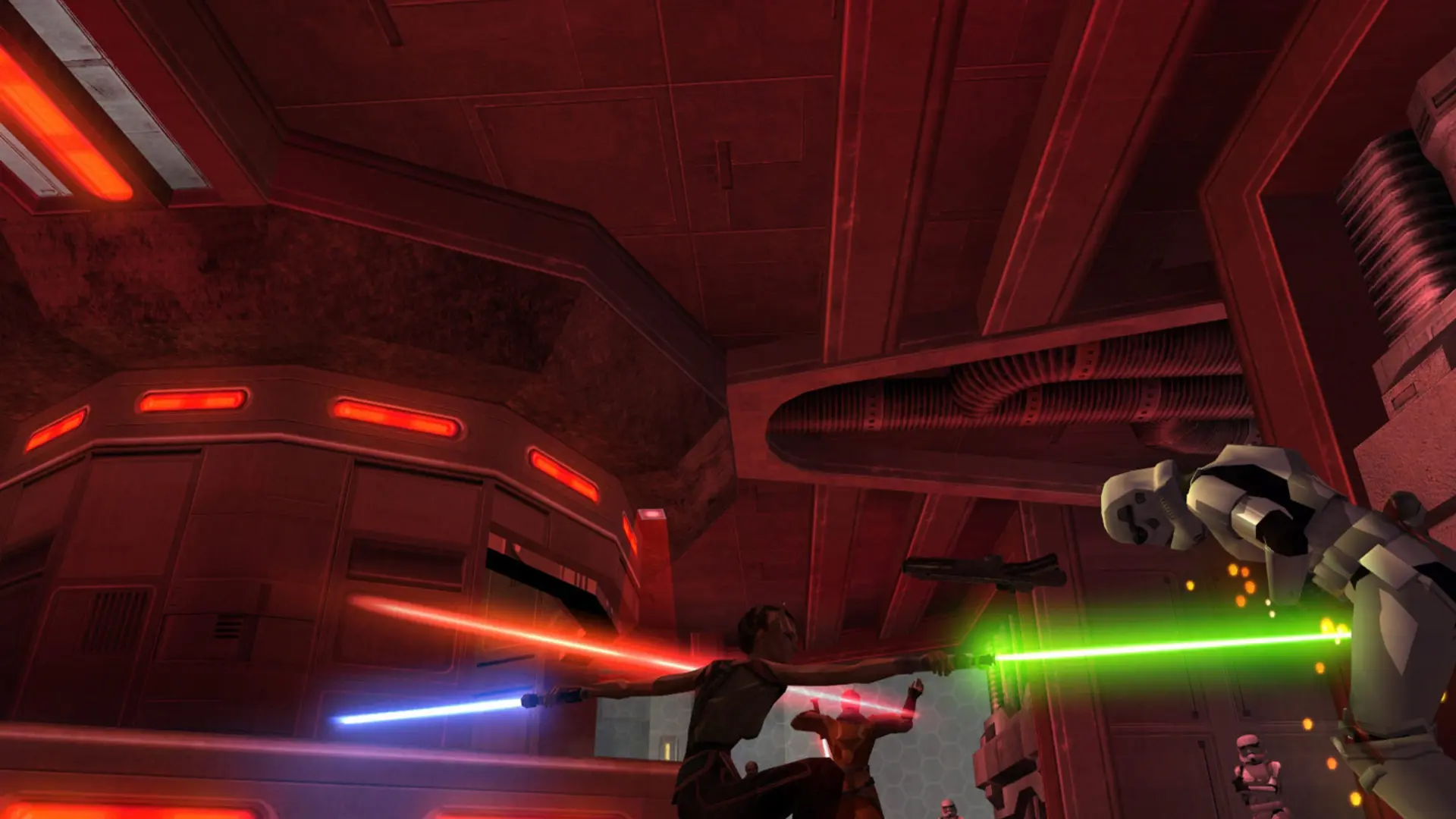
Movie Battles II has five modes that change which classes players can pick and how matches play.
| Mode | How it plays |
|---|---|
Open | Every class on both teams, the most popular mode |
Semi-Authentic | Classes follow the map's era, with some freedom |
Full Authentic | Film-accurate characters for each map |
Duel | One-on-one saber duels |
Legends | Famous heroes and villains from across the films |
Changing The Mode
- 1Log in to Bropanel and select your server.
- 2In the sidebar, go to
Settings. - 3Under
Gameplay, setMovie Battles Modeto the mode you want. - 4Click
Save & Restartto apply your changes.
This setting only applies when your server runs Movie Battles II.