
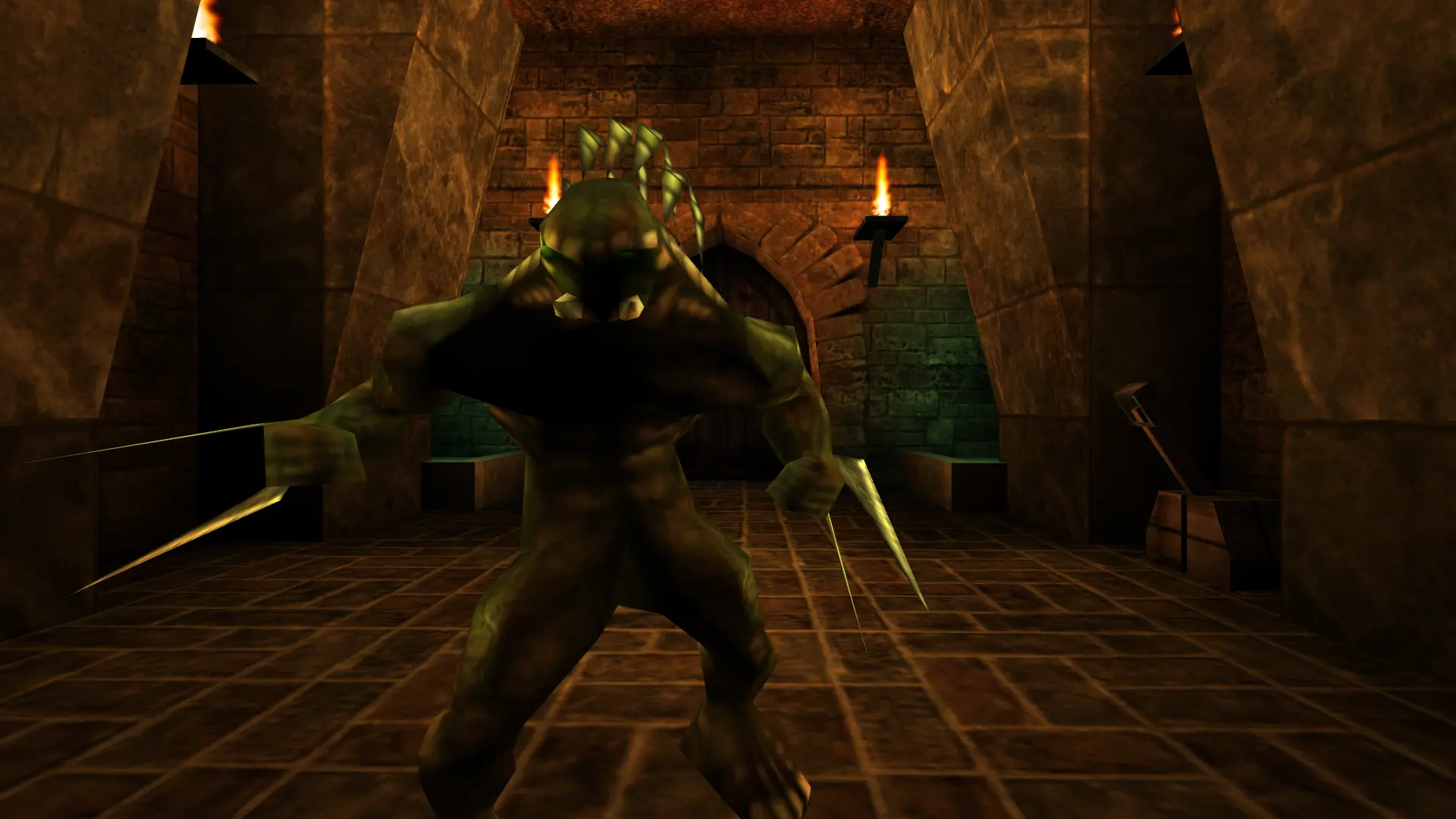
Your Unreal server can run six game modes, including cooperative play through the Unreal and Return to Na Pali campaigns. Pick one in Settings and your server starts on a stock map for that mode.
| Game Type | What it is | Starting map |
|---|---|---|
Deathmatch | Every player for themselves. | DmDeck16 |
Team Deathmatch | Two teams compete for the most frags. | DmDeck16 |
King of the Hill | Kill the current king to take the crown and score. | DmFith |
DarkMatch | Deathmatch with the lights out and flashlights on. | DmMorbias |
Cooperative | Play the Unreal campaign together against its monsters. | Vortex2 |
Cooperative (Return to Na Pali) | Play the Return to Na Pali expansion campaign together. | Crashsite |
Changing The Game Type
- 1Log in to Bropanel and select your server.
- 2In the sidebar, go to
Settings. - 3Under
Gameplay, changeGame Typeto the mode you want. - 4Click
Save & Restartto apply your changes.
Note
If you set a map, make sure it fits the new game type: a Dm map for the deathmatch modes, or a campaign map such as NyLeve for Cooperative. Clear Map to start on the stock map from the table.