
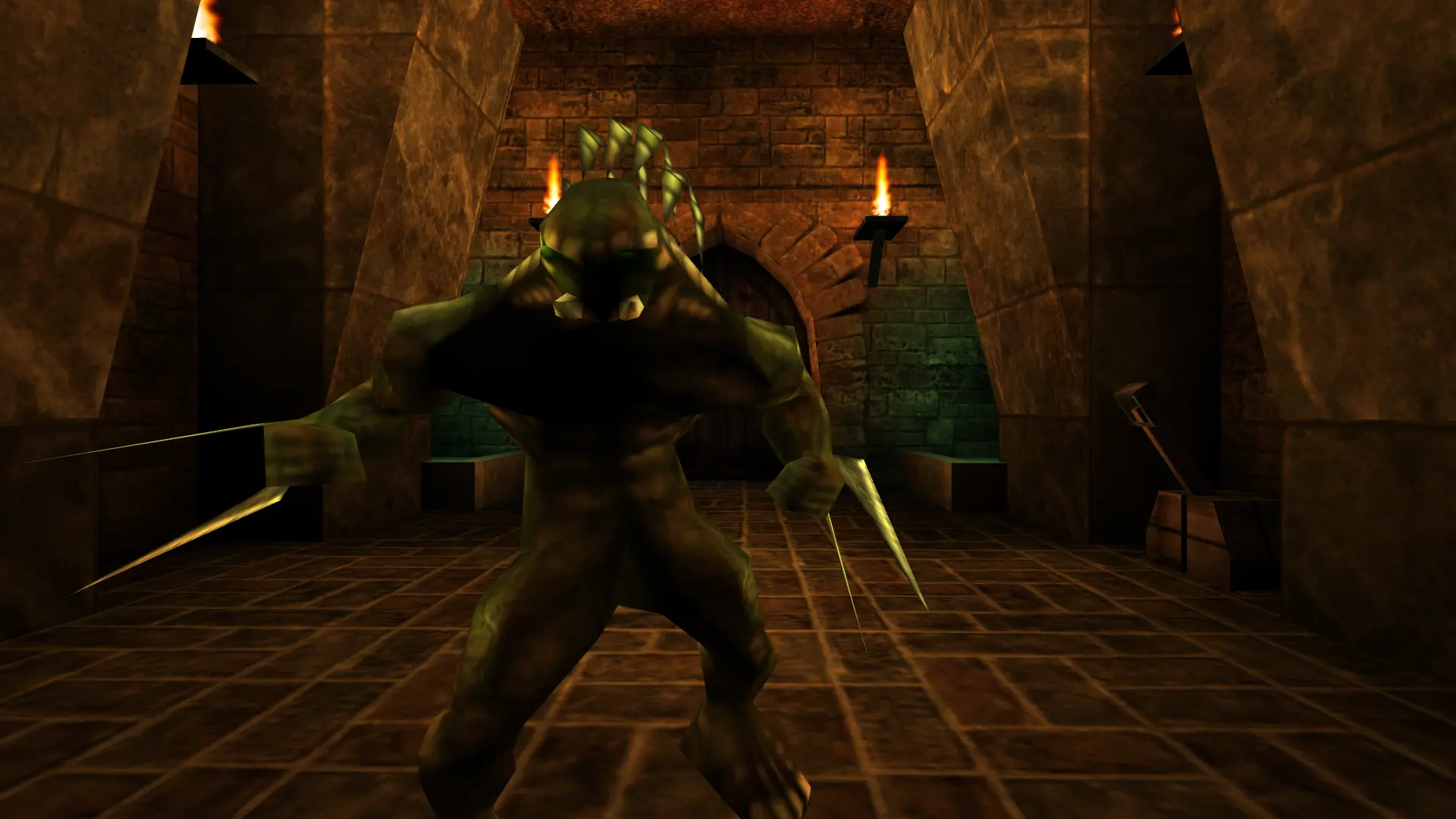
Mutators change the rules of every match on your Unreal server, for example giving everyone the same weapon or changing gravity. Unreal doesn't come with mutators of its own, but the community has made plenty.
Adding Mutators
- 1Download the mutator and unzip it on your computer. You'll usually get a
.ufile and an.intfile. - 2Log in to Bropanel and
Stopyour server. - 3
- 4In the sidebar, go to
Settings. - 5Under
Gameplay, findMutatorsand enter the mutator's class name, for exampleMyMutator.MyMutator. Separate several mutators with commas. - 6Click
Save & Restartto apply your changes.
The mutator's readme tells you its class name. To turn mutators off, clear the Mutators field and click Save & Restart.