
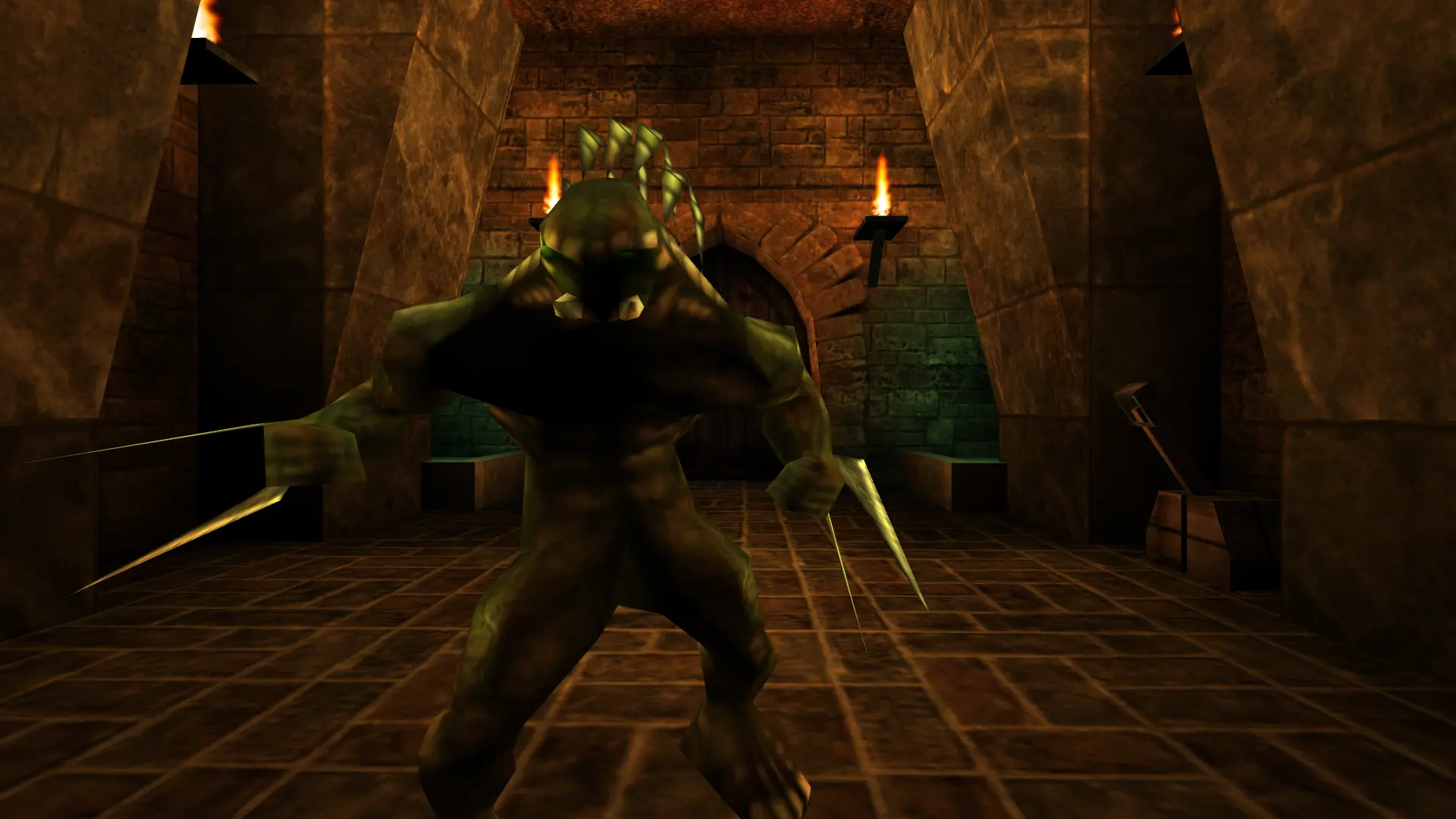
Difficulty sets how tough the monsters are when your Unreal server runs Cooperative or Cooperative (Return to Na Pali). Higher levels add more monsters and make them stronger and faster.
| Difficulty | What it's like |
|---|---|
Easy | Fewer, weaker monsters. |
Medium | The standard experience. |
Hard | More monsters that fight harder. |
Unreal | The game's hardest original setting. |
Extreme, Nightmare, Ultra-Unreal | Extra-hard levels from OldUnreal's patch, made for groups. |
Changing The Difficulty
- 1Log in to Bropanel and select your server.
- 2In the sidebar, go to
Settings. - 3Under
Gameplay, changeDifficultyto the level you want. - 4Click
Save & Restartto apply your changes.
Note
Difficulty only applies to cooperative play. For the deathmatch modes, change Bot Skill instead.