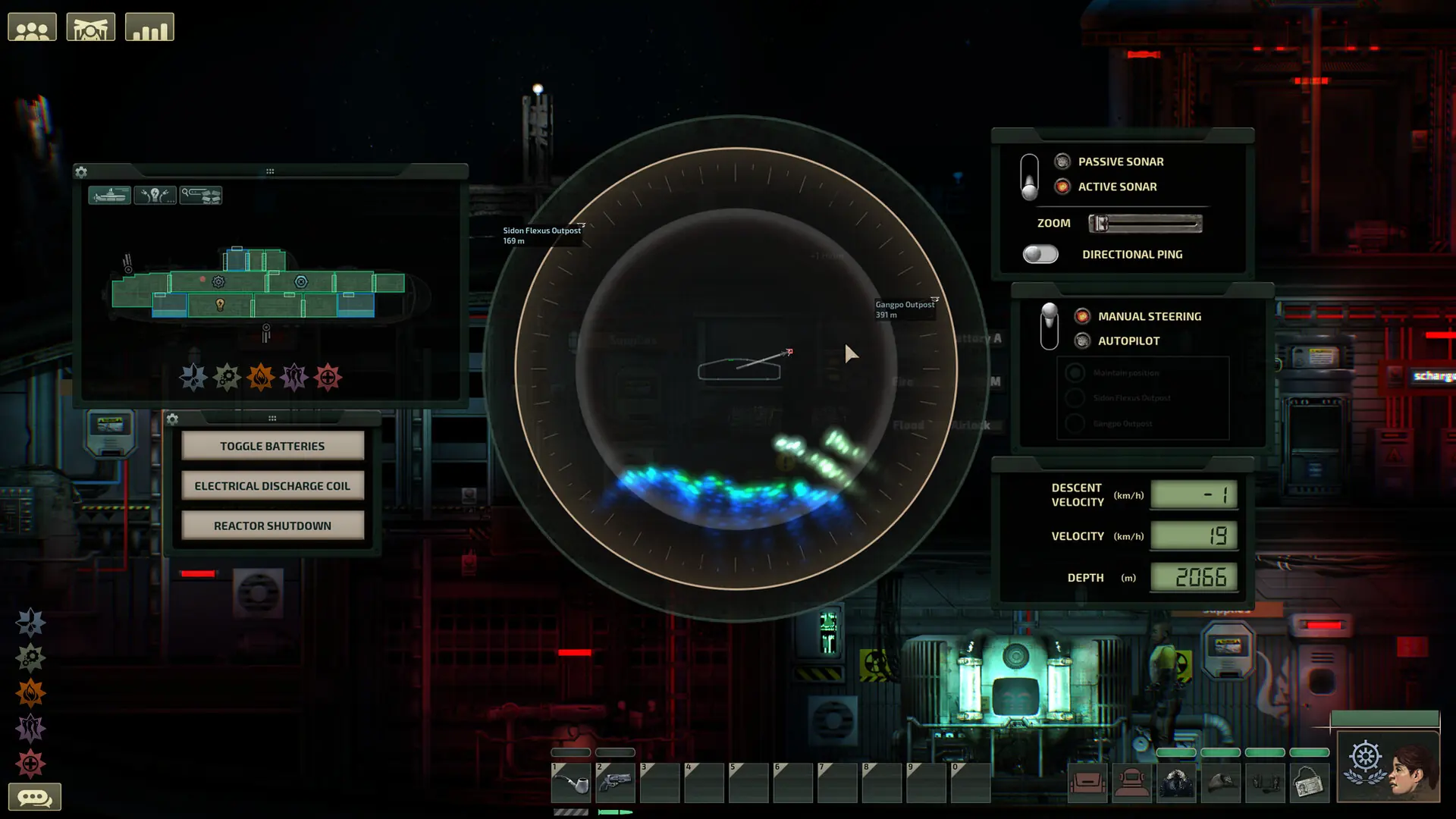
This tutorial will guide you through the process of uploading an existing multiplayer campaign to your Barotrauma server.
You may also refer to this guide on how to upload files to your game server.
If you get stuck at any time, Game Host Bros offers free save transfers. Just reach out to a bro on Discord.
Note
Only multiplayer campaigns can be moved to a server. Singleplayer campaigns are saved separately and can't be loaded on a server.
Caution
If your campaign uses mods, install the same mods on your server first. Otherwise Barotrauma warns about mismatching content packages, and the campaign may error or crash.
Finding Your Local Barotrauma Save Files
If you hosted the campaign from your own PC, your save files are on your PC.
- 1
Press
Windows Key + Rand enter this:%LOCALAPPDATA%\Daedalic Entertainment GmbH\Barotrauma\Multiplayer - 2
Find your campaign's
.savefile and the matching_CharacterData.xmlfile. The_CharacterData.xmlfile holds your crew's characters, so you'll need both.
For example:
Tip
If your campaign was on another host, download the same two files from that server's Multiplayer folder.
Uploading Your Barotrauma Save to Your Server
- 1
Log in to Bropanel and
Stopyour server. - 2
In the sidebar, go to
Filesand openDaedalic Entertainment GmbH/Barotrauma/Multiplayer. If there's noMultiplayerfolder yet, openDaedalic Entertainment GmbH/Barotraumaand create a folder namedMultiplayer. - 3
Upload both files for your campaign: the
.saveand the_CharacterData.xml. Their names must match, likeMyCampaign.saveandMyCampaign_CharacterData.xml, or your crew's characters won't load.Daedalic Entertainment GmbHBarotraumaMultiplayerMyCampaign.saveMyCampaign_CharacterData.xml - 4
Make yourself an admin by following the adding admins guide, so you can load the campaign.
- 5
In the sidebar, go to
Settingsand, underBasic, setGame ModetoCampaign. - 6
Click
Save & Restartto apply your changes. - 7
Connect to your server. In the lobby, select
Campaign, open theLoad campaigntab, select your save and clickLoad.
Note
Barotrauma doesn't reopen a campaign on its own after the server restarts. When you rejoin, load it again from the Load campaign tab. Your progress is saved to the same file, so nothing is lost.