
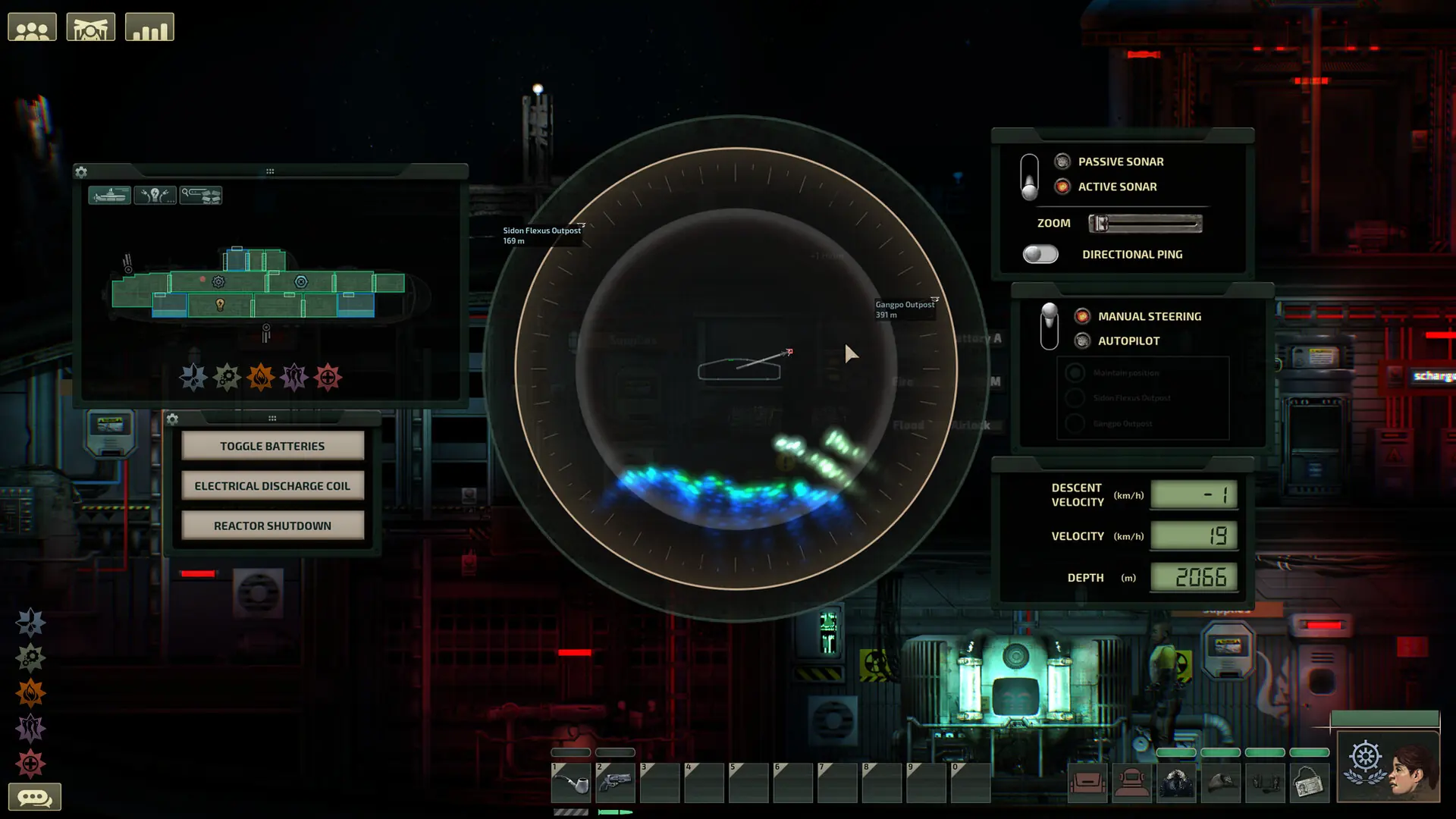
At Game Host Bros, we've integrated Barotrauma settings directly into our game panel. Here's how to quickly and easily configure your new Barotrauma server.
Configuring Your Barotrauma Server
- 1Log in to Bropanel and select your server.
- 2In the sidebar, go to
Settings. - 3Edit the settings you'd like to change.
- 4Click
Save & Restartto apply your changes.
Barotrauma Server Settings List
| Setting Name | Description |
|---|---|
| Server Name | The name of your server shown in the server browser. |
| Server Description | Text shown in the server browser and as the message of the day when players join. |
| Server Password | Set a password to make your server private. Leave it blank for a public server. |
| List Server Publicly | Whether your server appears in the public server browser. Unlisted servers can still be joined by IP unless password-protected. |
| Max Players | The maximum number of players that can join your server, from 1 to 16. |
| Game Mode | The game mode the server runs: Sandbox, Mission, Campaign or PvP. |
| Playstyle | The playstyle tag shown next to your server in the server browser. |
| Submarine | The submarine used for the round. |
| Allow Mod Downloads | Lets players download missing mods directly from your server. |
| Voice Chat | Allows players to use voice chat. |
| Mission Types | Comma-separated list of mission types the server can run. When more than one is set, a random one is picked. |
| Level Difficulty (%) | Mission difficulty from 0 to 100. Not used in campaigns, which follow their own difficulty preset. |
| Biome | The preferred biome for rounds. Applies to every mode except campaign. |
| Randomize Seed | Generates a new level seed every round. |
| Respawn Mode | How dead players come back: mid-round, between rounds, or not at all with permadeath. |
| Use Respawn Shuttle | Respawning players arrive on a shuttle instead of spawning inside the submarine. |
| Respawn Shuttle | The shuttle that transports respawning players: Hemulen, Selkie or Venture. |
| Respawn Interval (seconds) | Time between respawn waves. |
| Shuttle Transport Time (seconds) | How long the respawn shuttle has to dock before it heads back to the outpost. |
| Min Respawn Ratio | Fraction of the crew (0 to 1) that must be dead before the respawn timer starts. |
| Skill Loss On Death (%) | Skill percentage a character loses when they die. |
| Extra Skill Loss On Immediate Respawn (%) | Additional skill loss for choosing to respawn immediately. |
| Auto Start Rounds | Automatically starts a new round after the delay below. |
| Auto Start Delay (seconds) | Delay before a round auto-starts. Only used when Auto Start Rounds is on. |
| Start When Players Ready | Starts the round automatically once enough players are ready. |
| Ready Ratio To Start | Fraction of players (0 to 1) that must be ready for the round to auto-start. |
| Submarine Selection | How the next submarine is picked: manually, at random, or by player vote. |
| Game Mode Selection | How the game mode is picked: manually, at random, or by player vote. |
| Bot Count | Number of bot crew members spawned in a round. |
| Max Bots | Maximum number of bots allowed in a round. |
| Bot Spawn Mode | Normal spawns the set bot count; Fill tops up every empty player slot with a bot. |
| Disable Bot Chatter | Stops bots from filling text chat with flavor dialogue. Help callouts still come through. |
| Line Of Sight | How much players can see through walls: translucent, opaque, or none to see everything. |
| Enemy Health Bars | Which enemies show health bars: all, bosses only, or none. |
| Friendly Fire | Lets players damage each other. |
| Allow Spectating | Dead players can spectate instead of being sent to the lobby. |
| Allow AFK | Lets players mark themselves AFK in the lobby. |
| Allow Disguises | Players can disguise themselves using another character's ID card. |
| Allow Rewiring | Players can rewire electrical connections. |
| Lock Default Wires | Locks the submarine's stock wiring so it can't be changed. |
| Link Wifi To Chat | Allows wiring wifi components into the chat. |
| Immediate Item Delivery | Purchased items can be delivered straight to the buyer's inventory. |
| Drag And Drop Give | Players can give items by dropping them onto another character. |
| Destructible Outposts | Outposts can be damaged. Abandoned outposts are always destructible. |
| Killable NPCs | Outpost NPCs can be killed. |
| Karma System | Punishes players who harm the crew via the karma system. |
| Karma Preset | The karma rule preset: Default, Strict or Custom. Only used when the karma system is enabled. |
| Looted Money Goes To | Whether money looted during rounds goes to the crew bank or the finder's wallet. |
| Default Salary (%) | Default salary for new players in the campaign. |
| Allow Vote Kick | Players can vote to kick others. |
| Allow End-Round Voting | Players can vote to end the round. |
| Ironman Mode | Removes all respawn options; dead players can only spectate. |
| Allow Bot Takeover | Dead players can take over an existing bot instead of buying a new character. |
| Replacement Character Cost (%) | Cost of a new character at the HR manager. Set it to 0 to make replacements free. |
| Disconnected Despawn Time (seconds) | How long a disconnected player's character stays before despawning. |
| Team Selection | Whether players are balanced onto PvP teams by preference or pick a team freely. |
| Auto-Balance Threshold | How many extra players one PvP team needs before auto-balancing kicks in, or disabled. |
| Stun Resistance (%) | Stun resistance for players in PvP. |
| Spawn Monsters | Allows monsters to spawn in PvP rounds. |
| Spawn Wrecks | Allows wrecks to spawn in PvP rounds. |
| Outpost Deathmatch Map | The outpost used for the Outpost Deathmatch mission type. |
| Track Opponent | Shows the opposing submarine's position in PvP. |
| Win Score | Points a team needs to win in PvP. |
| Disembark Point Allowance | Disembark points available to each PvP team. |
| Traitor Probability (%) | Chance of a traitor each round. Set it to 0 to disable traitor mode. |
| Danger Level | How dangerous traitor objectives can get, from harmless tasks to deadly sabotage. |
| Minimum Players | Minimum player count before a traitor can be picked. |
| Accusation Vote Threshold (%) | Vote percentage required to accuse someone of being the traitor. |
| Difficulty Preset | The campaign difficulty preset: Easy, Normal, Hard or Abyssal. Pick Custom to use your own multiplier values. |
| Tutorial | Shows campaign tutorial popups. |
| Jovian Radiation | Radiation slowly spreads across the campaign map, forcing the crew onward. |
| Max Missions Per Route | Missions that can be taken between two stations. Beacons don't count. |
| World Hostility | How dangerous Europa is: tougher enemies, more hazards and wound infections. |
| Starting Items | The set of items the crew starts with in a campaign. |
| Starting Balance | The campaign's starting funds: Low, Medium or High. |
| Crew Vitality Multiplier | Multiplies the health of crew characters. |
| Monster Vitality Multiplier | Multiplies the health of monsters and other non-crew characters. |
| Oxygen Multiplier | Multiplies oxygen tank durability. |
| Fuel Multiplier | Multiplies fuel rod durability. |
| Mission Reward Multiplier | Multiplies mission credit rewards. |
| Experience Multiplier | Multiplies mission experience rewards. |
| Shop Price Multiplier | Multiplies item prices in stores. |
| Shipyard Price Multiplier | Multiplies submarine and upgrade prices in the shipyard. |
| Repair Fail Multiplier | Multiplies the damage caused by failed electrical repairs. |
| Husk Infection Warning | Warns players on screen when their husk infection gets serious. |
| Patdown Probability | How likely outpost security is to search crew members for stolen items. |
| Tick Rate | The server's update rate. 20 is recommended; higher rates increase CPU and bandwidth use and can cause issues. |
| Max Lag Compensation (ms) | Maximum time the server rewinds hitscan shots for laggy players. |
| Require Steam Authentication | Verifies players through Steam. Leave this enabled. |
| Language | Language used for server messages. |
| Allow File Transfers | Sends missing submarine files to players. |
| Remote Campaign Interactions | Allows interacting with the campaign map and stores from outside the round. |
| Save Server Logs | Saves server logs to the ServerLogs folder on shutdown. |
| Lines Per Log File | Maximum length of a log file. |
| Vote Timeout (seconds) | How long votes stay open. |
| Vote Required Ratio | Fraction of votes (0 to 1) required for general votes to pass. |
| End Vote Required Ratio | Fraction of votes (0 to 1) required to end the round. |
| Kick Vote Required Ratio | Fraction of votes (0 to 1) required to kick a player. |
| Kick Vote Protection (seconds) | Time after joining during which a player can't be vote-kicked. |
| Vote-Kick Ban Length (seconds) | Ban length applied to vote-kicked players. |
| Max Auto Ban Length (seconds) | Maximum auto-ban length selectable in the lobby. |
| Ban After Wrong Password | Auto-bans players who fail the password too many times. |
| Password Retries Before Ban | Failed password attempts allowed before the auto-ban. |
| DoS Protection | Kicks players who exceed the packet limit below. |
| Max Packet Amount | Packet limit per player. Increase it for heavily modded servers; too low values kick legitimate players. |
| Max Money Transfer | Maximum amount of money that can be transferred in one request. |
| Kill Disconnected Time (seconds) | How long a disconnected player's character survives before being killed. |
| AFK Kick Time (seconds) | How long a player can be AFK before being kicked. |