
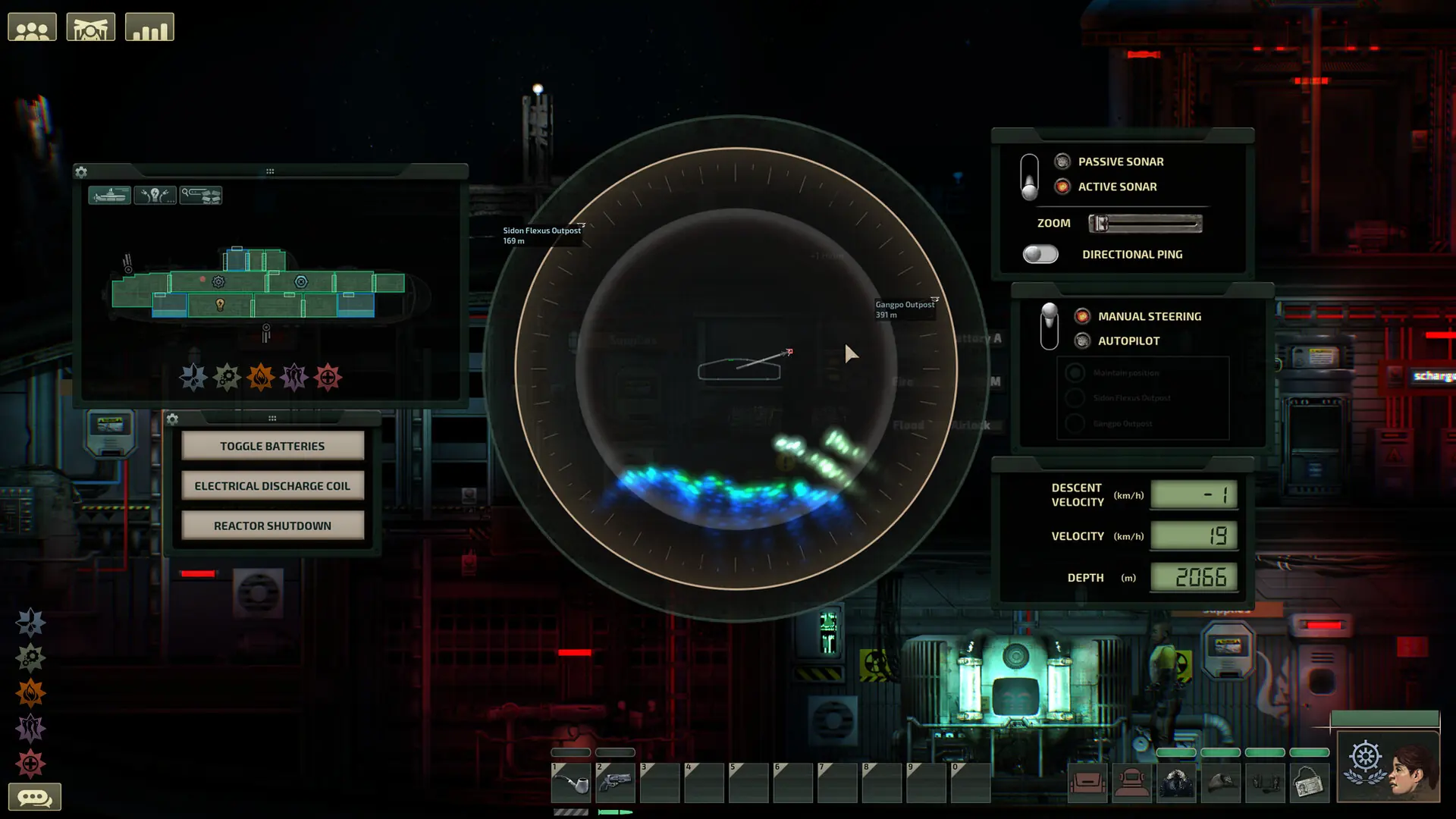
Here's how to change the difficulty on your Barotrauma server. Mission rounds use the Level Difficulty (%) setting, while campaigns follow their own difficulty preset.
Changing Your Barotrauma Difficulty
- 1Log in to Bropanel and select your server.
- 2In the sidebar, go to
Settings. - 3Under
Gameplay, setLevel Difficulty (%)to a value from 0 to 100. - 4Click
Save & Restartto apply your changes.
Changing Your Campaign Difficulty
Campaigns don't use Level Difficulty (%); they follow the campaign difficulty preset instead.
- 1Log in to Bropanel and select your server.
- 2In the sidebar, go to
Settings. - 3Under
Campaign, setDifficulty Presetto Easy, Normal, Hard or Abyssal. Choosing Custom will allow you to use your own multiplier values from the Campaign settings. - 4Click
Save & Restartto apply your changes.