
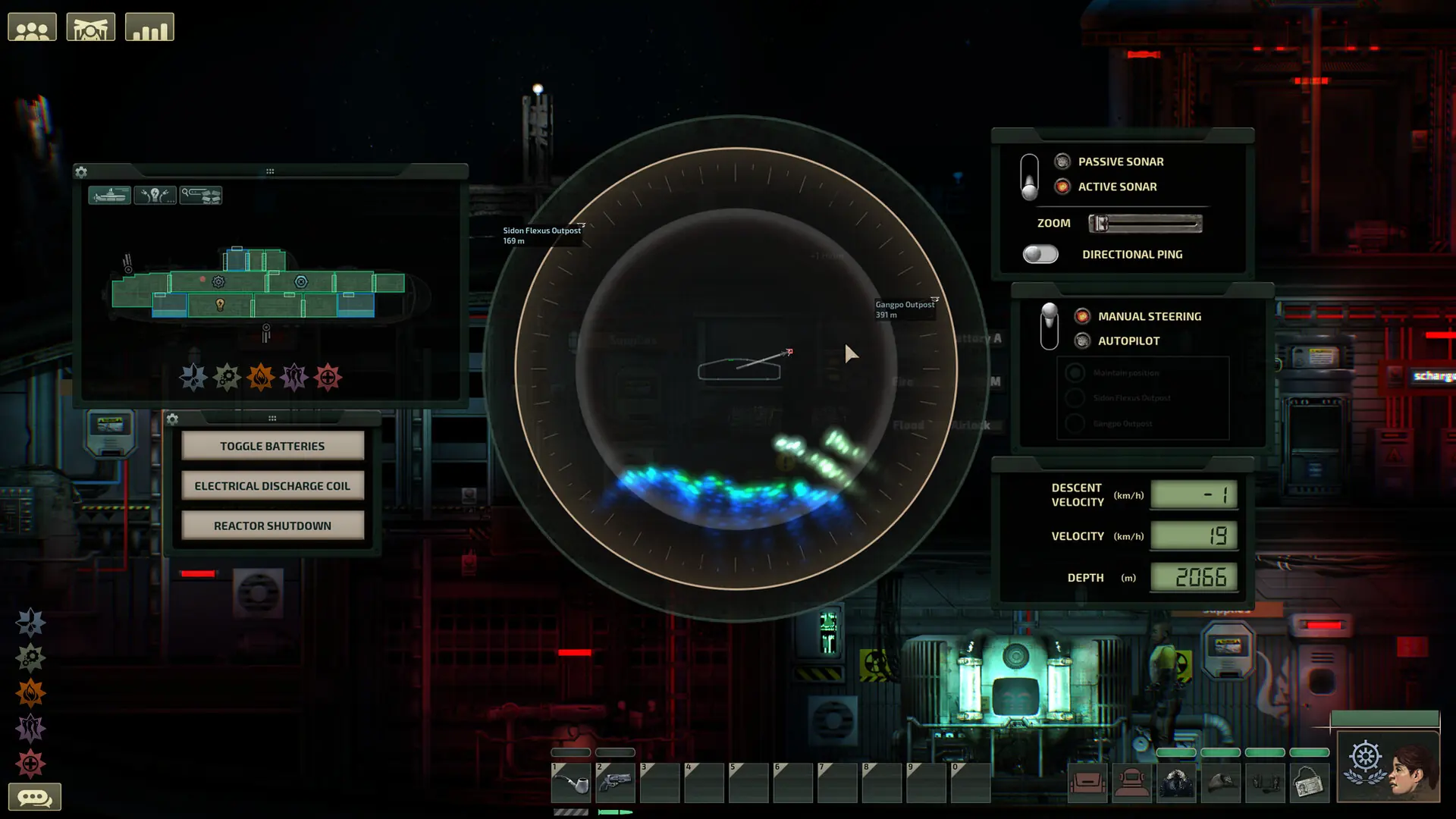
Here's how to change the submarine your crew uses on your Barotrauma server.
Changing Your Barotrauma Submarine
- 1Log in to Bropanel and select your server.
- 2In the sidebar, go to
Settings. - 3Under
Basic, setSubmarineto the submarine you want. - 4Click
Save & Restartto apply your changes.
The available submarines are Azimuth, Barsuk, Berilia, Camel, Dugong, Herja, Humpback, Kastrull, Orca, Orca 2, R-29, Remora, Typhon, Typhon 2, Wallaby and Winterhalter.
If you'd rather let the server pick a random submarine or let players vote on it each round, in Settings, under Gameplay, change the Submarine Selection setting.