
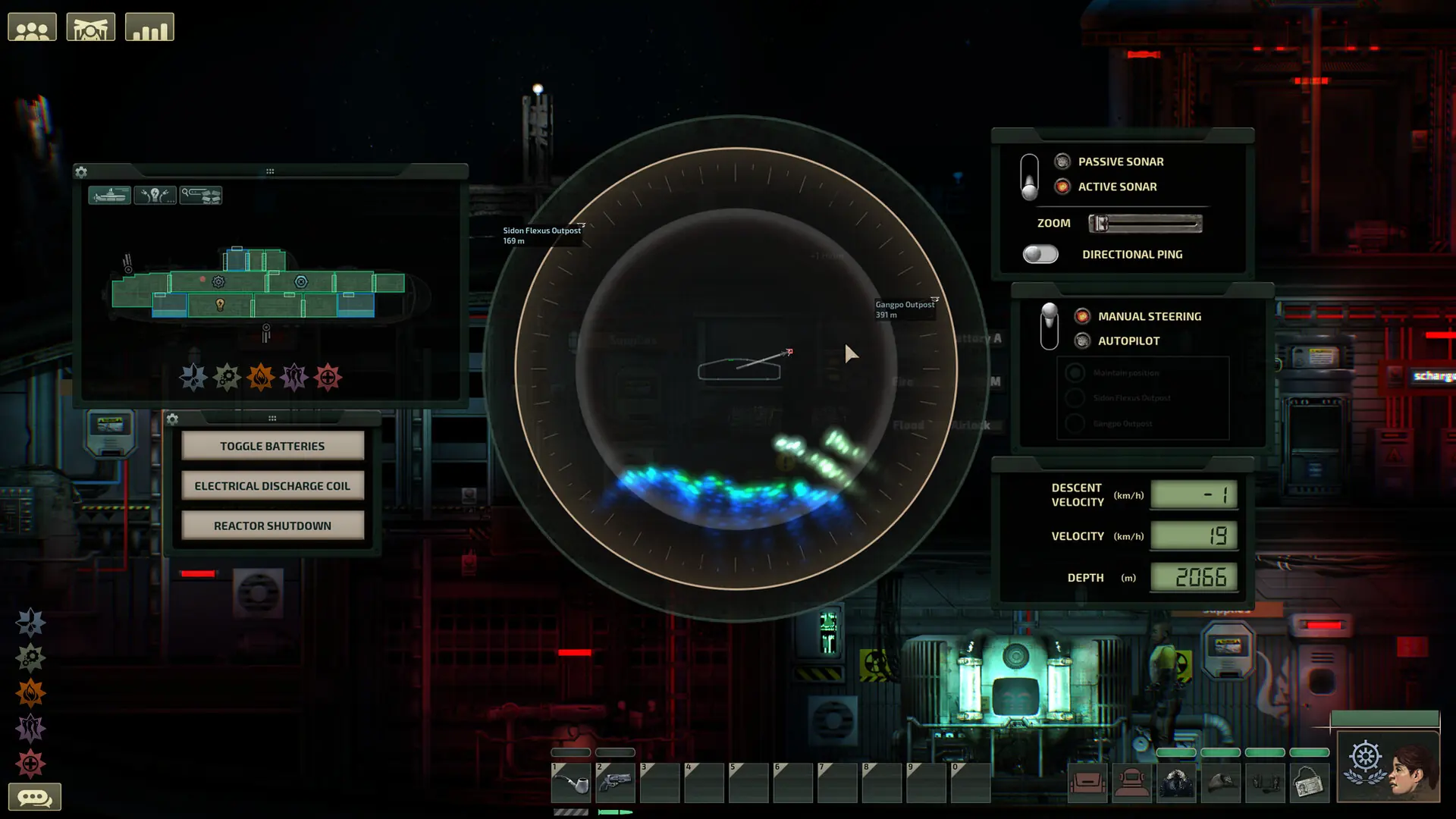
The List Server Publicly setting controls whether your Barotrauma server shows up in the public server browser. Unlisted servers can still be joined by IP unless you set a password.
Listing Your Barotrauma Server Publicly
- 1Log in to Bropanel and select your server.
- 2In the sidebar, go to
Settings. - 3Under
Basic, make sureList Server Publiclyis enabled. - 4Click
Save & Restartto apply your changes.