
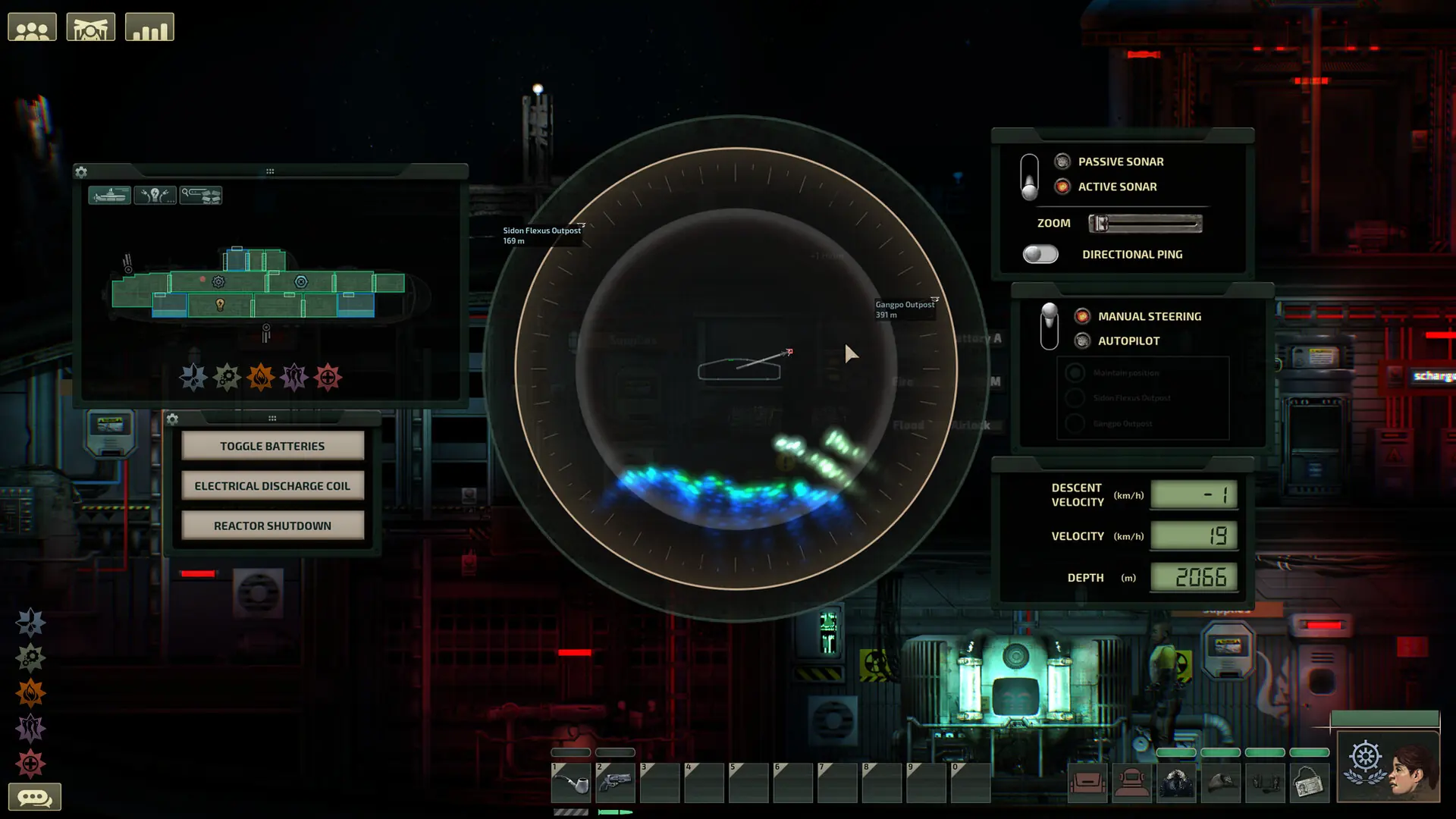
Here's how to change the game mode on your Barotrauma server.
Changing Your Barotrauma Game Mode
- 1Log in to Bropanel and select your server.
- 2In the sidebar, go to
Settings. - 3Under
Basic, setGame Modeto Sandbox, Mission, Campaign or PvP. - 4Click
Save & Restartto apply your changes.
If you'd rather let the server pick a random game mode or let players vote on it, in Settings, under Gameplay, change the Game Mode Selection setting.