
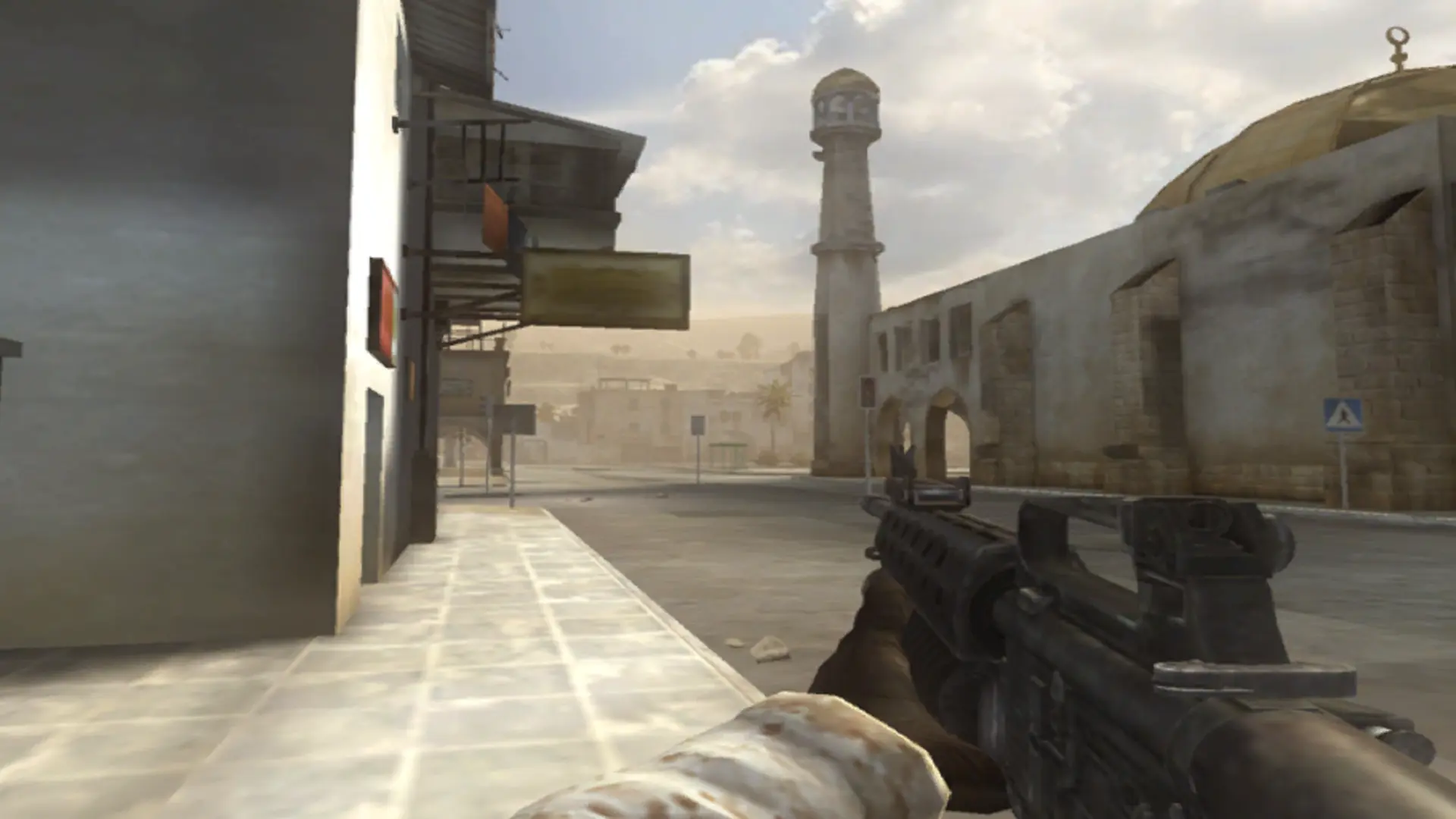
Battlefield 2 has two game modes on your server. Conquest is the classic mode where two teams fight over control points. Co-op puts players on one team against bots.
Changing the Game Mode
- 1Log in to Bropanel and select your server.
- 2In the sidebar, go to
Settings. - 3Under
Gameplay, findGame Modeand selectConquestorCo-op. - 4Click
Save & Restartto apply your changes.
Co-op uses the 16 player version of each map, and not every map has one; maps without it are skipped. See Co-op bot count and Co-op bot difficulty to tune the bots.