
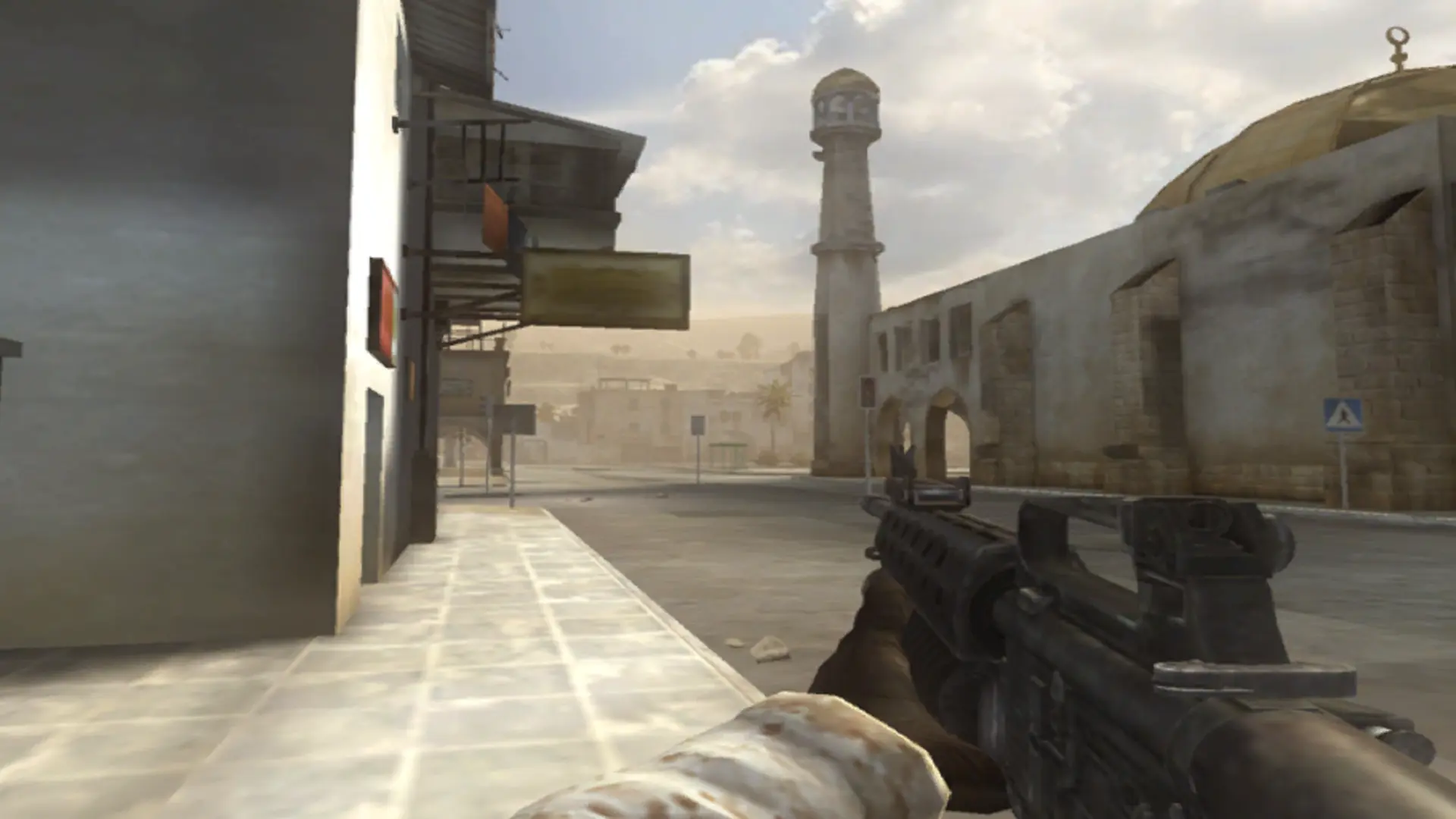
A round on your Battlefield 2 server doesn't start until enough players have joined. Until then players can move around but no tickets are lost.
Changing Players Needed To Start
- 1Log in to Bropanel and select your server.
- 2In the sidebar, go to
Settings. - 3Under
Gameplay, findPlayers Needed To Startand enter the number of players. - 4Click
Save & Restartto apply your changes.
Set it to 0 or 1 to start rounds as soon as someone joins.