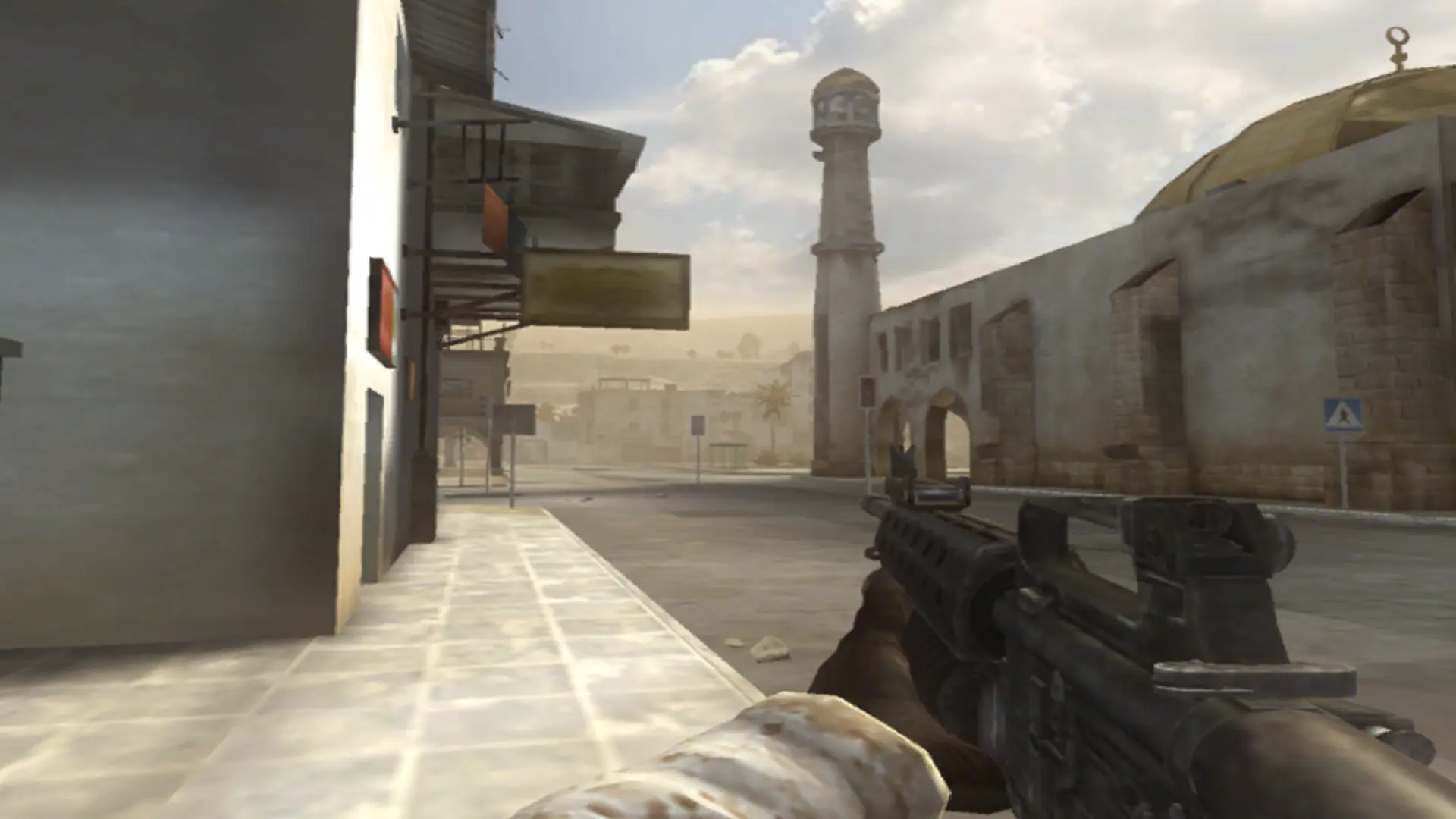
With team kill punish on, a player killed by a teammate can choose to punish them. A player punished 3 times is kicked.
Turning Team Kill Punish On or Off
- Log in to Bropanel and select your server.
- In the sidebar, go to
Settings. - Under
Gameplay, findTeam Kill Punishand turn it on or off. - Click
Save & Restartto apply your changes.