
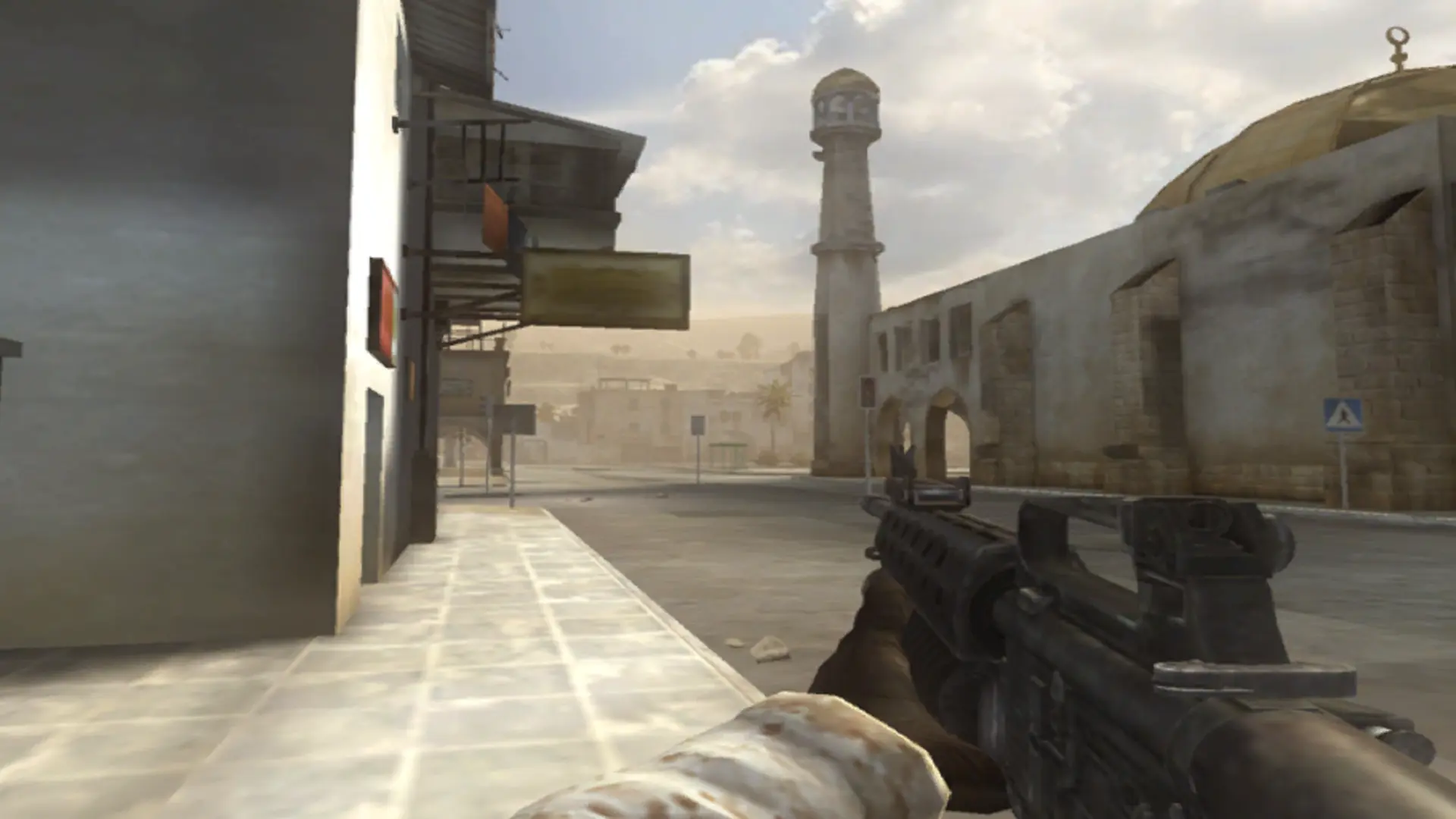
Your server can run the base game or the Special Forces expansion, with its night maps, zip lines and grappling hooks. Every map for both is already installed.
Switching to Special Forces
- 1Log in to Bropanel and select your server.
- 2In the sidebar, go to
Settings. - 3Under
Gameplay, findGameand selectSpecial Forces(orBattlefield 2for the base game). - 4Click
Save & Restartto apply your changes.
Players need Special Forces installed to join a Special Forces server. The two games have different maps, so check your map rotation after switching; maps that aren't part of the chosen game are skipped.