
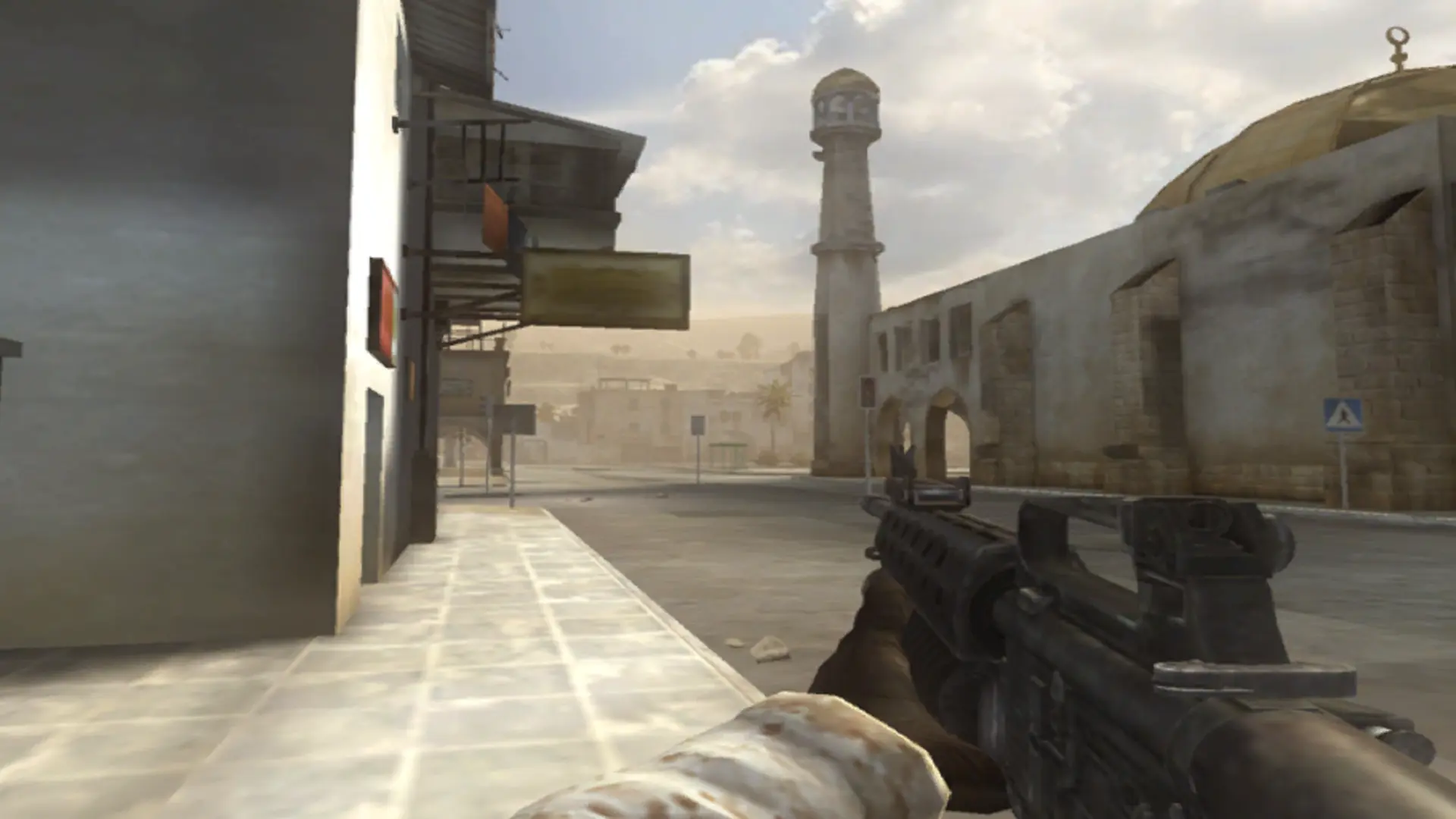
This is what you do if you want to change how many seconds players wait before they respawn on your Battlefield 2 server.
Changing the Respawn Time
- 1Log in to Bropanel and select your server.
- 2In the sidebar, go to
Settings. - 3Under
Gameplay, findRespawn Timeand enter the number of seconds. - 4Click
Save & Restartto apply your changes.
This is also how long a downed player can be revived by a medic. The standard is 15 seconds.