
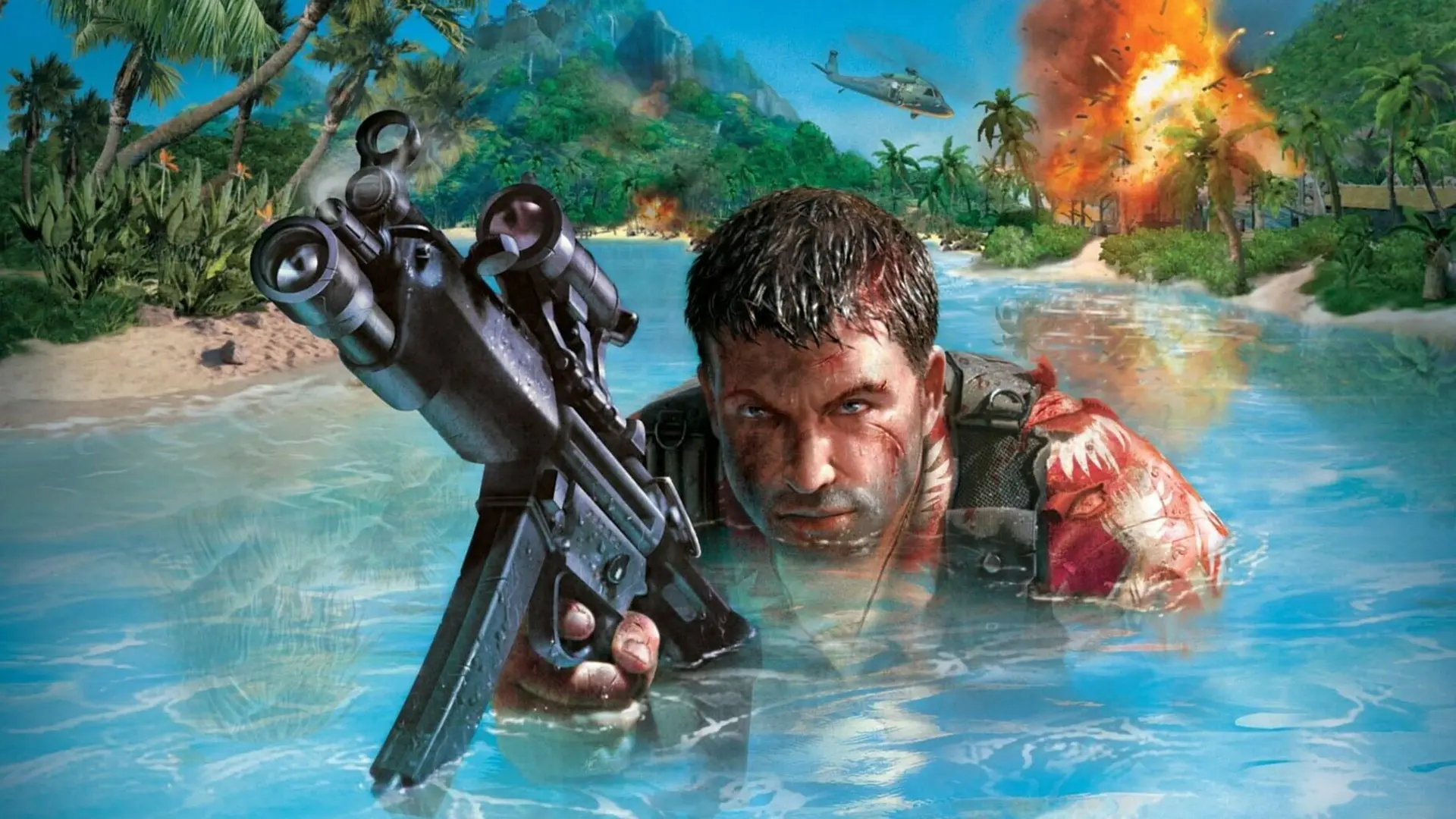
Your Far Cry server can run any of the game's three multiplayer modes, plus three more with the LRv3 Server Mod.
| Game Type | What it is |
|---|---|
Assault | One team captures a chain of checkpoints while the other defends them, then the teams swap sides |
Team Deathmatch | Two teams, the team with the most kills wins |
Free for All | Every player for themselves, the most kills wins |
Capture the Flag | Two teams steal each other's flag (LRv3) |
Capture and Hold | Every player fights to hold one flag the longest (LRv3) |
Capture the Transmission Base | Assault where attackers upload transmissions inside the defenders' bases (LRv3) |
Changing The Game Type
- 1Log in to Bropanel and select your server.
- 2In the sidebar, go to
Settings. - 3Under
Gameplay, changeGame Typeto the mode you want. - 4Click
Save & Restartto apply your changes.
Every map in your Map Cycle is played with this game type. Maps that don't have it are skipped, and the console says which ones.
Note
Capture the Flag, Capture and Hold and Capture the Transmission Base need the LRv3 Server Mod and maps made for them, which don't come with Far Cry. Add the maps first. Until then your server plays Assault.