
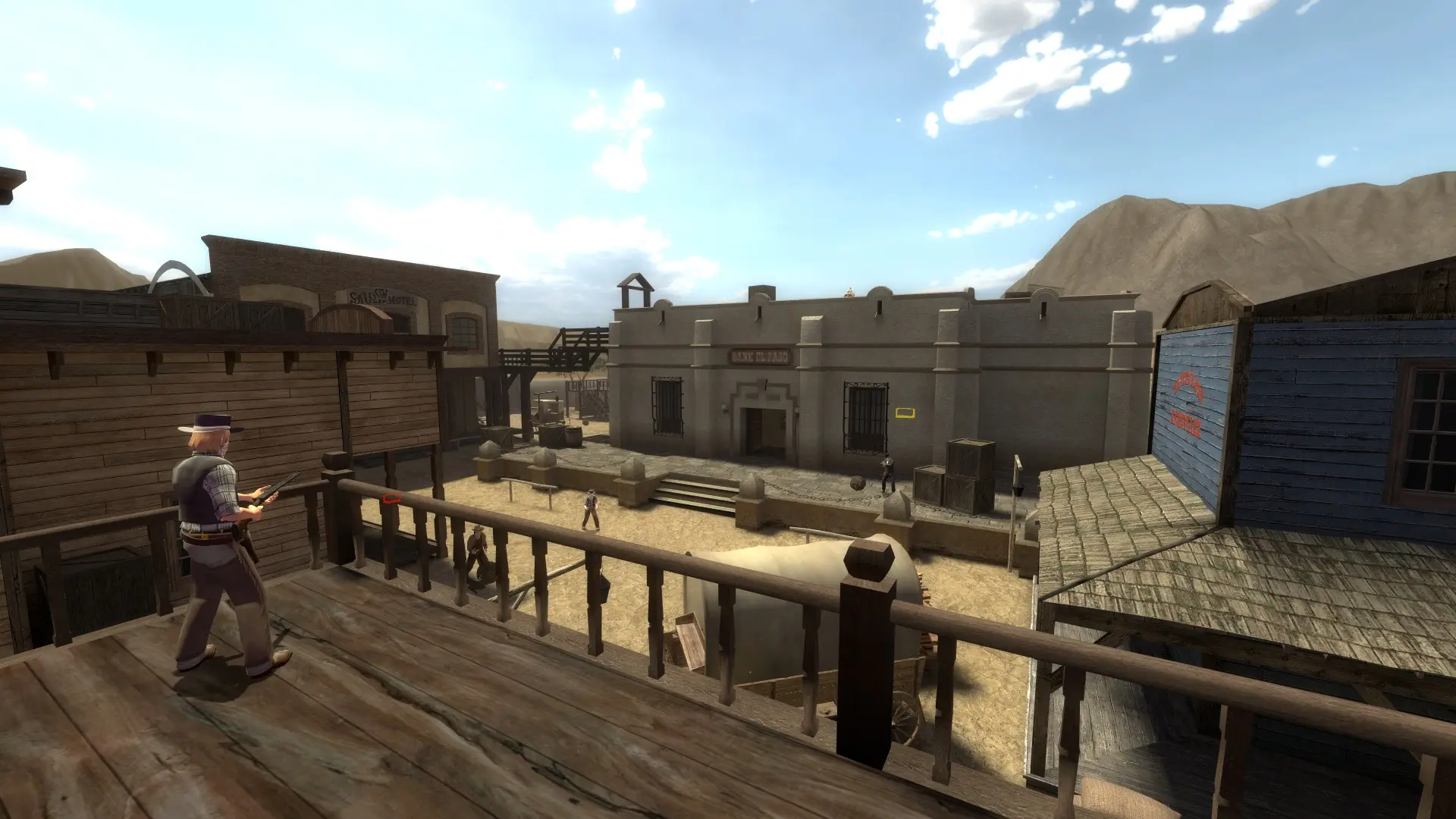
Bots keep your server lively while it fills up. They take a share of your player slots and leave one by one as real players join.
Changing The Number Of Bots
- 1Log in to Bropanel and select your server.
- 2In the sidebar, go to
Settings. - 3Under
Gameplay, editBot Filland enter the percentage of slots to fill with bots, from0to100. The default is20. - 4Click
Save & Restartto apply your changes.
For example, a 20 slot server with Bot Fill at 20 keeps 4 bots around. Set it to 0 to turn bots off.
Tip
Bots join once someone is on the server, so an empty server stays idle and saves resources.