
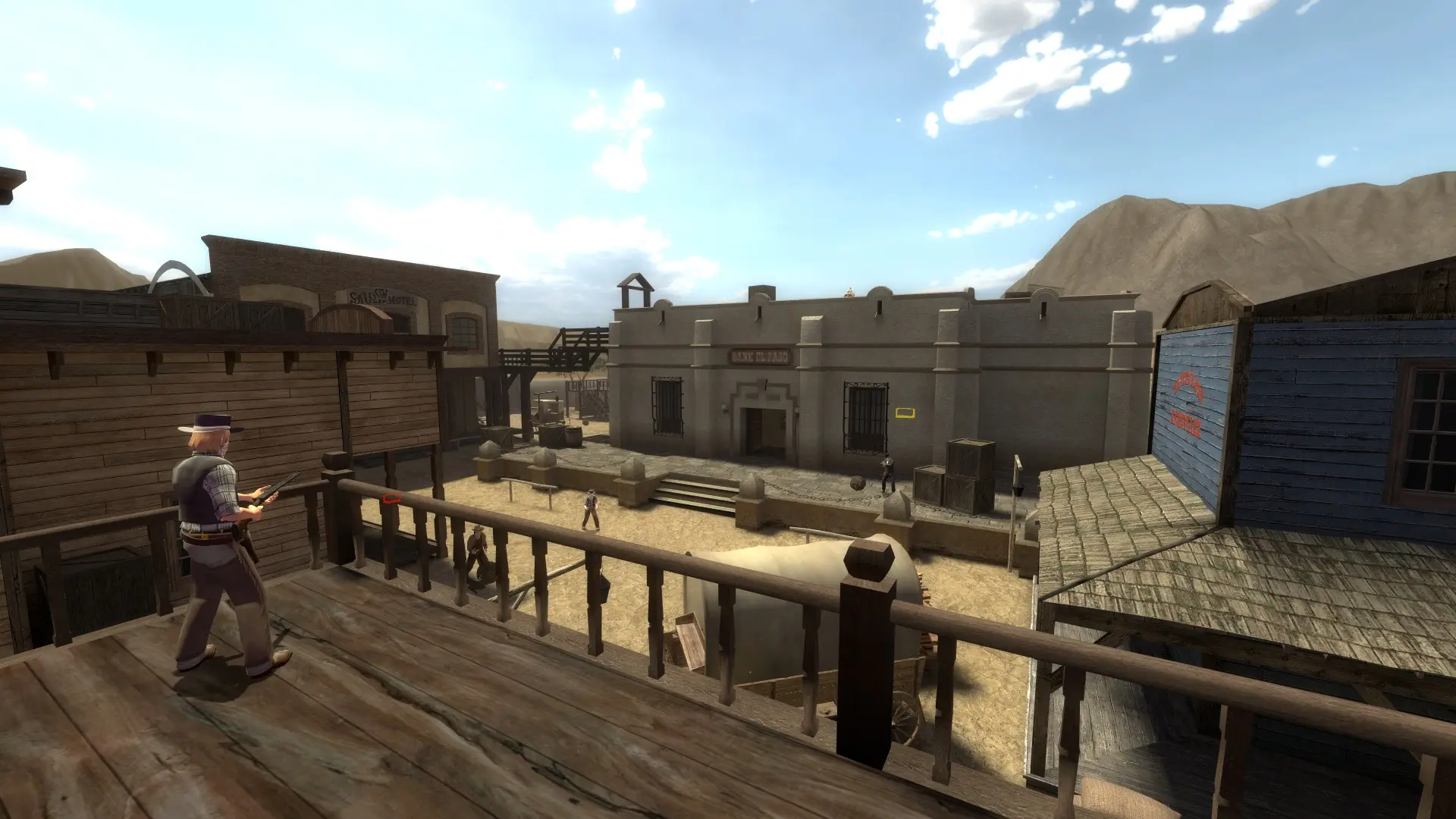
Plugins add admin tools, votes, stats and new gameplay to your Fistful of Frags server. Most plugins need SourceMod, which Game Host Bros installs for you.
Turning On SourceMod
- 1Log in to Bropanel and select your server.
- 2In the sidebar, go to
Settings. - 3Under
Modding, enableSourceMod. - 4Click
Save & Restartto apply your changes.
Your server installs SourceMod and Metamod:Source, and every restart updates them to the newest stable release.
Note
Turning SourceMod off sets your addons folder aside, plugins and configs included, and turning it back on restores it. If you installed SourceMod yourself, leave the setting off so your own copy is left alone.
Installing Plugins
If a plugin came with a .cfg file, upload it to fof/cfg/sourcemod. Extensions (.so files) go in fof/addons/sourcemod/extensions. Use Linux versions of plugins and extensions made for Fistful of Frags or for any Source game.
Adding Yourself As An Admin
- 1Log in to Bropanel and select your server.
- 2In the sidebar, go to
Filesand openfof/addons/sourcemod/configs/admins_simple.ini. - 3Add a line with your Steam ID and
"99:z", for example"STEAM_0:1:12345678" "99:z". - 4Click
Saveand restart your server.
In game, type sm_admin in the console or !admin in chat to open the admin menu.