
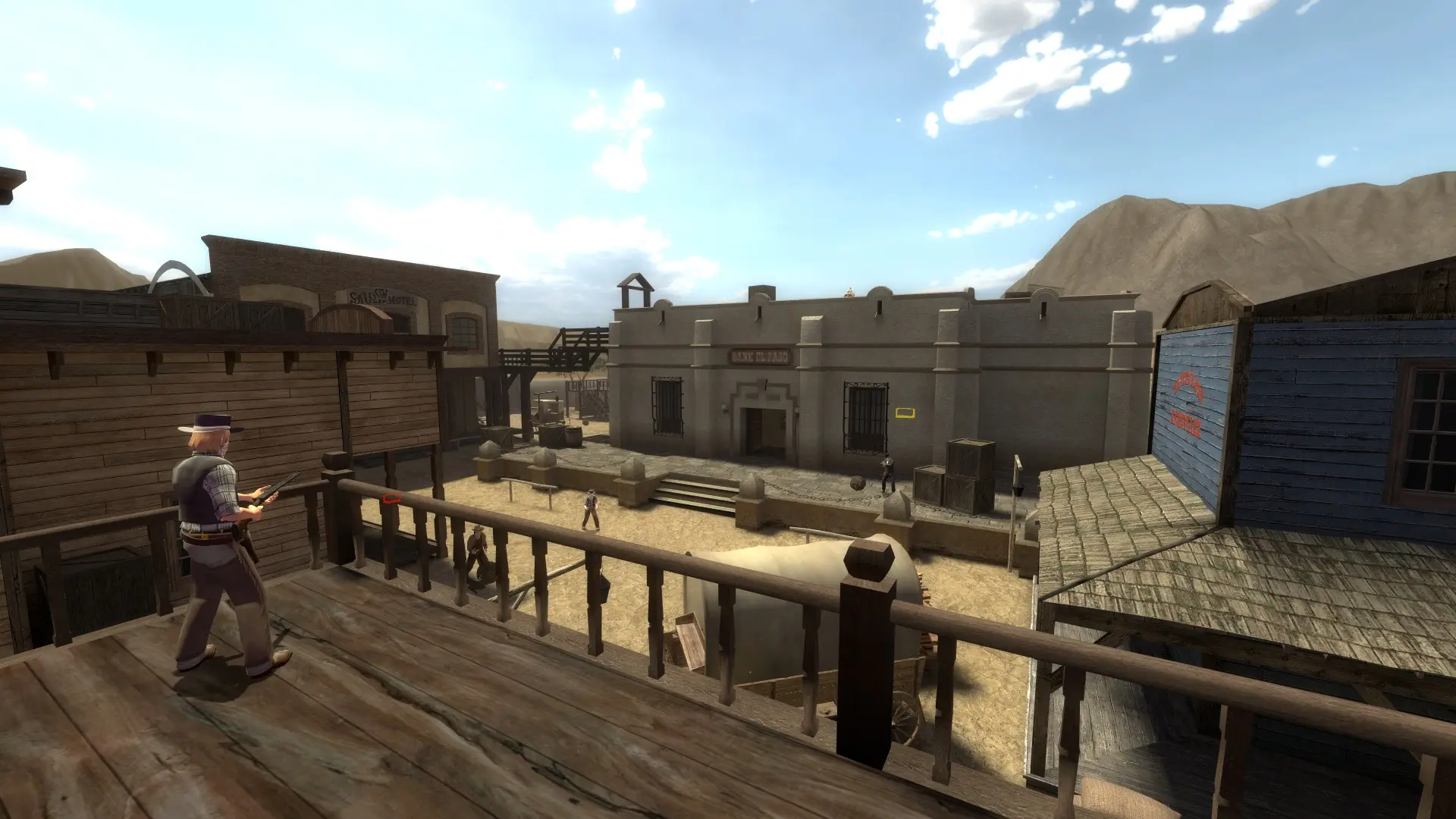
Max players sets how many people can be on your Fistful of Frags server at once.
Changing Max Players
- 1Log in to Bropanel and select your server.
- 2In the sidebar, go to
Settings. - 3Under
Basic, editMax Playersand enter a number from2to24. - 4Click
Save & Restartto apply your changes.
Note
The official maps hold up to 16 players in Shootout and up to 20 in Team Shootout. In those game modes, your server uses that limit when Max Players is set higher. Co-op missions take up to 6 players. The other modes can use all 24 slots.
Bots count toward your player slots and leave as players join.