
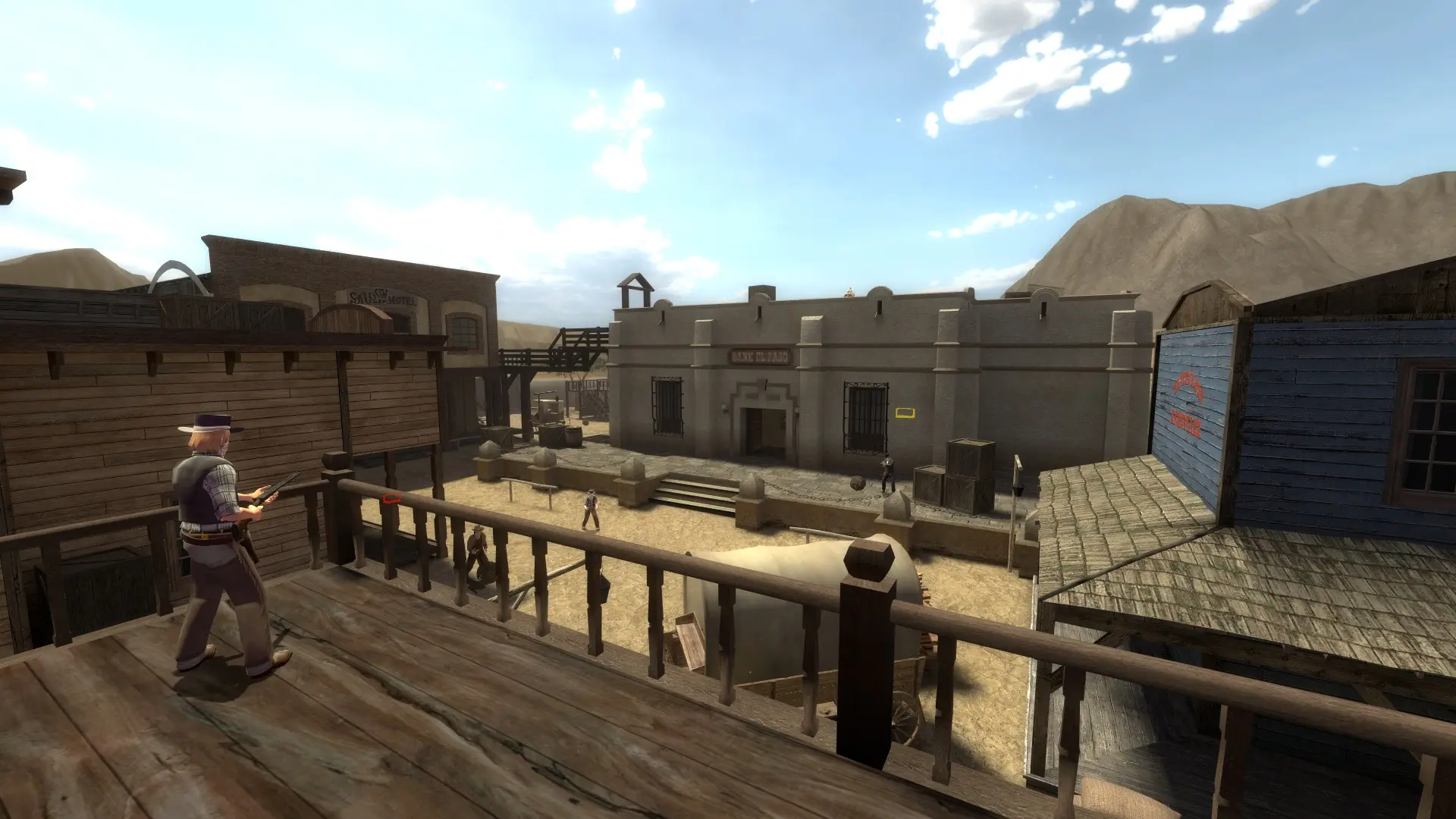
The game mode decides how matches are played on your server. Each mode plays its own set of maps.
| Game Mode | How it plays | Map cycle file |
|---|---|---|
Shootout | Free for all, every gunslinger for themselves. | mapcycle.txt |
Team Shootout | Shootout in 2, 3 or 4 teams. Default. | mapcycle.txt |
Teamplay | Teams fight over objectives on the tp_ maps. | mapcycle_tp.txt |
Break Bad | Team based with its own twists, such as unarmed players or objectives. | mapcycle.txt |
Elimination | Round based: wipe out the other team to win the round. | mapcycle.txt |
Versus | One on one duels in the vs_ arenas. | mapcycle_vs.txt |
Co-op | Up to 6 players take on missions such as a bank assault or a last stand. | mapcycle_cm.txt |
Changing The Game Mode
- 1Log in to Bropanel and select your server.
- 2In the sidebar, go to
Settings. - 3Under
Gameplay, choose aGame Mode. - 4Click
Save & Restartto apply your changes.
Changing The Number Of Teams
In Team Shootout, you choose how many teams play.
- 1Log in to Bropanel and select your server.
- 2In the sidebar, go to
Settings. - 3Under
Gameplay, editTeamsand enter2,3or4. - 4Click
Save & Restartto apply your changes.
When you change the game mode, your server starts on the first map of that mode's map cycle unless you set a Start Map. See Map Rotation to change which maps each mode plays.