
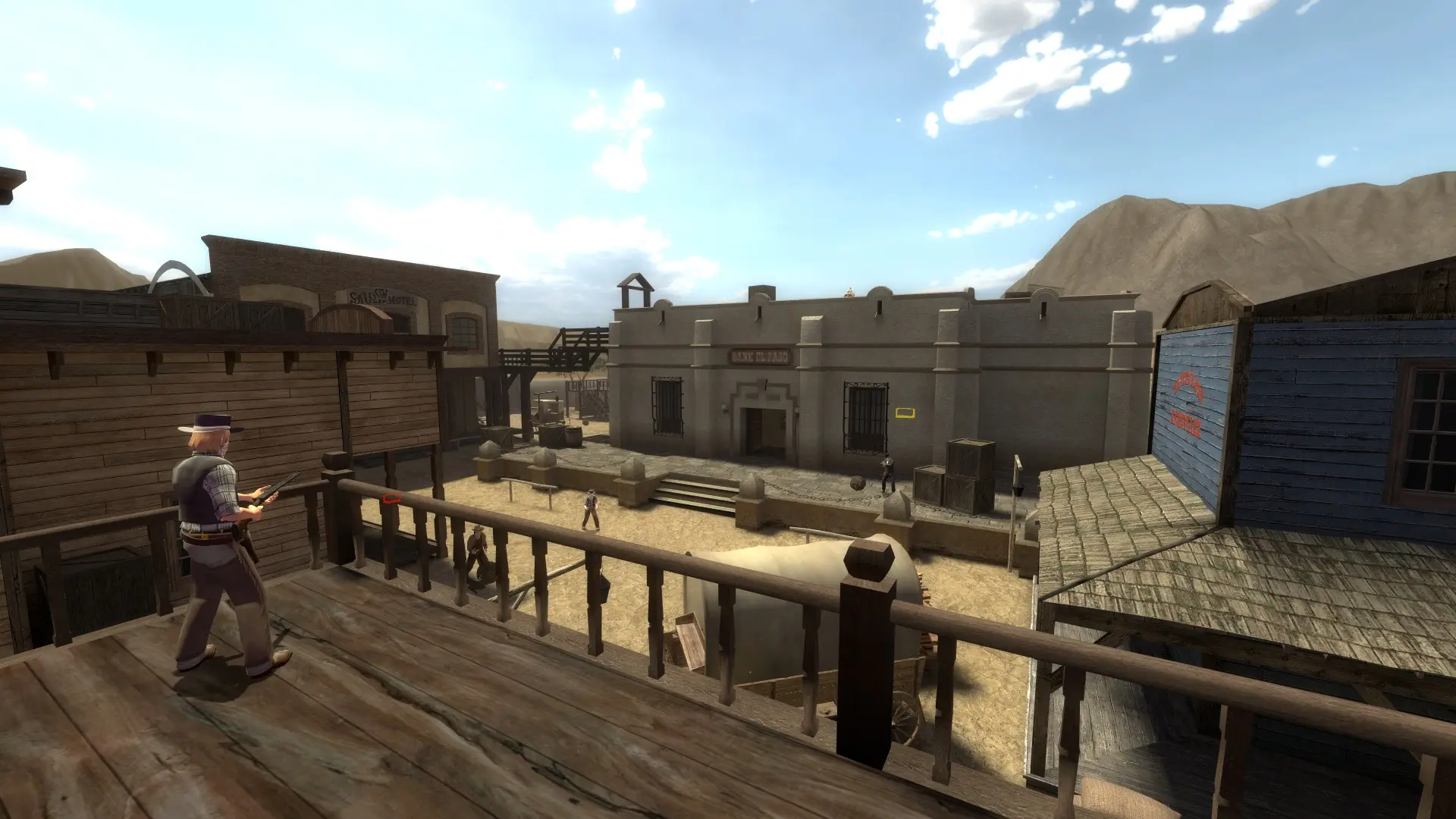
The start map is the map your server loads when it starts or restarts. After that map ends, the Map Rotation takes over. Leave it empty and your server starts on the first map of your game mode's map cycle.
Changing The Start Map
- 1Log in to Bropanel and select your server.
- 2In the sidebar, go to
Settings. - 3Under
Basic, editStart Mapand enter the map name, for examplefof_fistful. - 4Click
Save & Restartto apply your changes.
Pick a map that fits your game mode: fof_ maps for Shootout, Team Shootout, Break Bad and Elimination, tp_ maps for Teamplay, vs_ maps for Versus and cm_ or tp_ maps for Co-op. To use a community map, add it to your server first.