
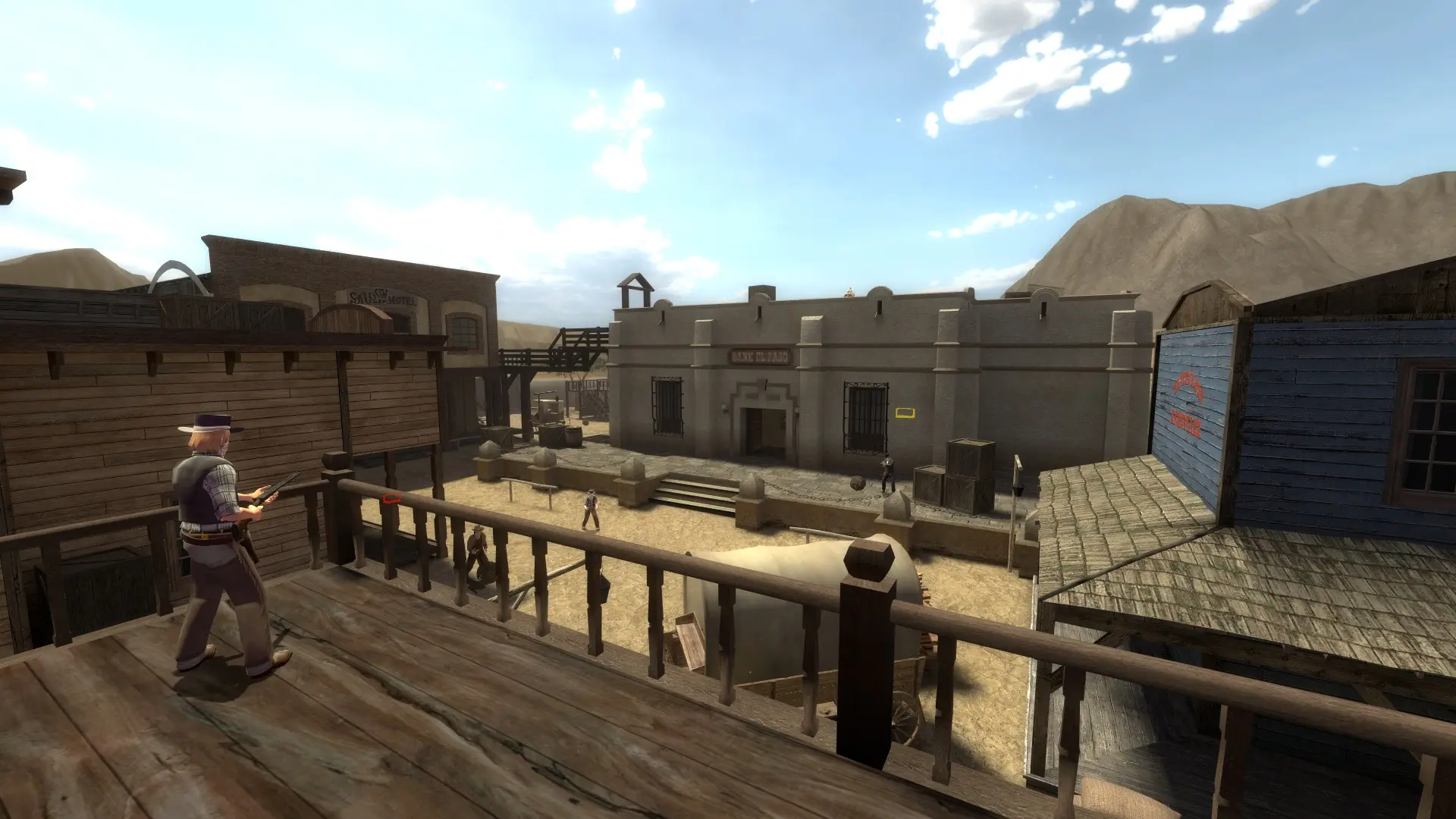
The map rotation is the list of maps your server plays, in order. When a map ends, the server moves to the next map in the list. Each game mode has its own list.
Changing The Map Rotation
- 1Log in to Bropanel and select your server.
- 2In the sidebar, go to
Files. - 3Open the
fof/cfgfolder and click the map cycle file for your game mode:mapcycle.txtforShootout,Team Shootout,Break BadandElimination,mapcycle_tp.txtforTeamplay,mapcycle_vs.txtforVersusormapcycle_cm.txtforCo-op. - 4Put one map name on each line, in the order you want, for example
fof_fistful,fof_depotandfof_desperados. - 5Click
Saveand restart your server.
The first map after a restart is your Start Map, or the first map in the list when no start map is set.
These are the stock maps: fof_cripplecreek, fof_depot, fof_desperados, fof_fistful, fof_impact, fof_nest, fof_overtop, fof_revenge, fof_robertlee, fof_sweetwater, fof_winterlong, the 12 player fof_nest_12, fof_robertlee_12, fof_sawmill_12, fof_sweetwater_12, fof_tortuga_12 and fof_tramonto_12, the Teamplay maps tp_abandoned, tp_assault, tp_coastal, tp_eliminator, tp_forest, tp_loothill, tp_riobravo, tp_snowy, tp_station and tp_yosemite, the Versus arenas vs_desert, vs_forest and vs_river, and the Co-op map cm_forest.
Note
Fistful of Frags skips a map that holds fewer players than your Max Players, for example a _12 map on a 16 slot server.