
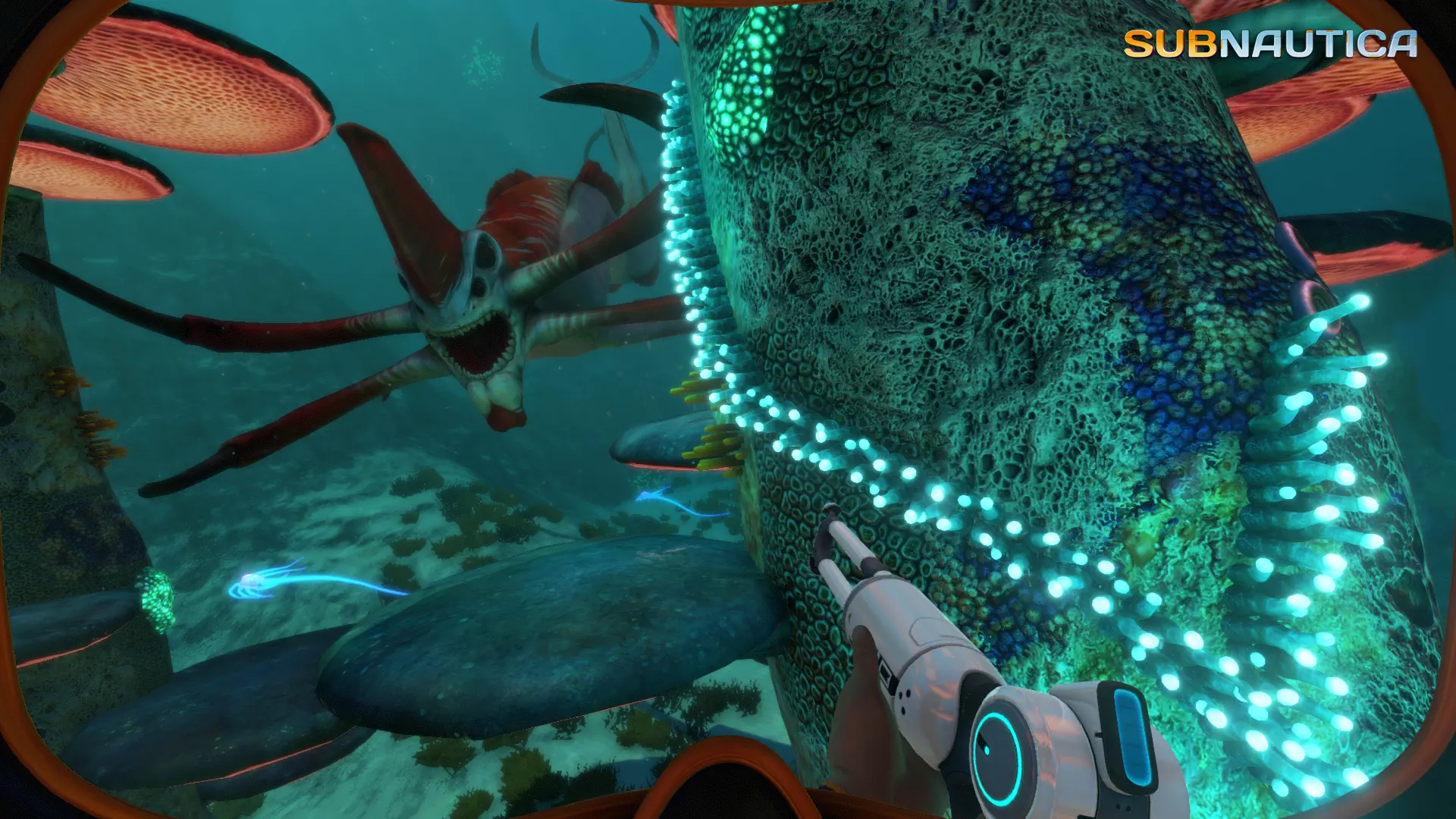
Your Subnautica server saves the world automatically while players are on it. The auto save interval sets how often.
Changing the Auto Save Interval
- 1Log in to Bropanel and select your server.
- 2In the sidebar, go to
Settings. - 3Under
Gameplay, editAuto Save Intervaland enter the time between saves in milliseconds. - 4Click
Save & Restartto apply your changes.
The default is 120000, which is 2 minutes. The lowest value is 1000, which is 1 second.
| Time between saves | Value |
|---|---|
| 1 minute | 60000 |
| 2 minutes | 120000 |
| 5 minutes | 300000 |
| 10 minutes | 600000 |
The world also saves when your server stops or restarts. To save right away, type save in the Console page of Bropanel.