
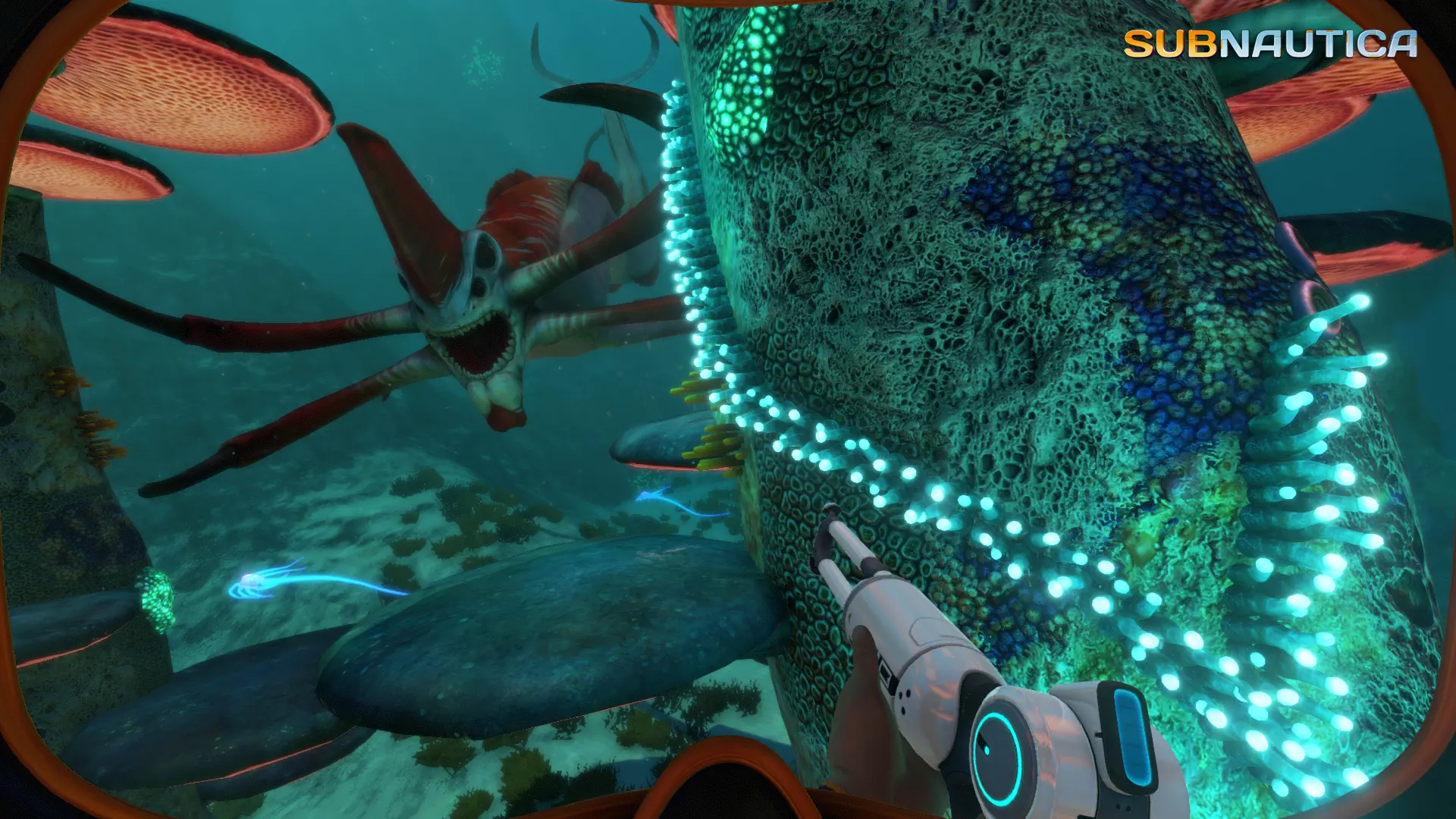
The game mode decides what players have to survive on your Subnautica server.
| Game Mode | What it does |
|---|---|
SURVIVAL | The standard game. Players manage oxygen, health, food and water. |
FREEDOM | No food or water to manage. Oxygen and health still matter. |
HARDCORE | Survival where death is permanent. A player who dies can't rejoin the world. |
CREATIVE | No survival needs, all blueprints unlocked, and crafting and building cost nothing. |
Changing the Game Mode
- 1Log in to Bropanel and select your server.
- 2In the sidebar, go to
Settings. - 3Under
Gameplay, setGame ModetoSURVIVAL,FREEDOM,HARDCOREorCREATIVE. - 4Click
Save & Restartto apply your changes.
New players get this game mode the first time they join. Players who joined before keep the game mode they had.
Switching Players Who Already Joined
- 1Set
Game ModeinSettingsas above, so new players get it too. - 2Join your server and log in as an admin.
- 3Type
/changeservergamemode CREATIVEin the chat, with the game mode you want, and pressEnter.