
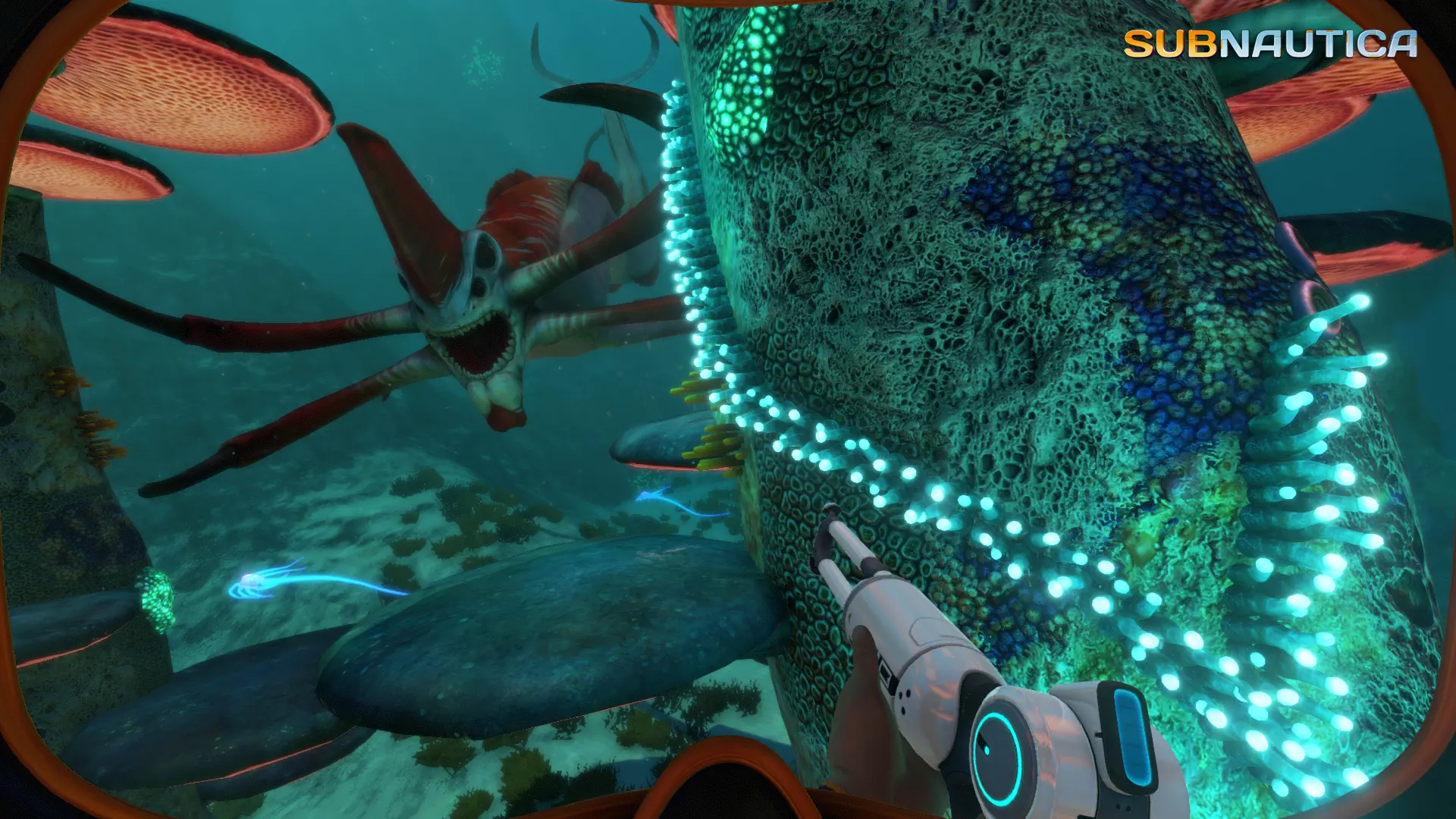
Subnautica has a developer console for cheat commands, such as spawning items. On your server, moderators and admins can use it and other players can't. Disable In-Game Console turns it off for everyone.
Turning Off the In-Game Console
- 1Log in to Bropanel and select your server.
- 2In the sidebar, go to
Settings. - 3Under
Gameplay, turn onDisable In-Game Console. - 4Click
Save & Restartto apply your changes.
Chat commands such as /login and /kick still work. Who counts as a moderator is set by the Default Player Permission and by admins in game.
To allow the console again, turn off Disable In-Game Console and click Save & Restart.