
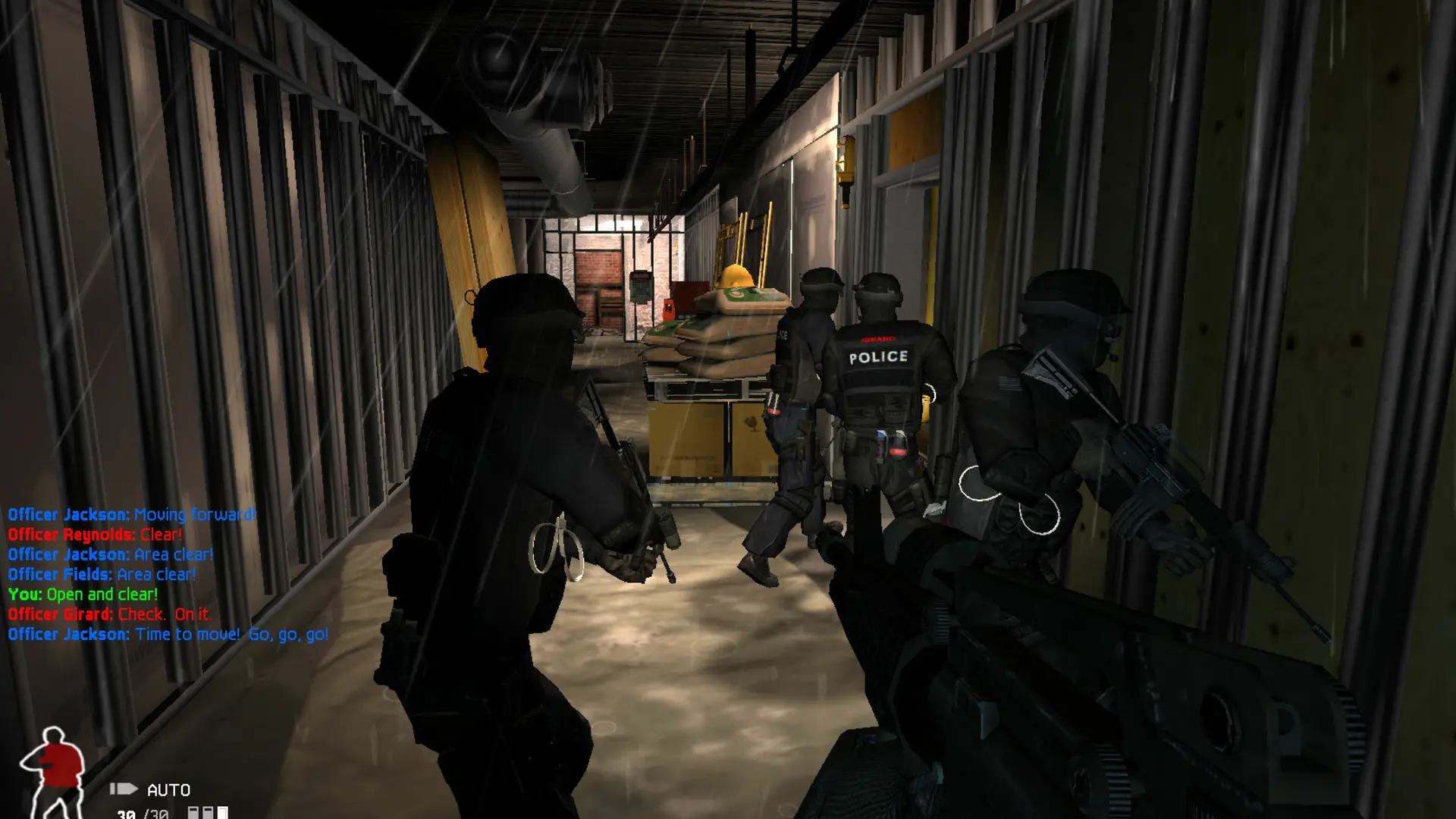
The admin password lets you kick and ban players, change the map and start or end a round while you play on your SWAT 4 server. Your server already has a random admin password; here's how to set your own and use it.
Setting Your Admin Password
- 1Log in to Bropanel and select your server.
- 2In the sidebar, go to
Settings. - 3Under
Basic, editAdmin Passwordand enter the password you want, 6 to 20 letters, numbers, dashes or underscores. - 4Click
Save & Restartto apply your changes.
Logging In As Admin
- 1Join your server.
- 2Press the
~key to open the console. - 3Type
SADfollowed by a space and your admin password, then pressEnter.
Once you're logged in, you can use these console commands:
| Command | What it does |
|---|---|
Kick <player> | Kicks a player from the server |
KickBan <player> | Kicks a player and bans them |
Switch <map> | Changes to another map, for example Switch SP-Hospital |
StartGame | Starts the round |
AbortGame | Ends the current round |