
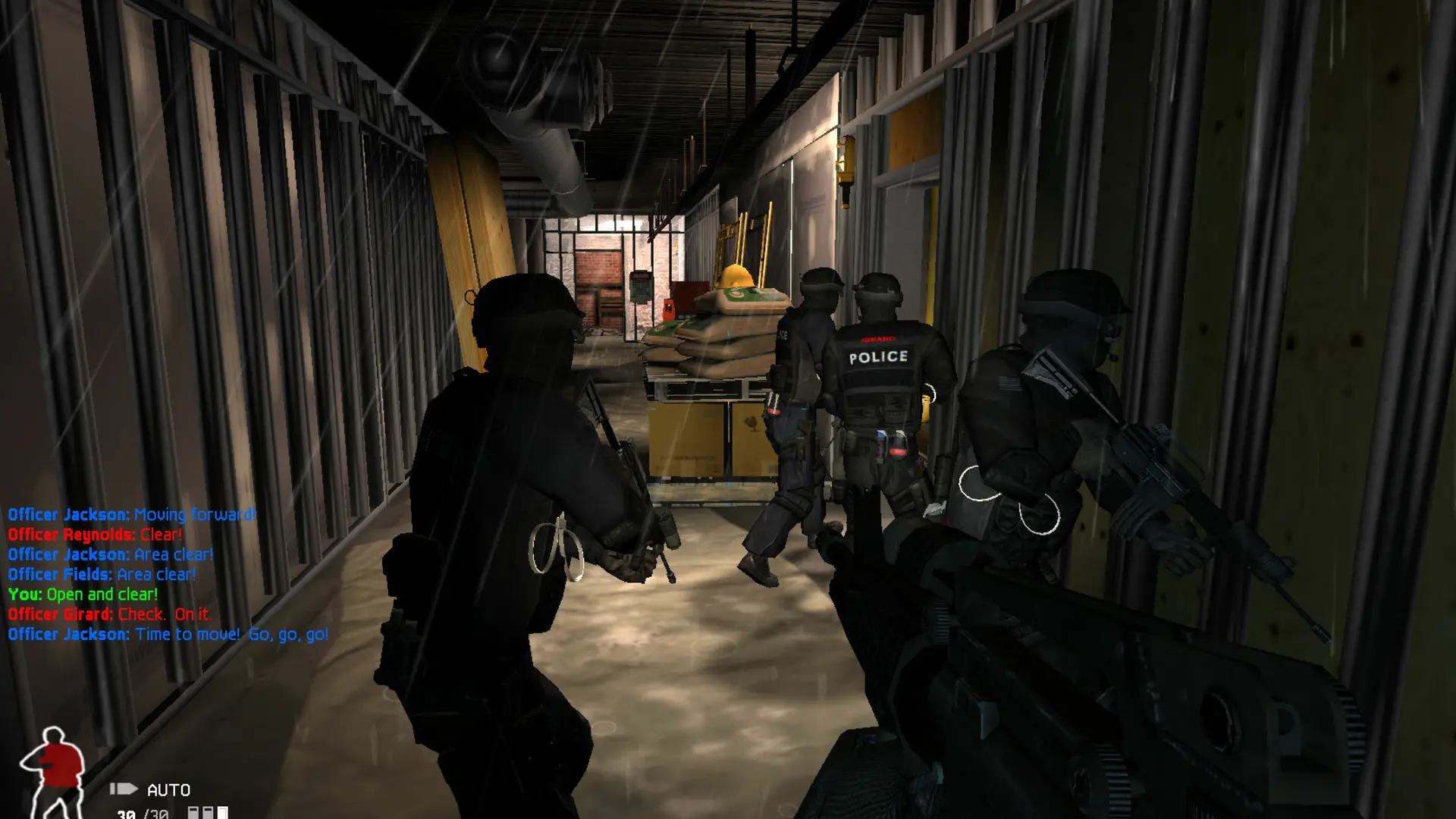
SWAT 4 mods such as SWAT: Elite Force come as a folder that sits next to the game's Content folder. Here's how to run one on your SWAT 4 server.
Uploading The Mod
Turning The Mod On
- 1Log in to Bropanel and select your server.
- 2In the sidebar, go to
Settings. - 3Under
Modding, editMod Folderand enter the name of the mod's folder, for exampleSEF. - 4Click
Save & Restartto apply your changes.
The server runs the mod on SWAT 4 or The Stetchkov Syndicate, whichever the mod is made for. Players need the same mod and version to join. To play without the mod again, clear Mod Folder and click Save & Restart.
Note
Many mods have their own server settings. Edit them in the SwatGUIState.ini file in the mod's System folder. The server's Settings still set the name, password, players, game type and maps.