
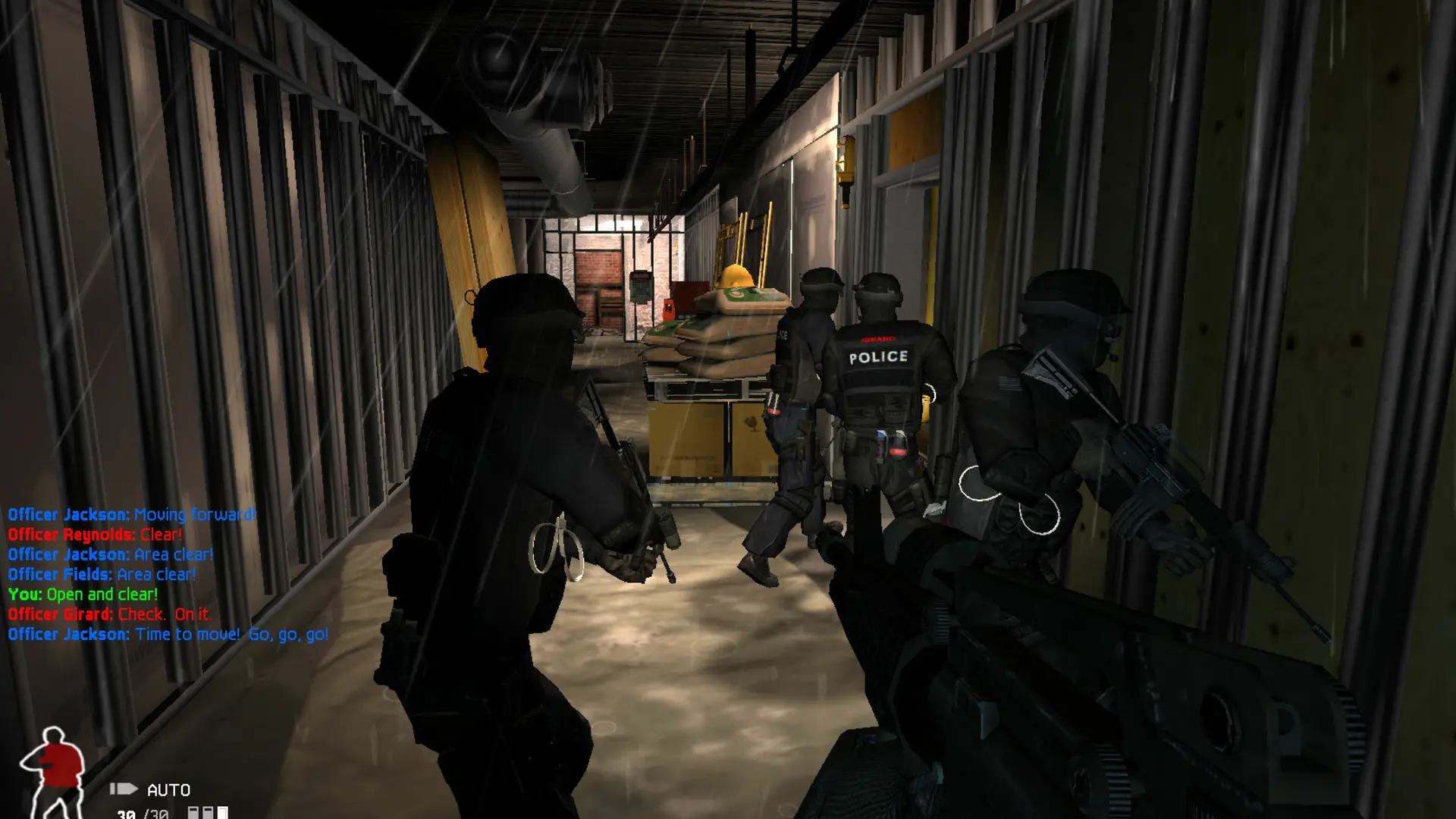
This is what you do if you want your SWAT 4 server to play more or fewer rounds on a map before moving to the next one in your map rotation.
Changing The Rounds Per Map
- 1Log in to Bropanel and select your server.
- 2In the sidebar, go to
Settings. - 3Under
Gameplay, editRounds Per Mapand enter the number of rounds you want. - 4Click
Save & Restartto apply your changes.