
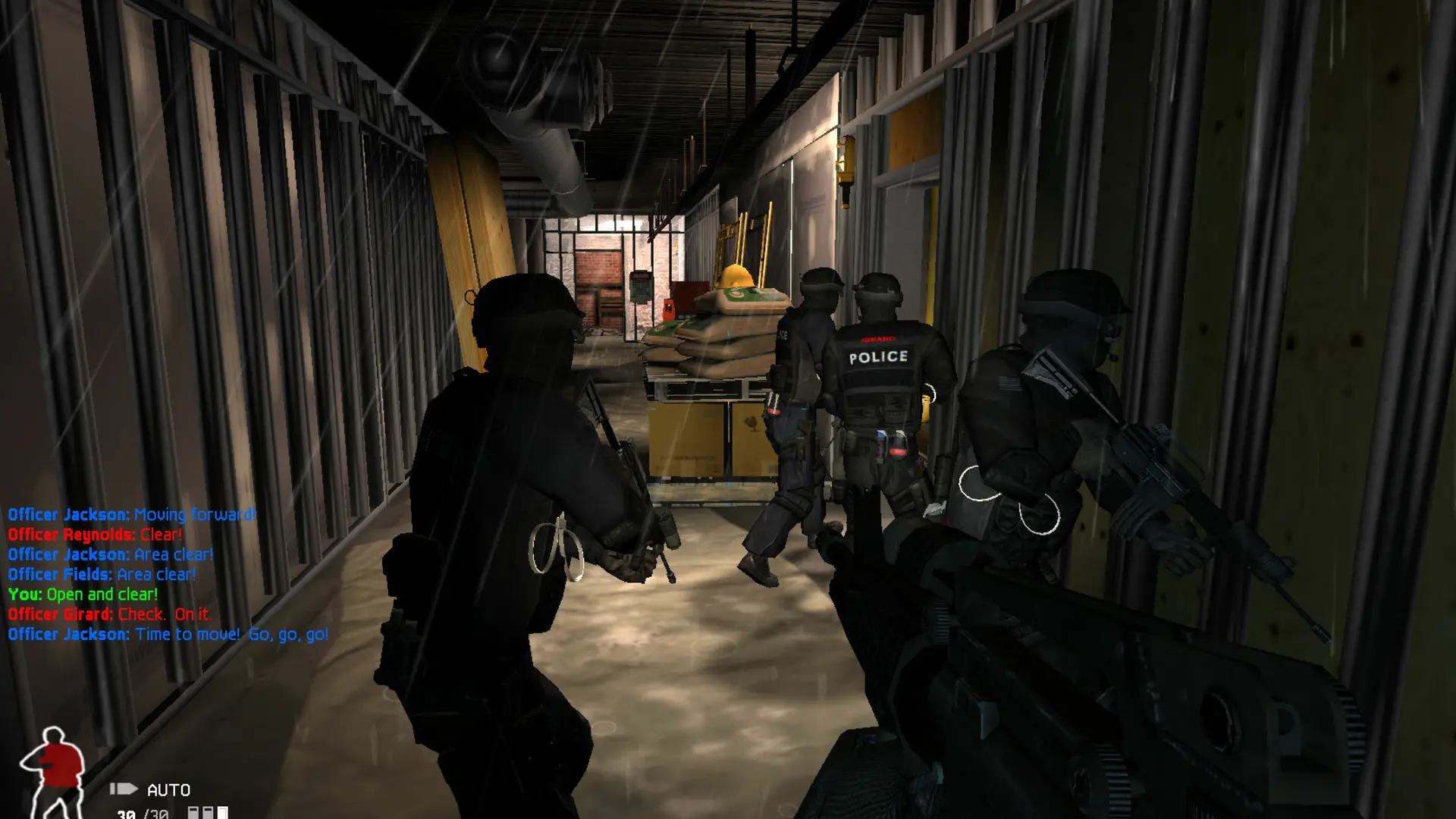
With Quick Round Reset on, your SWAT 4 server starts the next round on the same map without reloading it, so rounds start faster. Doors, windows and other things in the map stay as the last round left them. It's on by default.
Changing Quick Round Reset
- 1Log in to Bropanel and select your server.
- 2In the sidebar, go to
Settings. - 3Under
Gameplay, turnQuick Round Reseton or off. - 4Click
Save & Restartto apply your changes.
CO-OP always reloads the mission between rounds, so this setting only changes the versus game types.