
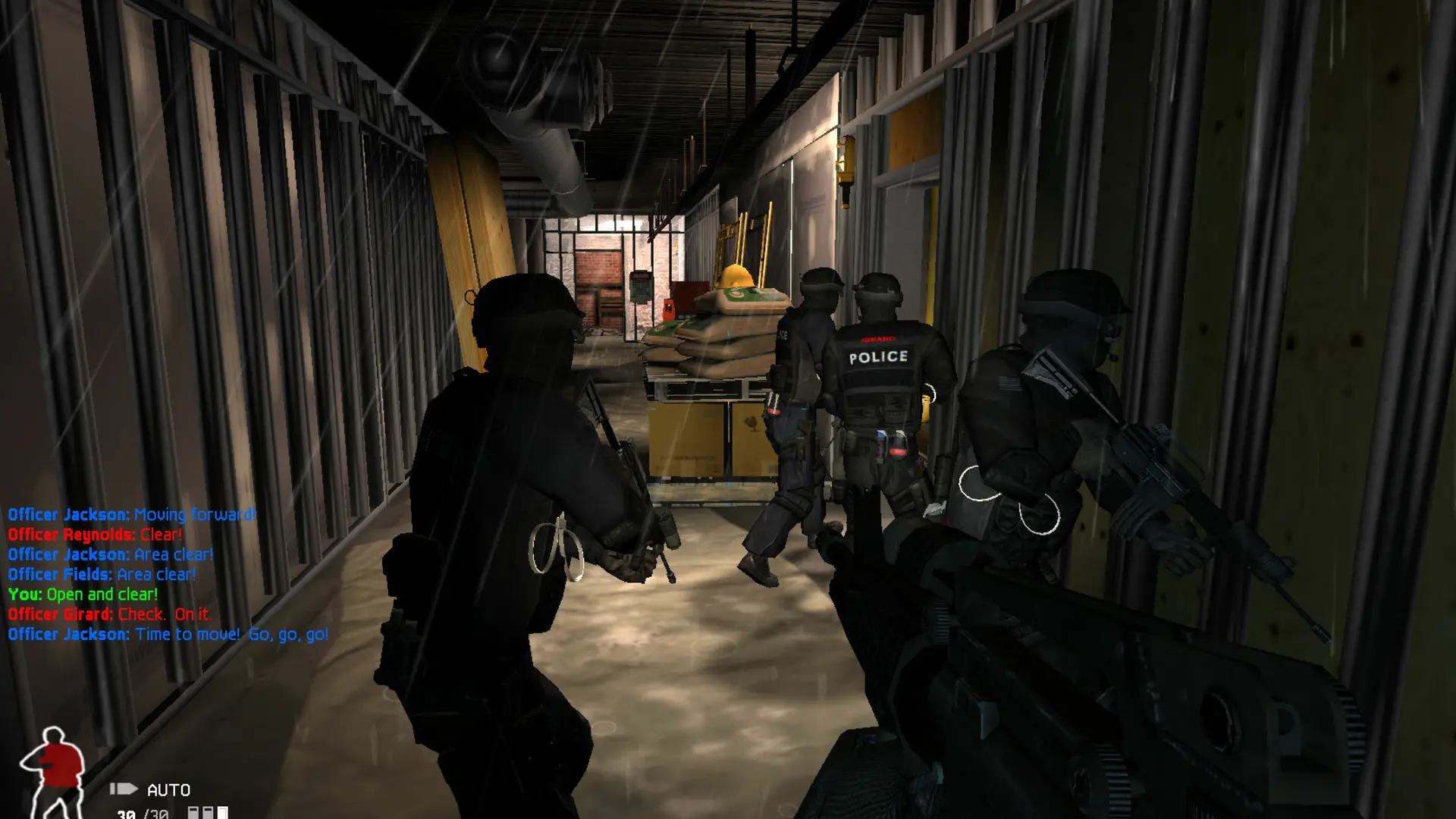
Your server can run SWAT 4 or its expansion, SWAT 4: The Stetchkov Syndicate. The expansion adds seven missions, new weapons, 10-player CO-OP and the Smash and Grab game type, and it can still play every SWAT 4 map. Switching only takes a restart.
Changing The Game
- 1Log in to Bropanel and select your server.
- 2In the sidebar, go to
Settings. - 3Under
Basic, changeGametoSWAT 4orThe Stetchkov Syndicate. - 4Click
Save & Restartto apply your changes.
Players need the same game to join: a SWAT 4 player can't join a Stetchkov Syndicate server, and the other way around.
Note
The Stetchkov Syndicate needs its files on your server. The GOG Gold Edition installer includes them; with your own archive, make sure it has the ContentExpansion folder. See Install the Game Files.