
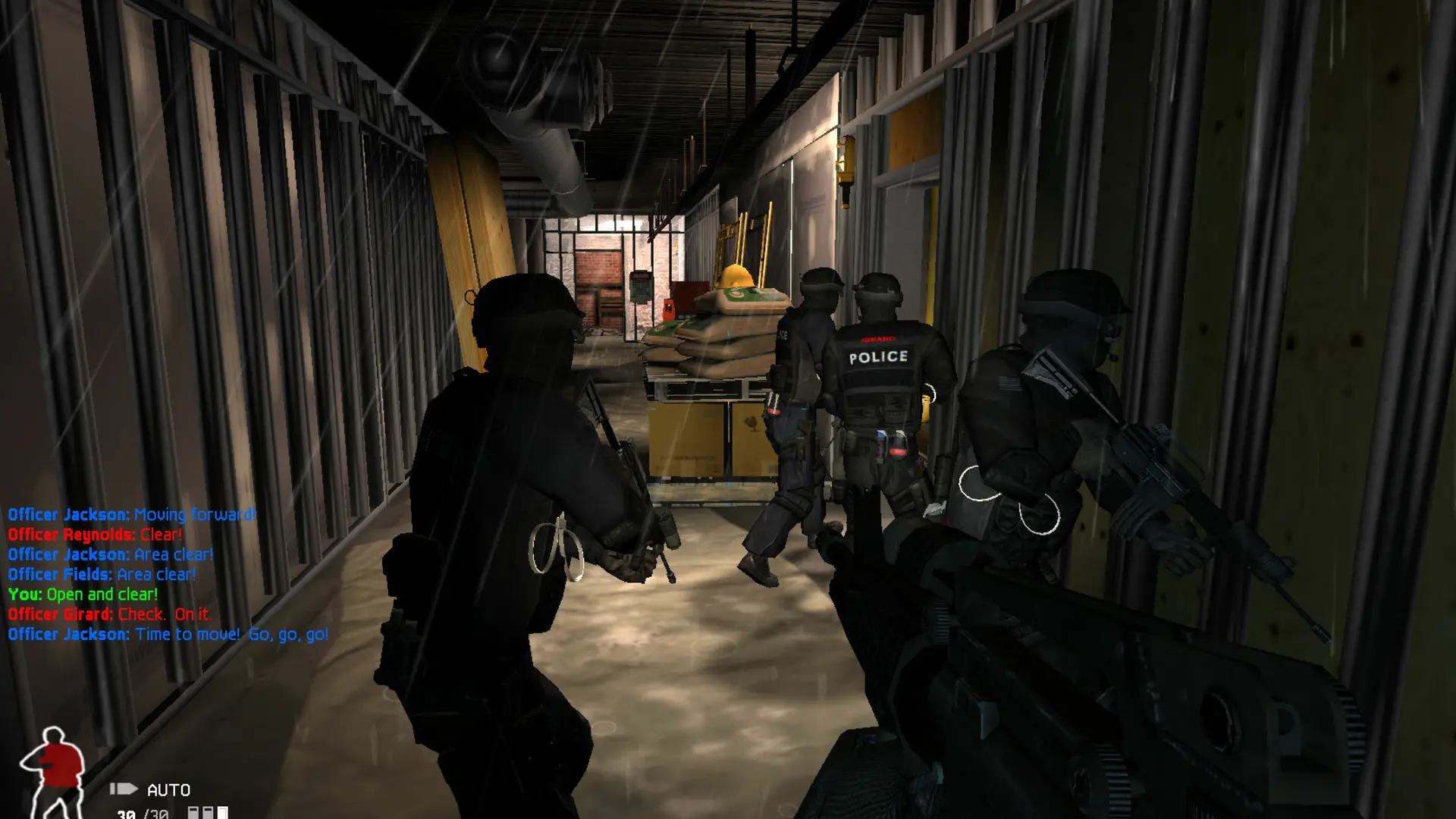
Your SWAT 4 server can run CO-OP missions or one of the versus game types where SWAT officers face a team of suspects.
| Game Type | What happens | Game |
|---|---|---|
CO-OP | Players team up as SWAT officers to play the single-player missions | Both |
Barricaded Suspects | Teams score points by arresting or killing the other team | Both |
VIP Escort | SWAT escorts a VIP to the exit while the suspects try to capture and execute him | Both |
Rapid Deployment | SWAT disarms bombs before the timer runs out while the suspects defend them | Both |
Smash and Grab | Suspects carry a briefcase to the exit while SWAT tries to stop them | The Stetchkov Syndicate |
Changing The Game Type
- 1Log in to Bropanel and select your server.
- 2In the sidebar, go to
Settings. - 3Under
Gameplay, changeGame Typeto the mode you want. - 4Click
Save & Restartto apply your changes.
CO-OP plays the SP- maps and the versus game types play the MP- maps, so update your map rotation when you switch. If you leave Maps blank, the server picks matching maps for you.
Note
If you pick Smash and Grab on a server that runs SWAT 4, it starts CO-OP instead and says so in the Console. Switch to The Stetchkov Syndicate to play it.