
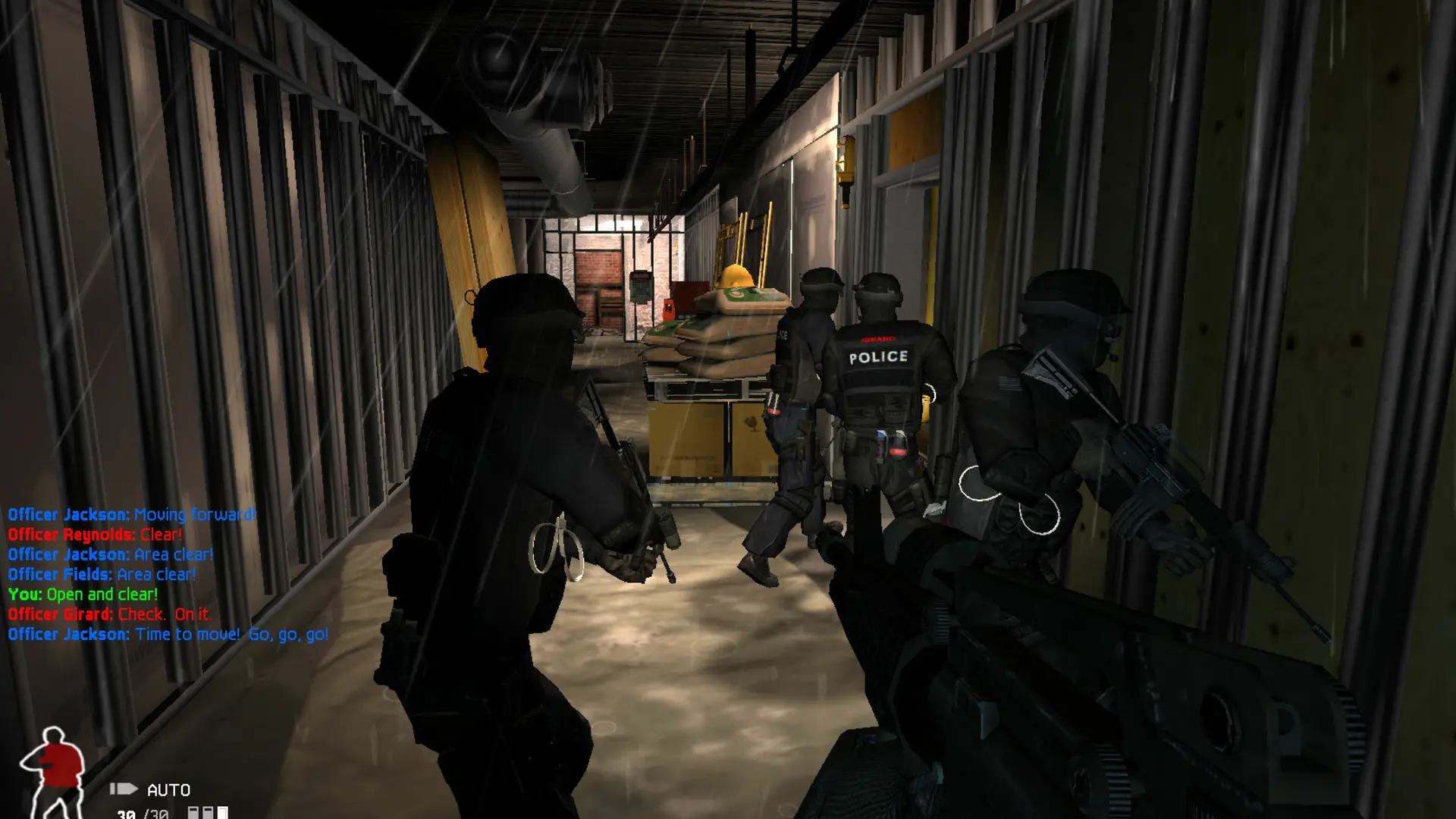
This is what you do if you want to change how much damage players on the same team do to each other on your SWAT 4 server.
Changing Friendly Fire
- 1Log in to Bropanel and select your server.
- 2In the sidebar, go to
Settings. - 3Under
Gameplay, editFriendly Fire Damageand enter a percentage from 0 to 100. - 4Click
Save & Restartto apply your changes.
100 is full damage, as the game normally plays. 0 turns friendly fire damage off, and a value in between, such as 50, lets teammates hurt each other for less.