
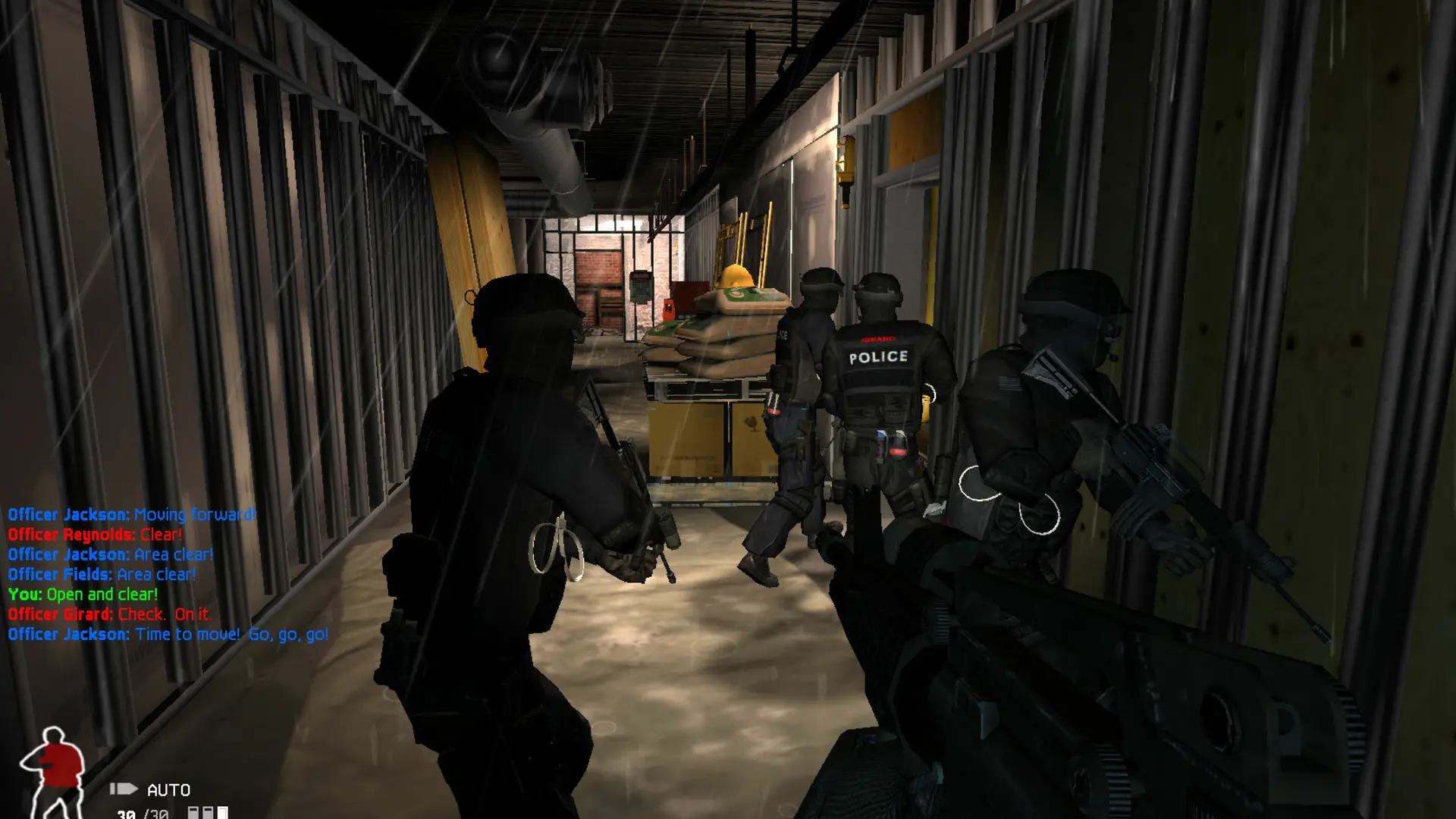
This is what you do if you want to change the name players see for your SWAT 4 server in the server list.
Changing The Server Name
- 1Log in to Bropanel and select your server.
- 2In the sidebar, go to
Settings. - 3Under
Basic, editServer Nameand enter the name you want, up to 64 characters. - 4Click
Save & Restartto apply your changes.
Tip
You can color your server name with codes such as [c=00FF00] for green or [c=FF0000] for red, followed by the text. [b] makes text bold and [u] underlines it.